EN


Why Printhead Configuration Matters When Choosing a DTF Printer
Choosing an epson dtf printer is not only about a quoted print speed or the machine price. The printhead configuration affects the output you can sustain, the attention white ink needs, and the downtime risk your business accepts. For a buyer comparing an epson dtf printer, that makes configuration a production decision, not a minor specification.
There is no single right epson dtf printer for every shop. A compact setup can suit samples and short runs. A wider multi-head epson dtf printer can suit regular gang-sheet work. The right answer depends on workload, peak demand, and who will maintain the equipment.
What printhead configuration means on an epson dtf printer
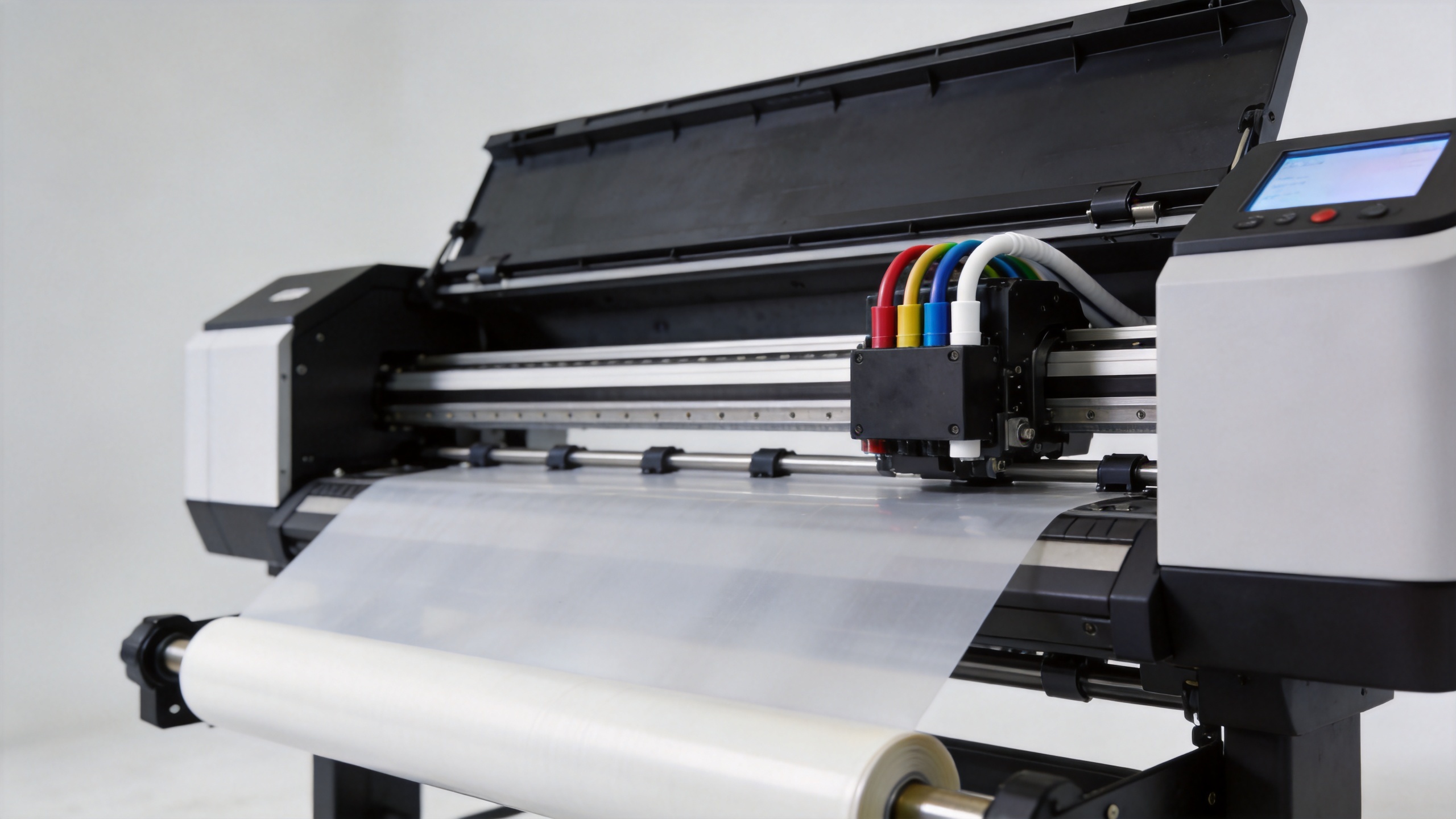
On an epson dtf printer, configuration includes the head model, head count, channel allocation, effective print width, ink routing, and the cleaning and capping system. These parts work together. Two machines using a similar head family can perform differently when their white-ink path, RIP settings, film handling, and maintenance design differ.
Epson’s I3200(4) technical documentation lists 3,200 nozzles, eight nozzle rows, a 33.8 mm effective print width, and up to four ink colors per head. Treat this as a reference for comparison, not as an output guarantee. An epson dtf printer still needs stable ink behavior, correct profiles, and accurate alignment to deliver repeatable transfers.
Head count should match production demand
A single-head epson dtf printer can be practical for varied, lower-volume jobs. It is often simpler to install and operate. The limitation is capacity buffer: a cleaning cycle or nozzle check takes a meaningful share of the available print time.
A multi-head epson dtf printer can increase usable throughput, particularly when dark garments require substantial white ink or when gang sheets are routine. The value is not simply a higher headline speed. Extra capacity can let the operator use a more conservative quality mode without sacrificing the whole day’s schedule.
More heads also mean more alignment, monitoring, and maintenance responsibility. For a shop with uneven demand, a larger epson dtf printer may add cost and process complexity before it adds useful output. Ask for a recommendation based on your normal week and your busiest production window.
White ink turns maintenance into a buying criterion
White ink is central to dark-fabric DTF output, and it is also the channel that makes maintenance unavoidable. In an epson dtf printer, settled white pigment can affect nozzle health and output consistency after downtime. That is why buyers should evaluate the full ink path, not just the printhead name.
Before ordering an epson dtf printer, ask how white ink is circulated or agitated, what the daily nozzle-check routine involves, what cleaning is automated, and how the printer is prepared after an idle period. Routine cleaning is not automatically a quality problem. For a production epson dtf printer, it can be the correct operating discipline.
Resolution alone does not predict transfer quality
Resolution matters, but it is not the complete quality story for an epson dtf printer. Fine detail, gradients, white opacity, and registration also depend on waveform control, RIP profiles, film condition, and print mode. Higher resolution does not automatically create a better transfer if the system is poorly profiled or white ink is unstable.
Request test prints that resemble your actual work: small text, gradients, dark-garment artwork, and solid white areas. For each epson dtf printer you compare, ask which everyday mode produced the sample and how long it takes. This separates a repeatable setup from a one-off demonstration.
| Buyer question | Why it matters |
|---|---|
| How many heads and channels are installed? | Shows the likely capacity and white-ink workflow. |
| How is white ink managed? | Connects print quality to daily maintenance. |
| How are alignment and calibration handled? | Helps protect detail and registration over time. |
| What support is available for replacement planning? | Connects the purchase to long-term uptime. |
Plan support and replacement before a problem appears
Printheads are a long-term ownership consideration for any epson dtf printer. Alignment can drift gradually with use, so periodic calibration matters. Confirm the supplier’s training, remote diagnostics, spare-parts process, and support response before purchase.
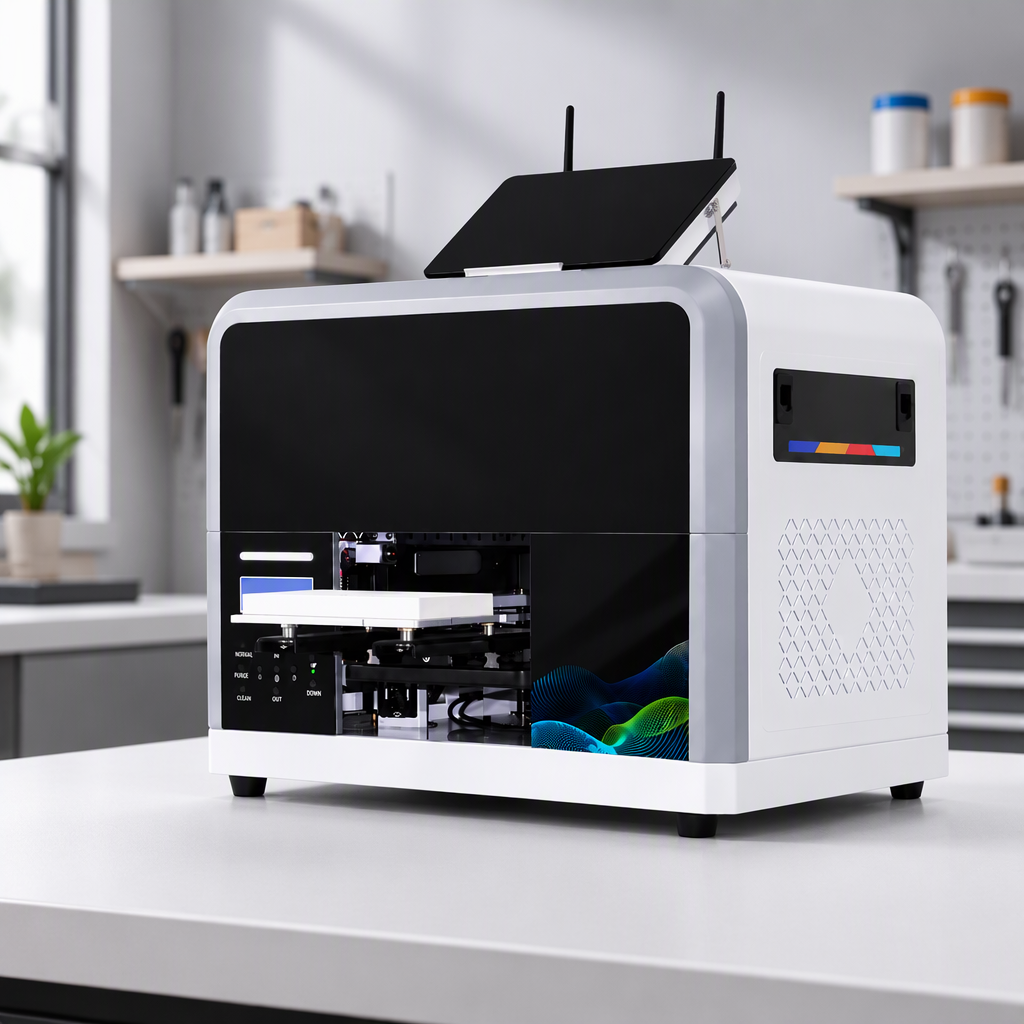
Buyers with sustained production demand can review a higher-capacity configuration such as the Sunika SK60 DTF Printer Dual I3200 600mm Tee Shirt Printer. Smaller-format workflows can compare the Sunika SK-A3 DTF Printer F1080 330mm A3 Direct to Film Printer. These are configuration examples, not universal recommendations.
A practical epson dtf printer checklist
- Match an epson dtf printer to normal and peak weekly volume.
- Measure how much white ink your dark-garment work requires.
- Assign a person to complete daily maintenance.
- Validate quality with representative artwork and film.
- Confirm training, parts, and a growth path.
The right epson dtf printer is the one whose capacity and maintenance routine your team can manage consistently. Focus on the complete configuration, verify it against your workflow, and the purchase decision becomes far more reliable.