EN
EN

Top UV Flatbed Printers for Small Businesses in 2025: A Complete Comparison
If you've been evaluating a UV flat bed printer for your small business, the range of options in 2025 is broader—and more confusing—than it was even two years ago. Manufacturers have pushed entry-level machines into accessible price brackets while expanding format sizes and substrate lists. The question isn't whether a UV flat bed printer can add value to your operation; for most hard-surface decoration and custom gift businesses, it clearly can. The harder question is which print size, substrate range, and price tier actually fits how you work day to day.
This comparison targets small business buyers evaluating their first or second uv printer machine—shop owners, custom decoration studios, and distributors sourcing UV equipment for downstream clients. It covers the four decisions that matter most: format size, substrate compatibility, price tier, and core specs to evaluate side by side.
UV Flatbed Printer Format Classes: Starting With Print Size
Format size is the first variable to settle, and it shapes nearly every other decision. UV flat bed printers are categorized by flatbed area—the maximum print surface available for a single object or sheet.
- A3-class (approx. 300mm × 420mm): The standard entry format for small business production. A3 covers phone cases, small awards, coasters, acrylic tiles, and promotional gift items. The Mimaki UJF-3042 MkII e is an industry-recognized A3 reference benchmark in this class—most suppliers competing on price have converged on A3 as the starting format for custom gift and promotional item shops.
- A2 and mid-range formats: These machines bridge the gap between gift-item production and light signage. Common for shops printing trophies, acrylic display panels, and framed prints in modest volume.
- 60cm × 90cm and larger: Production-grade machines designed for signage, tile, and panel printing at higher throughput. Priced significantly above small business entry points and generally oversized for typical gifting workflows.
One thing buyers often get wrong: a wider flatbed doesn't automatically mean higher output. A larger flatbed doesn't automatically translate to higher output—particularly if your typical items are phone cases and small awards. An A3 printer uv flatbed will outperform a larger machine in throughput if your job mix doesn't fill the extra format. Match the format to your 80% use case, not your edge case.
Substrate Compatibility: What UV Flatbed Printing Actually Covers
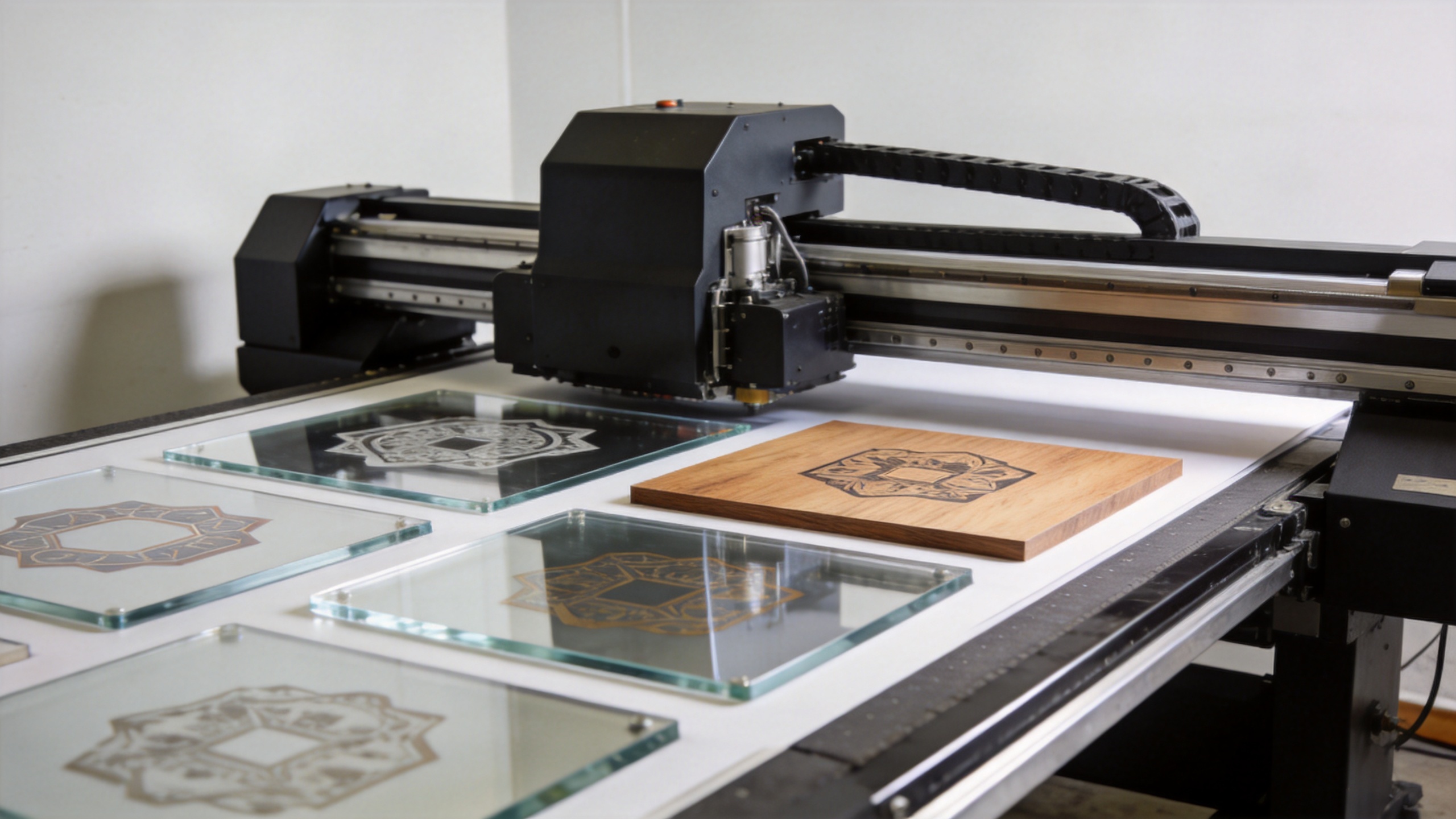
What makes a UV flat bed printer genuinely useful for hard-surface work is the direct bonding—there's no transfer step. UV-curable inks, based on acrylic monomers that polymerize under UV light, bond to the material surface in a single pass. In practice for a small shop, this opens up a wide range of rigid substrates.
Common substrates supported by modern UV flat bed machines include:
- Acrylic (clear and colored panels)
- Glass (flat sheets and coated rounds)
- Wood (MDF, natural wood, plywood)
- Metal (aluminum sheets, stainless steel, brass)
- PVC and rigid foam board
- Leather and synthetic leather
- Ceramic and tile
- Rigid plastics and phone cases
Some UV flat bed printers catalog support for 300 or more distinct material types—a figure that is technically defensible but shouldn't be treated as a guarantee for every material in your specific workflow. Adhesion depends on ink formulation, substrate surface energy, and whether primer is required. Before committing to any uv printer machine based on its substrate list, request print samples on your actual materials. A sample run costs far less than a wrong purchasing decision.
Multi-purpose versus specialized is an actual decision here, not just marketing framing. A UV flat bed printer configured for maximum substrate flexibility typically requires more calibration effort and maintenance discipline than one optimized for a narrower substrate set. For shops with a clearly defined product mix—say, acrylic awards and metal card printing—a pre-configured or manufacturer-tuned setup often delivers more consistent day-to-day output than a broadly capable but less dialed-in machine.
Price Tiers: What Small Business Buyers Are Actually Working With
Pricing in the UV flatbed segment spans a wider range than most buyers initially expect. Based on manufacturer data compiled in 2025:
- Desktop A4–A3 entry machines: Approximately $2,000–$8,000. These cover basic promotional and gift shop use cases. Resolution and white ink performance vary significantly at this tier, and after-sales support infrastructure ranges from minimal to nonexistent from some suppliers.
- Professional A3 machines: Starting from approximately $10,000. This tier includes machines with better print head configurations, white ink systems, and RIP software compatibility—appropriate for businesses where quality consistency and uptime matter.
- 60cm × 90cm format and above: Starting from approximately $18,000. These machines are priced for production-scale operations and are generally oversized for a typical small business gifting or awards workflow.
That pricing gap is worth thinking through properly before you commit. A $3,000 machine may cover basic launch-stage workload, but if white ink performance is inconsistent or print head replacement costs are unclear upfront, the total cost of ownership over 18–24 months often narrows the gap with a more capable machine considerably. Budget for ink, maintenance intervals, and any required RIP software license—not just the hardware sticker price.
Core Specs to Compare Before You Buy
When evaluating a UV flat bed printer side by side, these specifications have the most practical impact on output quality and operational reliability:
- Print resolution: Look for 1440 DPI or higher. Entry-level machines typically offer 720–1440 DPI; professional machines may reach 1440×2880 DPI for fine detail and photo-quality output.
- White ink channel: Essential for printing on dark or transparent substrates. Machines with a dedicated white ink system—including automated mixing for opacity consistency—produce more reliable results than those treating white as an add-on.
- 3D texture and emboss capability: Some UV flat bed printers support raised texture effects by layering UV white ink. This adds tactile dimension to awards, premium phone cases, and architectural samples.
- RIP software compatibility: Compatibility with industry-standard RIP software is essential for color management and workflow integration. Machines limited to proprietary RIP software can create bottlenecks if you already run an established prepress workflow.
- Self-cleaning cycles: Automated print head maintenance cycles reduce manual intervention and protect print head lifespan—particularly important for machines that sit idle between production runs.
A UV Flatbed Option Worth Evaluating: The Sunika Sk-A3UV
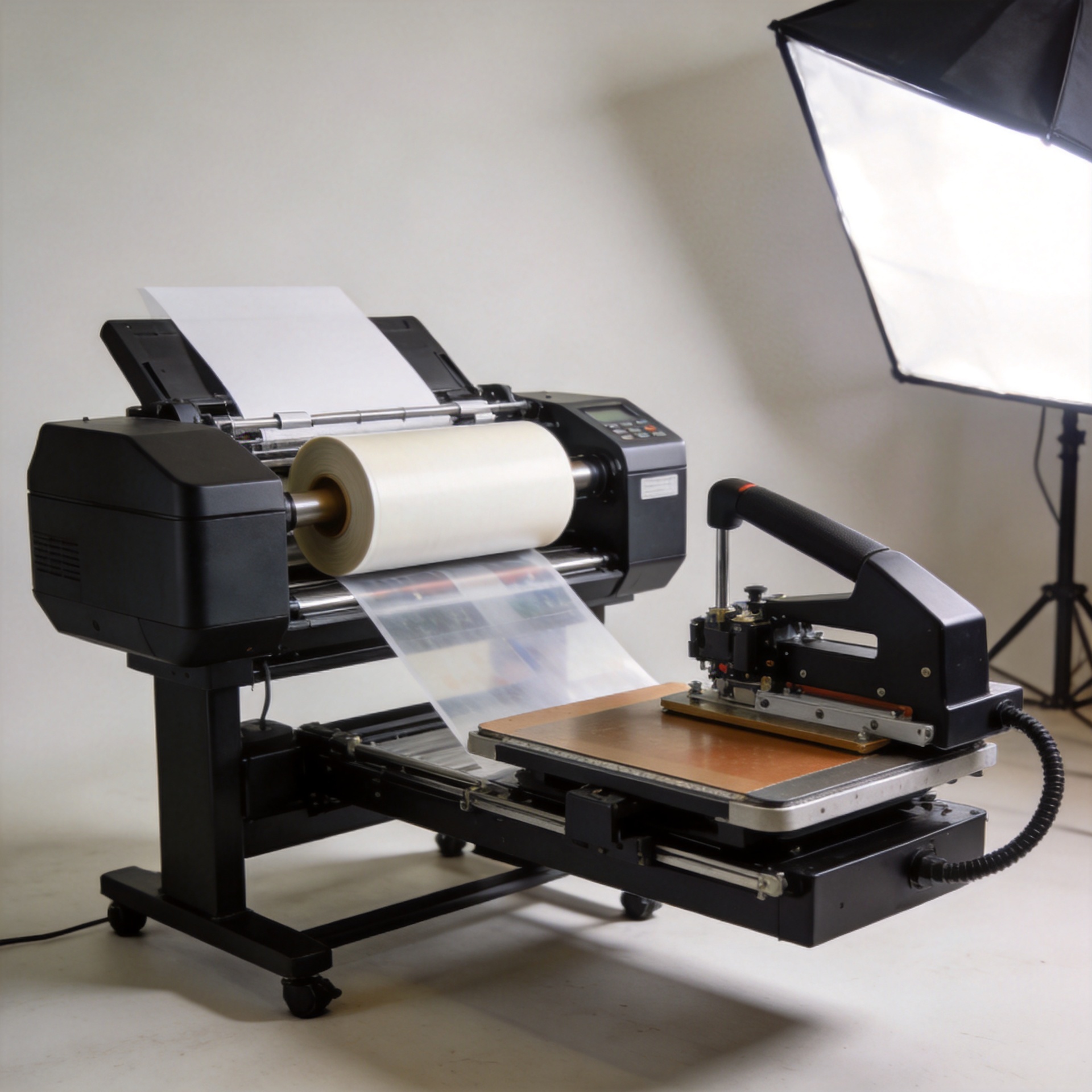
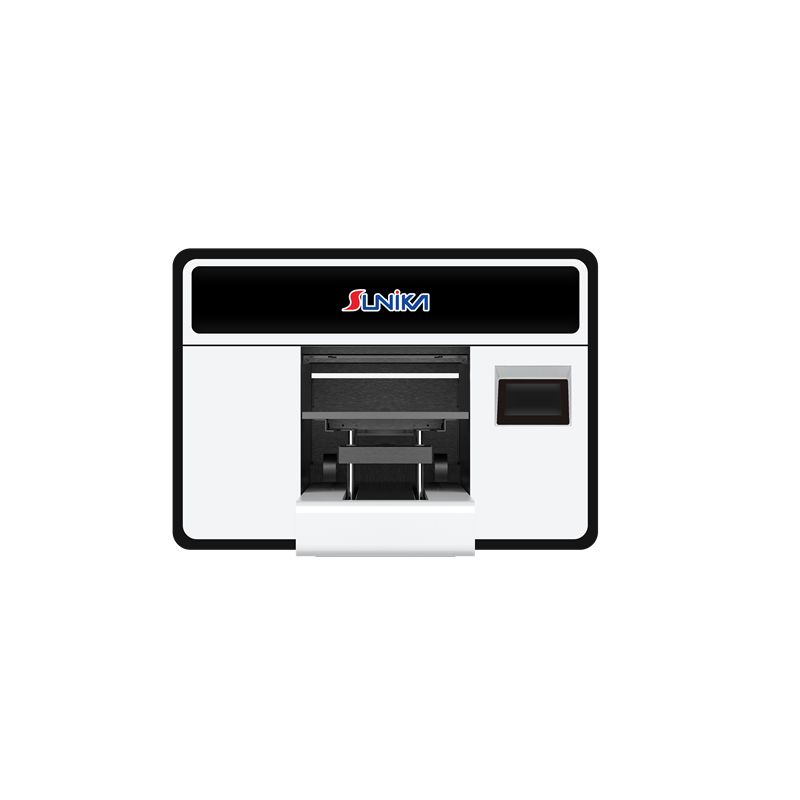
For buyers specifically comparing A3-class UV flat bed printer options, the Sunika Sk-A3UV Printer (Single I3200) is a manufacturer-direct option from Zhengzhou-based Sunika—a specialist in DTF and UV printing equipment serving European and North American markets. The machine is built around the Epson I3200 print head and supports direct-to-object UV printing across the standard A3 substrate range. Sunika provides pre-sale technical consultation, factory-direct pricing for international buyers, and logistics coordination for European and North American delivery.
As with any UV flat bed printer investment, requesting print samples on your specific substrate mix before placing an order is a practical step—particularly if your workflow includes materials with non-standard surface finishes or surface energy profiles.
Putting It Together
Getting the right uv printer machine for a small business isn't about finding the most feature-packed option—it comes down to matching format size, substrate range, and total investment to what your shop actually produces. An A3-format UV flat bed printer handles the majority of gift, award, and promotional item workflows. Verify white ink consistency for your specific materials, confirm RIP software compatibility, and factor in the full cost of ownership—not just the purchase price—before finalizing a decision.
For configuration questions or to request sample prints from the Sunika Sk-A3UV, contact Sunika's technical team directly through their website.