EN


How to Evaluate a Portable UV Printer for Small Custom Orders
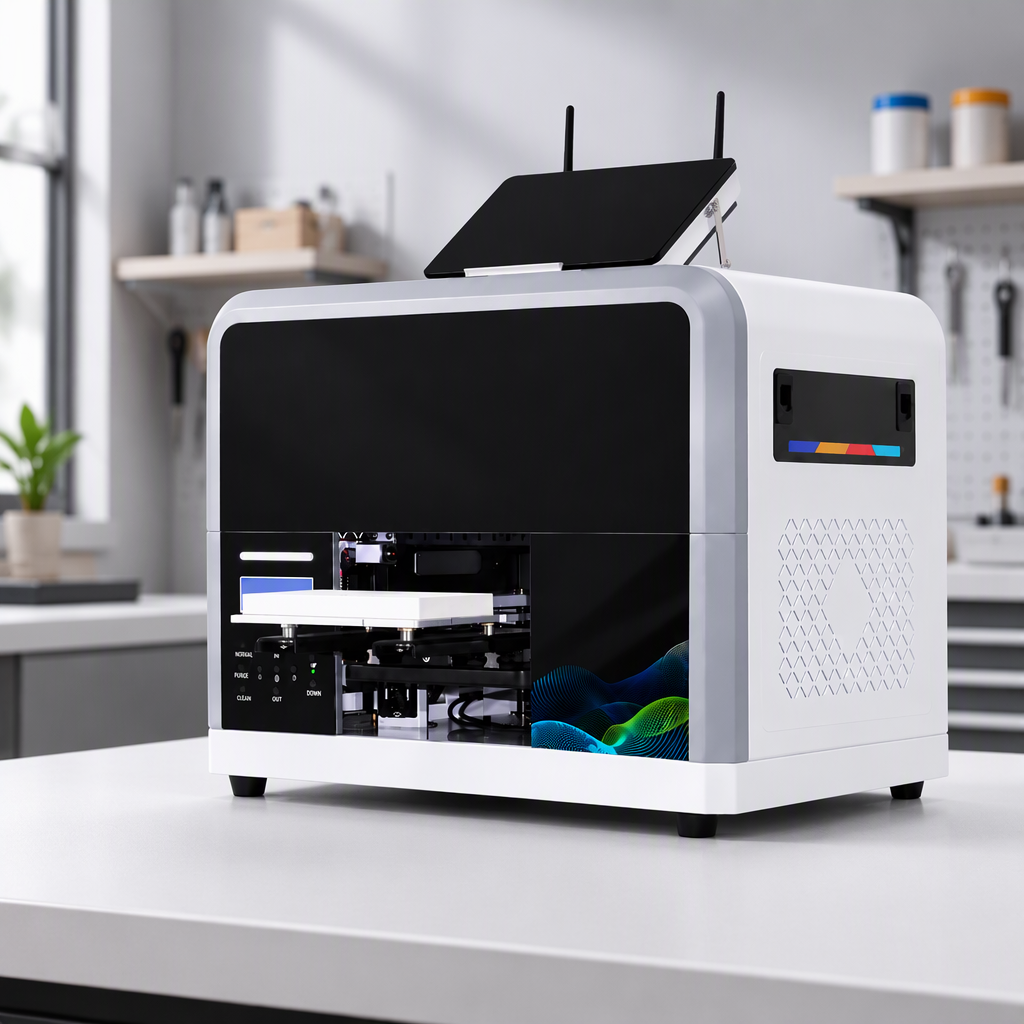
For a shop that produces personalized phone cases, plaques, gift items, or short-run branded pieces, a portable UV printer can look like an easy way to bring custom work in-house. The more useful question is not whether a machine is small enough to move. It is whether its usable print area, material process, daily upkeep, and workspace requirements match the orders you actually expect to take.
As a buyer or dealer, start with the order flow rather than the brochure. Small custom orders often arrive with mixed artwork, changing substrates, and little tolerance for rework. A compact machine can be a sensible fit when it helps you test, proof, and finish those jobs with predictable effort. If your workload is irregular, however, think through maintenance time and ink-management routines separately from headline output speed.
Begin With the Orders You Want to Accept
Before comparing a portable UV printer, list ten recent or likely orders and note the item size, shape, surface, artwork coverage, quantity, deadline, and required finish. This simple exercise prevents a common mistake: selecting by footprint alone, then discovering that the most profitable items do not fit on the bed or need awkward jigs.
Ask three practical questions:
- What is the largest flat item you need to print without splitting artwork or changing the customer’s design?
- Which orders need raised texture, white ink, varnish, or a controlled gloss effect, and which only need straightforward color decoration?
- How often will you switch among acrylic, coated metal, wood, glass, plastic, or other materials?
For low-volume personalization, the machine needs to make small batches practical day after day, not merely feasible during a demo. Request sample output that resembles your own order mix. Include light and dark surfaces, a detail-heavy image, small type, and an edge-to-edge layout. A supplier demonstration is more meaningful when it reproduces your actual decision conditions.
Check the Printable Envelope, Not Just the Machine Size
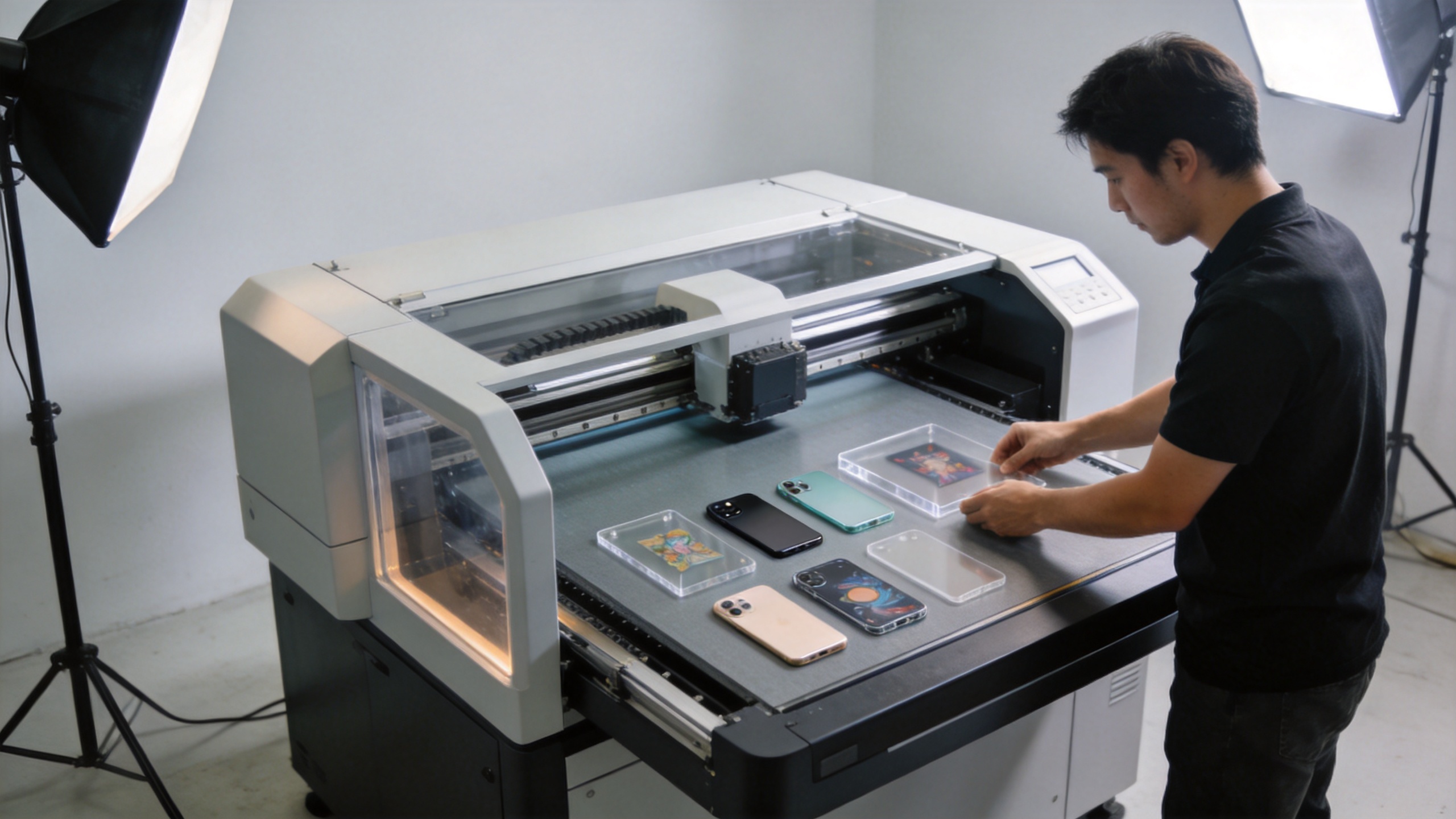
The word “portable” can describe a compact chassis, but it does not define a complete production setup. Compare the printable bed dimensions, the clearance for the item, the jig or fixture space, and the clearance needed to load material safely. Also allow room for a computer, ink handling, cleaning supplies, finished pieces, and operator access.
Have you ever measured a worktable and then realized the operator cannot comfortably place a product on it? That same issue appears with compact UV equipment. The printer may fit the room while the workflow does not. Map the path from blank item to printed item to curing and inspection. If the shop handles many different object shapes, ask how fixtures are positioned and how repeat registration is checked between copies.
For buyers evaluating flatbed options, the Sunika Sk-A3UV Printer Single I3200 UV Flatbed Printer is a relevant product page to review alongside a live sample and workspace assessment. The product title alone does not establish suitability; the evaluation should still center on your material and order requirements.
Test Material, Adhesion, and Curing as One Process
UV printing is a system: substrate preparation, ink, artwork, laydown settings, and curing must work together. Do not assume that a successful print on one acrylic sheet proves success on every item in your catalog. Bring representative blanks to a demonstration where possible, including the coatings and surface finishes you intend to sell.
Use a repeatable acceptance test. Inspect color, fine detail, edge sharpness, and coverage under normal viewing light. Then use an appropriate shop-level adhesion test for that substrate and application, following the material and ink supplier guidance. Record the settings, preparation method, and result. This gives you a starting profile for reorders instead of an unrepeatable “it looked good once” result.
UV-curing safety guidance also makes the workspace part of the buying decision. Review the ink safety data sheet, enclosure and light-exposure controls, ventilation needs, and the supplier’s operating instructions. Uncured ink handling is not an afterthought: it affects gloves, cleaning habits, storage, and who can run the equipment. If your room cannot support the required process, a smaller footprint will not solve the operational problem.
Compare Workflow Capacity and Recoverability
For a small custom-order business, capacity is not simply pieces per hour. It includes artwork preparation, setup, alignment, proofing, printing, inspection, cleanup, and the ability to recover a job when one piece fails. A portable UV printer may be a strong choice when it shortens the path from approved artwork to a saleable item without adding fragile manual steps.
| Evaluation area | What to verify in a demo | Why it matters for short runs |
|---|---|---|
| Setup and registration | Load two similar items and check repeat placement. | Reduces waste when each personalized blank is valuable. |
| Artwork workflow | Prepare a design with small text, a photo, and variable names. | Shows whether prepress is practical for one-off orders. |
| Maintenance routine | Ask for the daily start-up, nozzle-check, cleaning, and shutdown sequence. | Low-volume use still requires consistent care. |
| Error recovery | Ask what happens after a misprint, interrupted job, or failed nozzle check. | Helps estimate the real cost of rework and downtime. |
A nozzle check should be treated as a normal operating checkpoint, not a sign that something has gone wrong. White-ink and printhead maintenance can be particularly important in UV-related workflows. The right supplier conversation includes required routines, consumables, training, remote support, and the escalation path when an operator cannot restore print quality through the documented procedure.
Build a Cost View That Matches Small Batches
Do not judge a portable UV printer only by its purchase price. Build a job-level estimate that includes blank cost, ink and cleaning materials, setup time, labor, failed-piece allowance, packaging, and the value of using floor space. For a three-piece order, setup and quality checks can matter more than raw print speed. For a recurring 50-piece design, repeatability and fixture efficiency may become the deciding factors.
Be cautious about evaluating with idealized samples only. Ask to see a routine run: loading, nozzle checking, printing, cleaning, and finishing. I expected calibration to be straightforward, but repeatable results across materials usually require test runs and documented profiles—not just capable hardware. That is a manageable trade-off when the workflow is designed for it.
Run a Small-Batch Trial Before You Decide
A portable UV printer should earn its place through a short, controlled trial. Prepare a small file set with a customer name, a photo, a dark background, fine lines, and a simple repeat design. Print those files on the two or three substrates that matter most to your next quarter of orders. Then calculate the time from artwork approval to final inspection, including setup and cleanup.
Use the same trial to test a second shift or next-day restart. A portable UV printer that produces an attractive first sample but requires an unclear recovery routine may create avoidable pressure when a rush order arrives. Document the approved settings, fixture position, material preparation, and inspection criteria so that the next operator can reproduce the job.
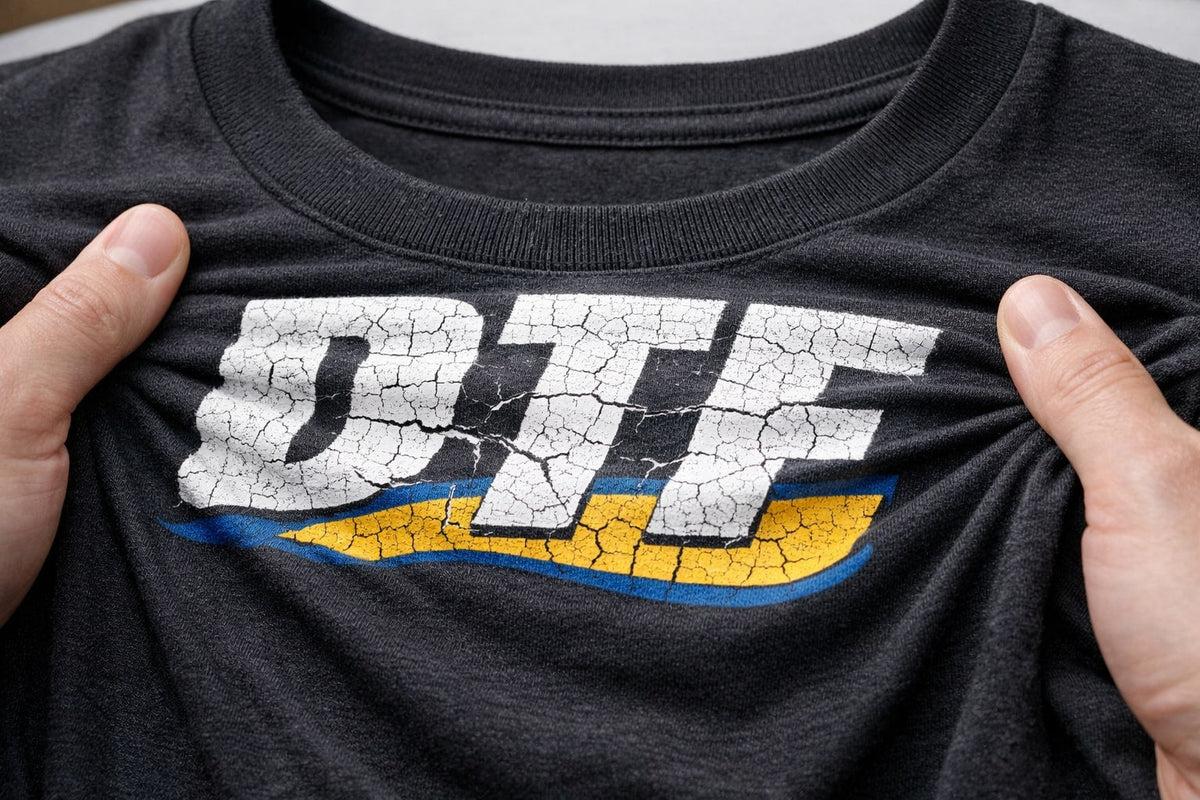
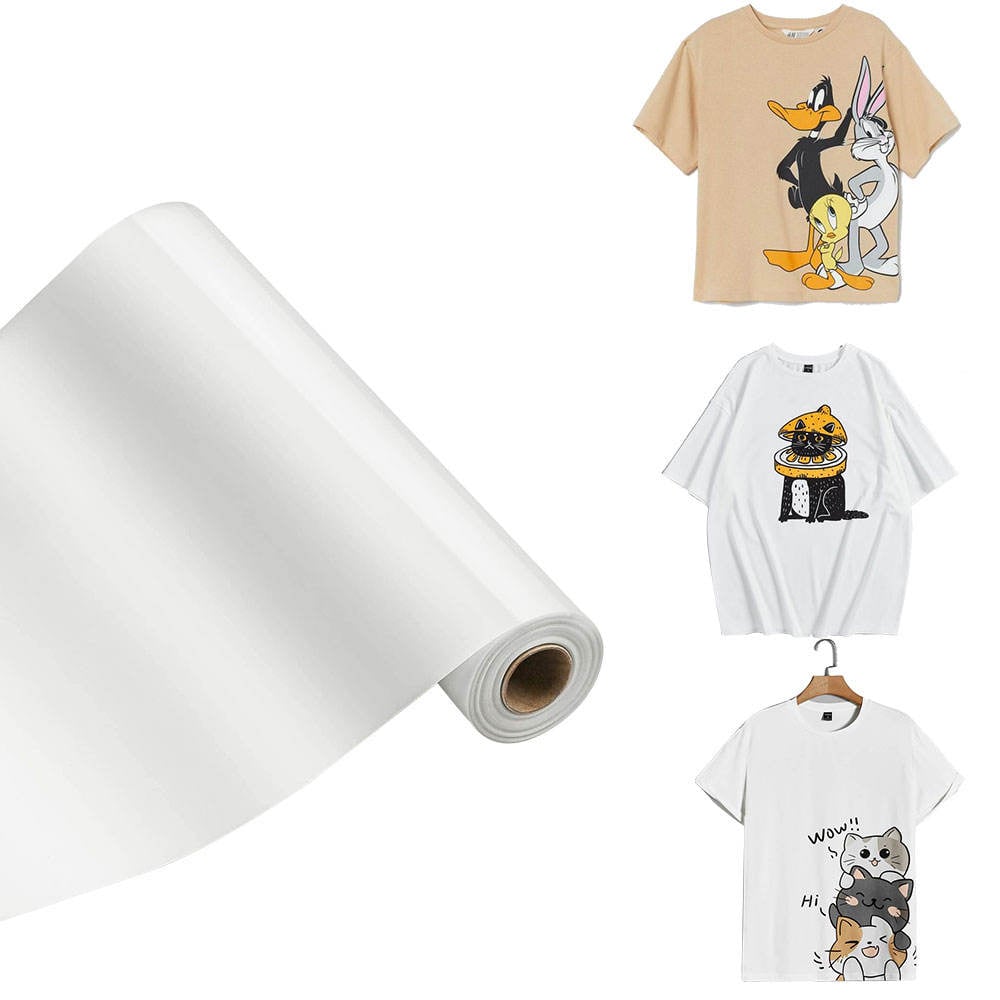
For low-volume work, a portable UV printer is most valuable when it gives you a dependable repeatable process rather than maximum theoretical throughput. Compare the full job cost and operator effort, then decide whether direct printing, a transfer-based workflow, or outsourcing fits each order category most appropriately.
When comparing quotes, score each portable UV printer against the same material samples, training plan, and recovery procedure. That keeps a portable UV printer decision tied to usable output rather than a single specification.
Use a Structured Supplier Comparison
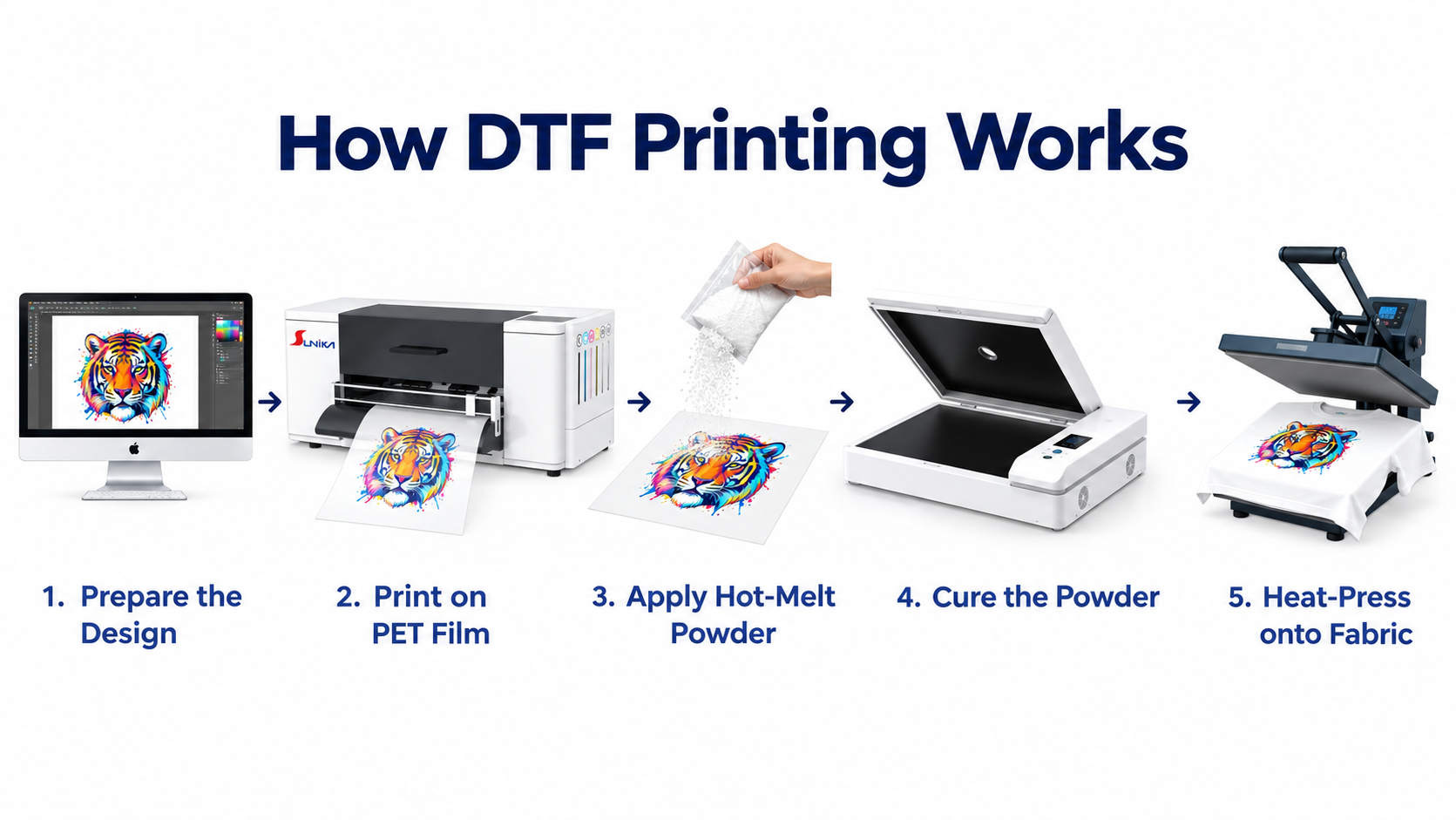
Shortlist suppliers using the same checklist: sample quality on your blanks, documented operating steps, training, maintenance guidance, parts and consumables availability, response process, and realistic installation requirements. Where your business may also need transfer-style decoration, review the SK-U301 30cm uv dtf printer epson i3200 printhead for glass phonecase product page as a separate workflow option. It should be evaluated on its own process fit rather than treated as interchangeable with direct flatbed printing.
A suitable portable UV printer for small custom orders is one that supports the products you can sell repeatedly, fits a safe and workable station, and gives operators a recoverable routine. Validate those conditions with your own artwork and substrates before committing. A disciplined demo takes longer than a quick specification comparison, yet it gives you a clearer view of margin and workload before custom orders start coming in.