EN
EN


How to Compare UV Flatbed Printers for a Small Print Shop
Choosing a uv printer for small business is less about finding the longest feature list and more about matching a machine to the work you can sell every week. For a small print shop, a UV flatbed is usually a direct-to-object production tool: it can add full-color graphics, white layers, and selected texture effects to flat items such as signs, packaging pieces, promotional products, panels, and gift items. The right choice should fit your order mix, available space, operating routine, and tolerance for downtime.
A useful comparison starts with one question: what will actually sit on the table? A uv flat bed printer that looks compact on a specification sheet can still be a poor fit if your most profitable items are too large, too thick, awkward to position, or slow to prepare. Use the framework below to compare machines before you request samples or quotations.
1. Start with your sellable objects, not the advertised table size
Make a list of the 10 to 20 objects you expect to print in the first six months. Include their width, length, thickness, surface condition, quantity per order, and how often customers reorder them. Then separate one-off gift items from repeatable commercial jobs. This avoids buying a large bed for rare work or buying a small desktop unit that limits everyday orders.
| Comparison point | What a small shop should check | Why it matters |
|---|---|---|
| Usable print area | Compare the real printable zone with your largest routine item, not only the external table dimensions. | It determines whether a job can run in one setup or requires costly workarounds. |
| Object height clearance | Measure the thickest board, box, jig, or product you plan to print. | A flatbed must accommodate the object and still maintain a safe print gap. |
| Loading workflow | Ask how items are aligned, held, and reloaded between passes. | Fast loading matters more than peak speed on short-run orders. |
| Repeat-job setup | Check whether simple guides or jigs can be used consistently. | Repeatable placement protects margins on personalized or branded batches. |
For many shops, an A3-class platform is a practical starting point when the work centers on small rigid items, samples, labels, and promotional pieces. If that matches your product mix, review the Sunika Sk-A3UV Printer Single I3200 UV Flatbed Printer as one product page to discuss with a supplier. Treat it as a starting point for a fit conversation, not a substitute for confirming your own objects and workflow.
2. Compare material compatibility by the jobs you will accept
UV printing is attractive because it supports direct decoration on many rigid or semi-rigid surfaces, but “compatible” should not be interpreted as “no testing required.” Surface energy, coatings, dust, curvature, heat sensitivity, and handling after printing can all affect the result. Ask each supplier to print your own samples rather than relying only on generic demonstration pieces.
Build a sample brief with the same artwork, color areas, fine text, white underbase needs, and finishing requirements you expect in production. Request tests on your priority materials, such as acrylic, coated metal, glass, wood, coated boards, or plastics. Then evaluate adhesion, sharpness, color consistency, edge quality, and handling after cure. If you need raised or textured effects, ask to see a relevant sample; do not assume a feature listed on a machine page will deliver the same result on every substrate.
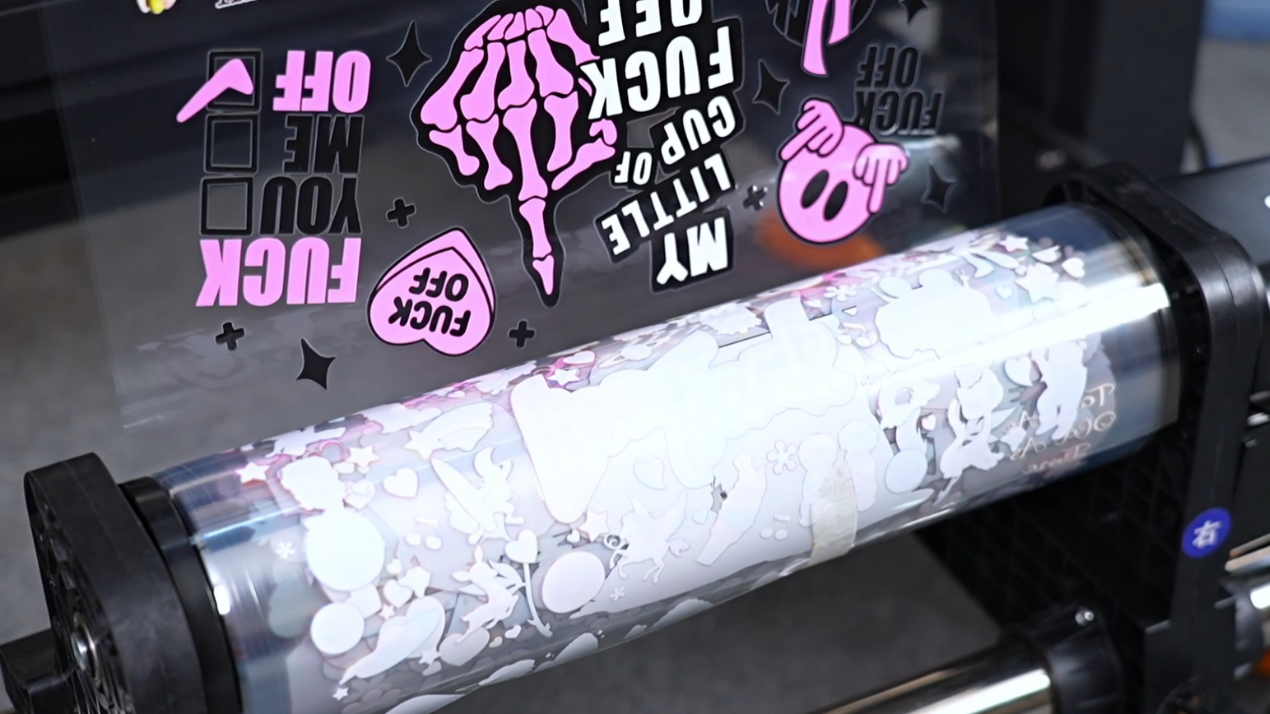
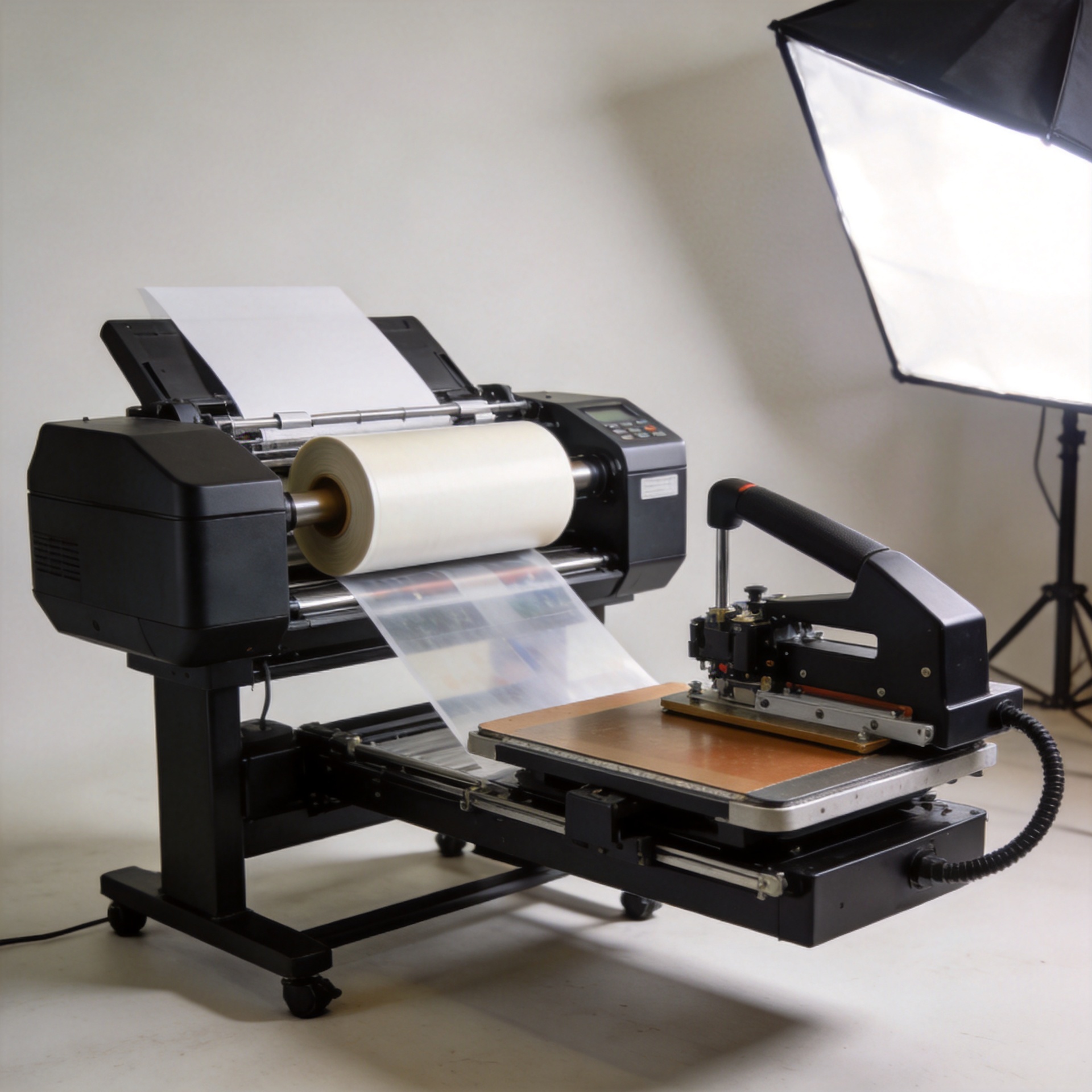
Also distinguish a direct-to-object flatbed workflow from UV transfer printing. They can serve overlapping product markets, but their preparation, handling, and substrate constraints differ. Comparing them as if they are interchangeable can lead to an expensive mismatch.

3. Put footprint and utilities into the buying decision
Small shops often underestimate the operating footprint. The printer needs more than its table dimensions: leave space for loading, unloading, maintenance access, ink handling, sample storage, and a clear path for awkward substrates. Consider ventilation, stable power, temperature, dust control, and an operator workspace. A larger machine may be capable on paper but unproductive if every job requires moving furniture or blocking another process.
Before committing, sketch a simple floor plan. Mark the full machine envelope, operator standing area, substrate staging, and maintenance access. Then run through a realistic job: receive the blank, prepare it, print it, inspect it, and place it in finished-goods storage. This small exercise exposes bottlenecks early.
4. Compare output quality as a production system
Resolution alone does not tell you whether a uv printer for small business will produce consistent sellable work. Ask about the complete system: printhead configuration, ink channels, RIP workflow, color setup, white ink handling, nozzle checks, and alignment procedures. If your products use brand colors or fine lettering, your test file should include both.
Run the same design more than once. Look for banding, color shifts, weak white coverage, registration errors, and differences between the first and later prints. A machine that makes one attractive demo can still require careful calibration to maintain stable output across a busy week. For a small team, the more suitable option is usually the one whose setup and recovery routine the operator can reliably follow.
5. Treat maintenance and service as purchase criteria
Daily care is part of owning a uv flat bed printer, not an optional extra. A sensible comparison checklist should cover nozzle checks, cleaning routines, white-ink management where applicable, waste handling, software support, spare-part availability, and the escalation path when a print problem interrupts an order. Practical maintenance guidance commonly emphasizes checking CMYK, white, and varnish channels where installed before production, because missing nozzles can show up as banding or weak layers.
Ask suppliers to show the routine on video or live: how long does the daily check take, what consumables are involved, what happens after a machine sits idle, and who helps diagnose an issue remotely? Clear pre-purchase technical consultation and onboarding can reduce mismatch risk for a first-time operator. A lower purchase price can lose its advantage quickly if support, parts, and training do not protect uptime.
6. Compare total ownership cost, not only the quote
Put every candidate in the same cost worksheet. Include machine price, freight and installation, inks and cleaning fluids, replacement parts, RIP or software costs, maintenance labor, rejected samples, electricity, and expected downtime. Then relate those costs to the kinds of jobs you intend to sell. A compact machine with efficient setup may outperform a faster model for short personalized runs, while a larger system can make sense only when your regular order sizes justify its footprint and operating demands.
- What are the recurring consumables and normal replacement items?
- Which activities must happen daily, weekly, and after idle periods?
- What operator training is included, and in what language or format?
- How are remote diagnostics, spare parts, and warranty questions handled?
- Can the supplier print your samples and explain the settings used?
Use one consistent comparison scorecard
Score each shortlisted uv printer for small business from one to five after reviewing the quotation, your sample run, and the support discussion. A single comparison sheet keeps a headline feature from deciding the purchase.
- Object fit: Can the uv printer for small business accept our priority objects without awkward workarounds?
- Space fit: Does the uv printer for small business leave safe loading and maintenance clearance?
- Material fit: Did the uv printer for small business produce acceptable samples on our chosen substrates?
- Quality fit: Did the uv printer for small business hold detail, color, and white-layer consistency on repeat tests?
- Workflow fit: Can the uv printer for small business be loaded and aligned at the pace our short runs need?
- Maintenance fit: Is the daily routine for the uv printer for small business realistic for our team?
- Support fit: Are remote assistance and spare-part procedures clear for this uv printer for small business?
- Cost fit: Does the uv printer for small business support target margins after operating costs?
Use the same questions for each candidate. If a uv printer for small business scores poorly on real material tests or service readiness, solve that concern before comparing speed. The most defensible choice is the uv printer for small business that performs consistently across the whole sheet.
A short decision checklist for small print shops
Choose the UV flatbed that fits your top recurring objects, leaves room for safe loading and maintenance, produces acceptable samples on your actual materials, and comes with an operating routine your team can sustain. Rank each candidate from one to five for application fit, usable size, material test results, footprint, setup time, maintenance burden, service response, and total ownership cost. The highest overall score is more useful than the machine with the most impressive isolated specification.
A uv printer for small business should help you build repeatable, profitable jobs—not just expand a product list. Take time to test the work you plan to sell, clarify support expectations, and choose capacity that supports your present workload with a realistic path for growth.