EN


How to Choose a UV DTF Printer for Small Product Customization
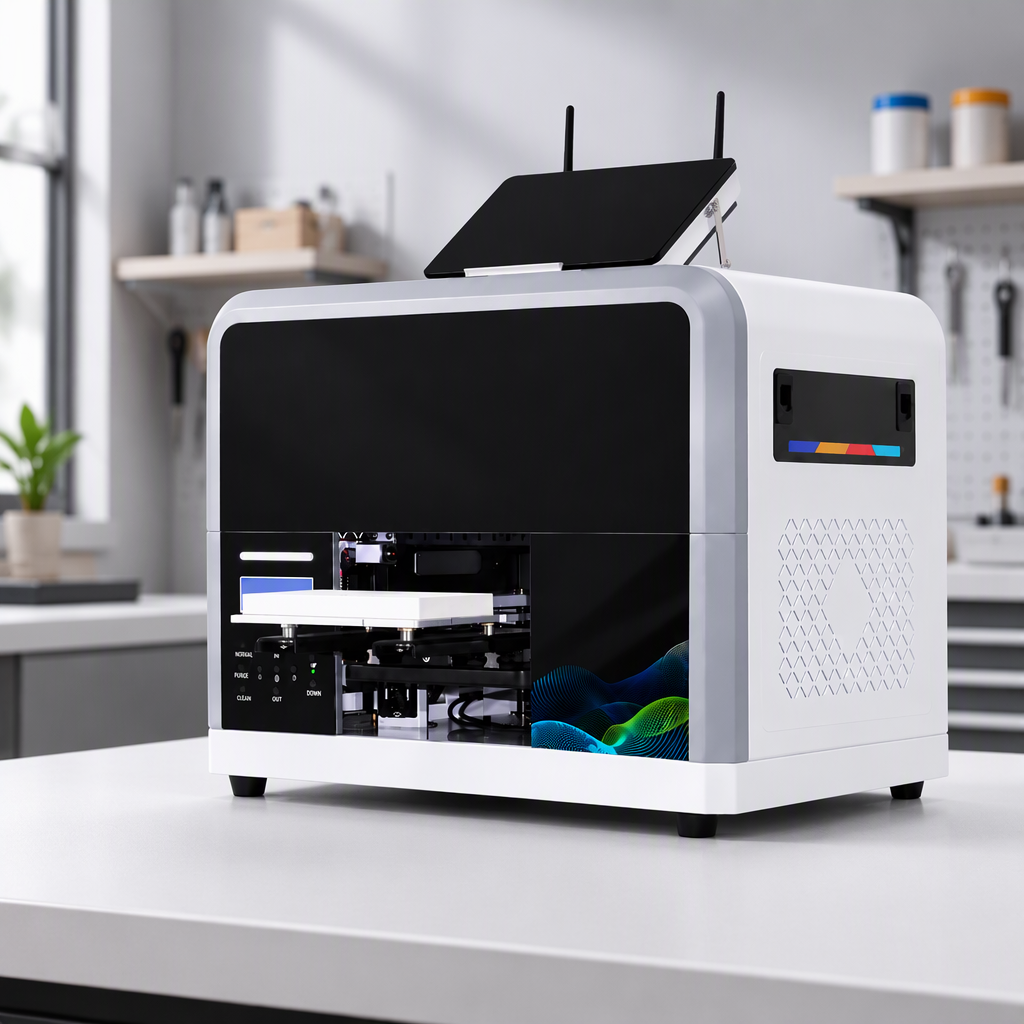
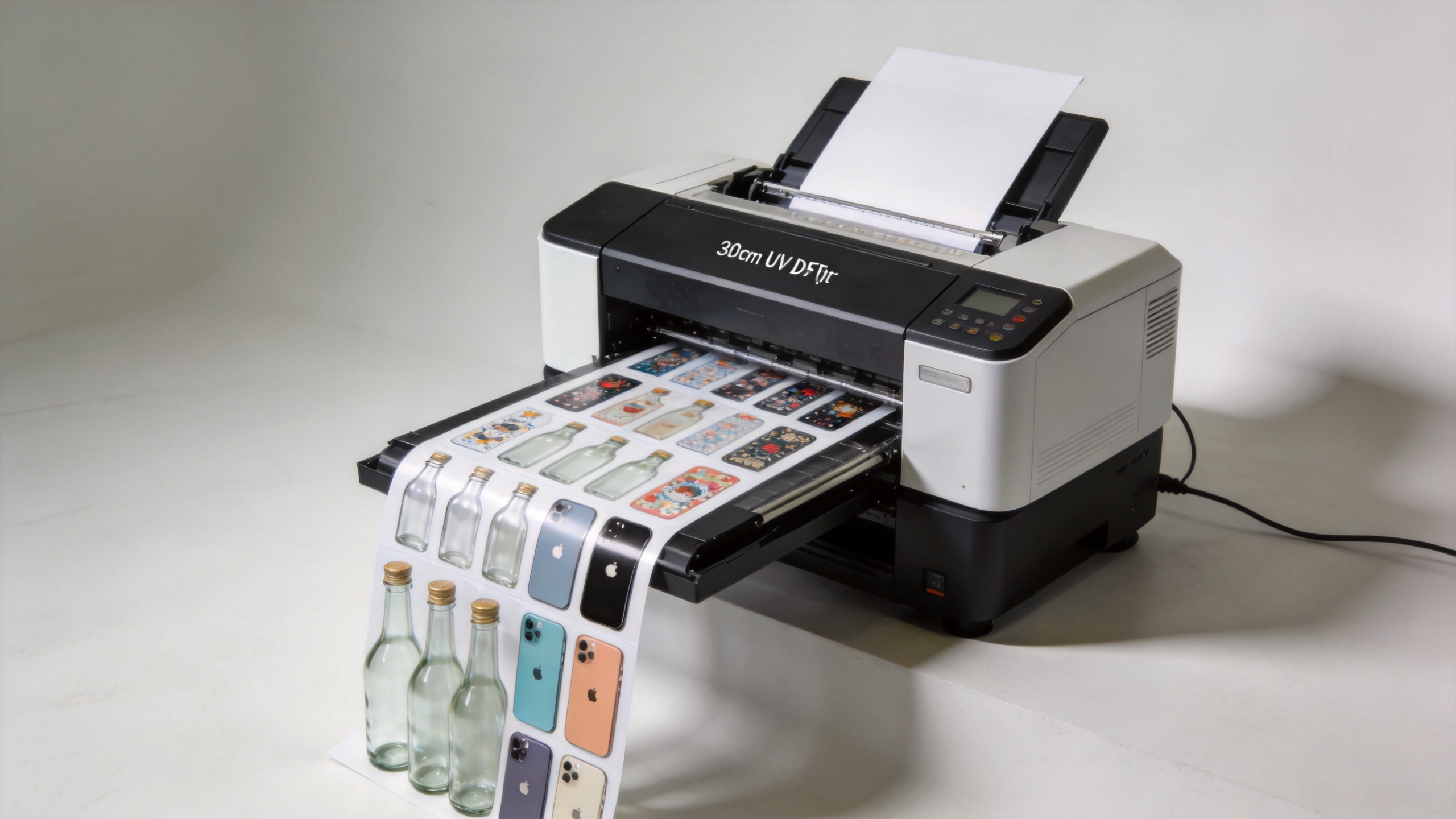
For a shop that customizes glass bottles, phone cases, compact gift boxes, jars, or small promotional pieces, choosing a uv sticker printer is less about buying the widest machine and more about building a reliable decal workflow. The right UV DTF printer should fit the artwork size you actually sell, the production rhythm you can support, and the finish your customers expect. A 30 cm-class system can be a practical starting point when small products are the core of the order mix.
As a DTF printing equipment specialist, I would start with the workflow rather than the spec sheet. Two uv sticker printer configurations can look similar on paper but feel very different once white ink circulation, varnish, film handling, lamination, and daily cleaning become part of the routine. This guide compares the factors that matter most for small-product customization.
Start with the decal size, not the maximum print width
A wider uv sticker printer is not automatically the better choice. If most jobs are logos for phone cases, labels for glassware, or small graphics for retail packaging, unused width can mean more film consumption and a larger operating footprint without improving the order turnaround that matters to you.
Map a normal week of orders before comparing machines. Record the largest finished decal, the average number of designs per job, the amount of blank film left around nested artwork, and whether you often print repeat designs. This tells you whether a compact working width supports efficient nesting or whether frequent large layouts are pushing you toward a wider system.
For many small-item businesses, a 30 cm uv sticker printer offers a workable middle ground: enough room to gang up multiple decals while remaining focused on the products that drive daily revenue. If wraps for large tumblers, oversized boards, or wide batches are already regular work, then more width may be justified. The point is to match the machine to the job mix, not to buy capacity that sits idle.
Compare printhead configuration by the workflow it supports
Printhead choice matters because it affects image quality, production pacing, ink management, and service planning. Do not treat the printhead name alone as a purchase decision. Ask the supplier how the particular uv sticker printer configuration handles color, white, and varnish layers; how operators access maintenance points; and what daily, weekly, and shutdown procedures look like.
For UV DTF decals, opaque white is often central to visibility on dark or transparent objects, while varnish can influence the final visual effect and surface protection. The important question is not simply whether a uv sticker printer lists white and varnish capability. It is whether the machine, RIP settings, ink path, and operator routine make those layers repeatable for the materials and finishes you intend to sell.
Most spec sheets will not tell you that a fast mode is useful only when the rest of the line can keep up. If lamination, cutting, inspection, or transfer preparation becomes the bottleneck, a higher nominal print speed will not necessarily improve delivered output. Compare the complete sequence from file preparation to a finished transfer, especially during busy periods.
Check the complete UV DTF process, not just the printer
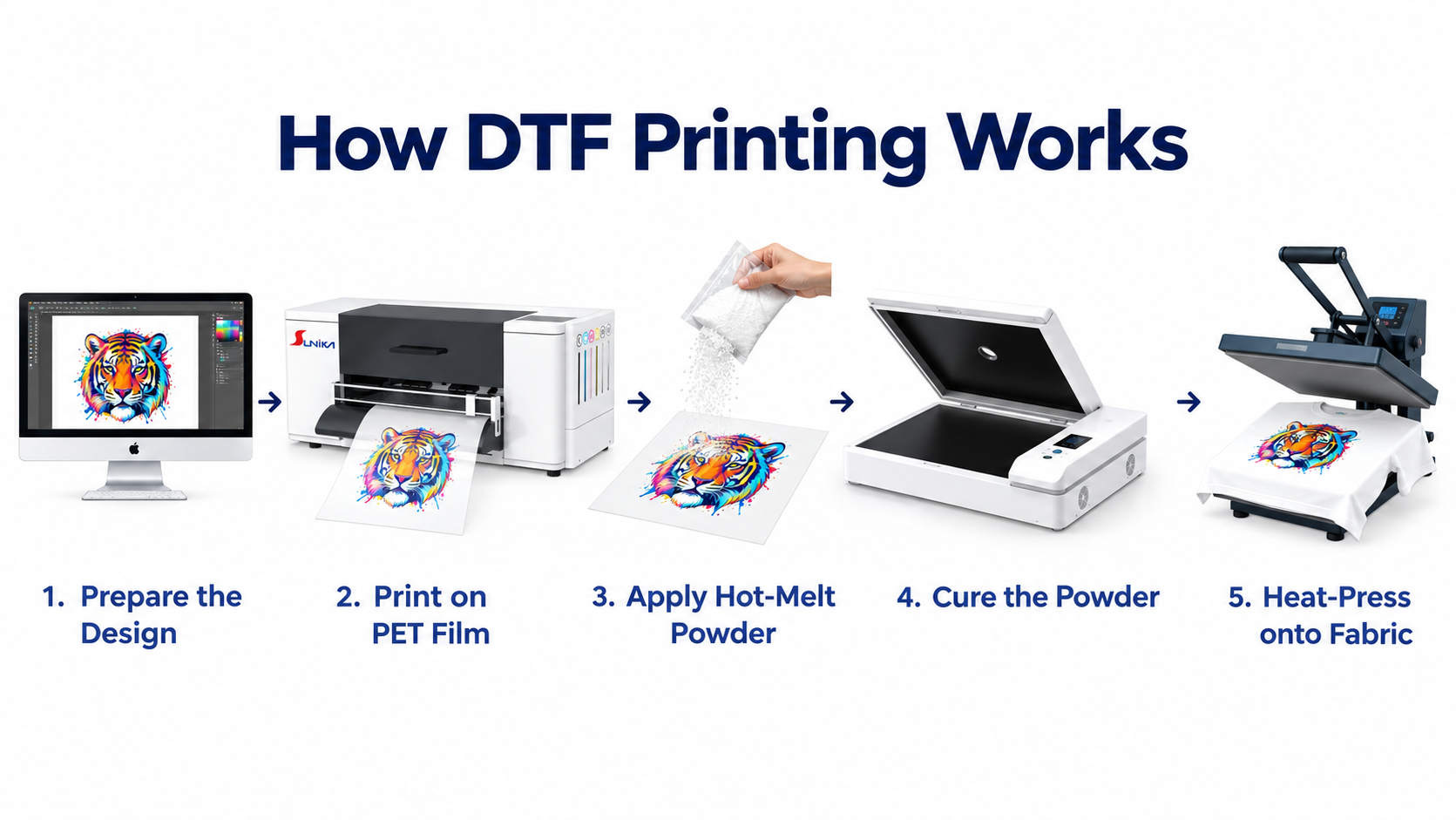
A uv sticker printer is part of a process: print the design on the appropriate film, manage the white and color layers, apply or integrate the required lamination step, prepare the decal, and transfer it to a clean, compatible surface. Buyers who evaluate only the printer body can miss the components that determine day-to-day consistency.
- Film compatibility: confirm which film types and process sequence the equipment is designed to use.
- Lamination approach: understand whether the configuration supports your preferred workflow and how it affects operator handling.
- RIP workflow: ask to see how white, color, and varnish layers are prepared for small graphics and fine text.
- Maintenance access: review cleaning, ink circulation, capping, and idle-period procedures before committing.
- Application testing: use your own glass, phone-case, or packaging samples to judge adhesion and finish under your actual conditions.
That is why a supplier demonstration should use your realistic artwork. A uv sticker printer may print an attractive sample, yet small lettering, fine outlines, transparent areas, or closely nested jobs may expose workflow issues that a large, simple graphic does not reveal.
Choose a configuration for your volume and staffing level
There is no universally right uv sticker printer for every small-product business. A lower-volume studio may value manageable setup, compact layout, and straightforward maintenance. A distributor or growing customization shop may place more weight on repeatability, service responsiveness, parts availability, and the ability to schedule several short runs without losing control of color and white ink.
| Buying situation | What to prioritize first | Question to ask |
|---|---|---|
| Short custom runs | Fast changeovers and easy artwork setup | How are small, mixed designs nested and prepared in RIP software? |
| Repeat logo jobs | Layer consistency and reliable media handling | What checks keep white, color, and varnish output consistent across runs? |
| Growing order volume | Total workflow throughput and support | Which task limits output first: printing, lamination, finishing, or inspection? |
| Distributor evaluation | Training, maintenance documentation, and service process | What practical support materials are available for installation and operator training? |
The purchase price can feel like the main decision until you begin tracking the consumables, operator time, reprints, and maintenance attention behind each transfer. In practice, the useful metric is often cost per accepted decal, not the headline price of a uv sticker printer.
For a broader preparation checklist, see this UV DTF printer buyer’s guide on 300 mm width, printheads, and workflow.
Use a sample-based supplier evaluation
Before you choose a uv sticker printer, send the supplier a compact but demanding test file: small type, solid color, fine lines, a transparent or white-backed graphic, and several designs nested together. Ask for a demonstration that shows the preparation and finishing sequence, not only the final image.
For a product reference, the SK-U301 30cm UV DTF printer for glass and phone cases is relevant to the small-product category. Review its documented configuration with the supplier and validate it against your own substrates and output expectations rather than assuming any one model is a universal fit.
Ask for clear answers about installation, operator onboarding, maintenance schedules, spare parts, and remote technical support. Sunika focuses on DTF and UV printing equipment, which can make product-specific technical conversations more direct; still, the most useful decision comes from confirming the exact workflow and support scope for your market.
A practical final checklist
- List the small products, typical decal sizes, and weekly order patterns you want to serve.
- Select print width based on nesting efficiency and realistic future jobs, not a general preference for bigger equipment.
- Review the printhead and ink-layer workflow with a focus on white and varnish consistency.
- Test your own artwork and substrates through the full print-to-transfer process.
- Compare daily maintenance, finishing tasks, training, and service support alongside purchase cost.
The right uv sticker printer for small product customization is the one that produces the finish you need with a workflow your team can repeat. Start with actual decal sizes, insist on a full-process sample, and weigh support and maintenance as carefully as width or headline speed. That approach gives you a more useful basis for comparing compact UV DTF equipment.