EN
EN


UV DTF Printer Buyer’s Guide: 300mm Width, Printheads and Workflow
Choosing among UV DTF printers is less about finding the longest feature list and more about matching a production system to the jobs you expect to run. For a shop producing branded bottles, gift boxes, jars, acrylic signs, metal items, or short-run labels, a 300 mm UV DTF printer can be a practical middle ground: wide enough for efficient gang layouts, yet compact enough to keep the printing and laminating steps close together.
This guide takes a buyer’s view of the decision. It covers print width, printhead configuration, the UV DTF print workflow, and the questions worth asking before comparing quotations. The goal is not to promise one universal machine, because the right configuration changes with your order mix, staffing, service plan, and tolerance for maintenance.
Start with the order mix, not the advertised speed
UV DTF printers create a transfer rather than printing directly onto the final object. That makes the process attractive when a business needs decorated hard-surface items with varied shapes: glass, metal, ceramic, acrylic, and many other non-porous materials are common application targets. However, a printer that is productive for small decal sheets may be inefficient for wide, repetitive production runs, and the reverse is also true.
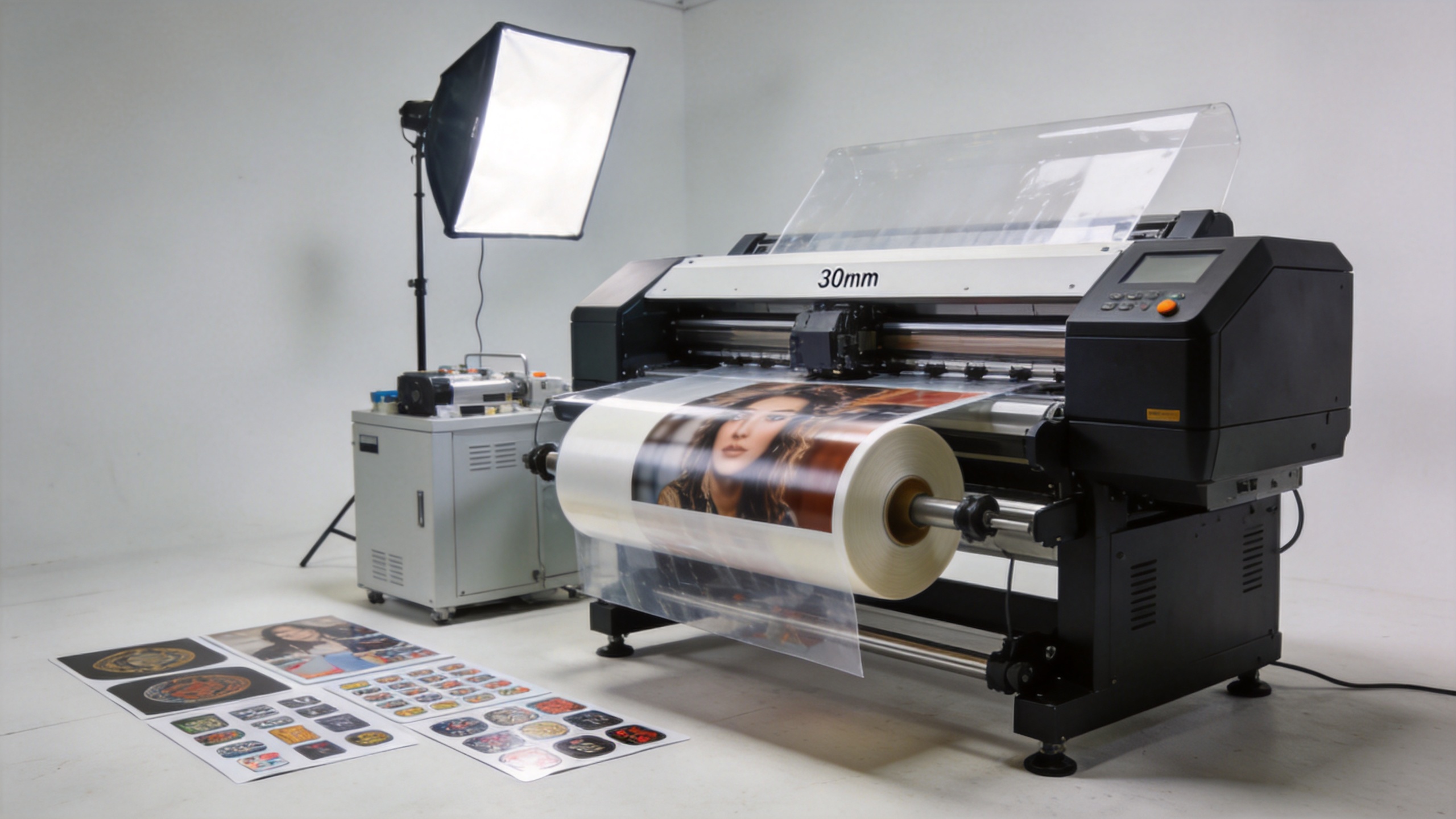
A 300 mm class printer is usually assessed as a moderate-width label and sticker production platform. It can support several small designs across a roll, but it does not need the floor space, film handling routine, or capital commitment of a much wider line. Before selecting among UV DTF printers, collect a representative week of artwork and answer these questions:
- What percentage of orders are small logos, names, or variable-data labels?
- How often do jobs require wide single graphics versus many small graphics ganged together?
- Will the same operator print, laminate, trim, and apply transfers?
- Are rush orders limited by printing time, lamination time, artwork preparation, or application labor?
These answers prevent a common buying mistake: choosing width for a future scenario while making today’s daily jobs slower or harder to manage. For many startup or growing operations, a stable 300 mm workflow with sensible gang layouts is more valuable than unused width.
What 300 mm width changes in daily UV DTF print production
Print width affects more than the maximum artwork size. It affects roll loading, material waste, how many orders can share one layout, and how easily an operator can inspect output before it reaches the laminator. A 300 mm machine is especially relevant when the work contains multiple small-to-medium decals, personalization, packaging graphics, or promotional items.
| Buyer situation | How 300 mm width can fit | What to validate |
|---|---|---|
| Short-run custom goods | Supports frequent design changes and compact gang sheets. | RIP workflow, changeover time, and film waste on mixed jobs. |
| Growing sticker business | Offers room to batch common designs without committing to a very wide format. | Actual queue volume, laminator matching, and operator capacity. |
| Dealer or distributor demo stock | Can produce varied sample sets for hard-surface applications. | Repeatable color, transfer appearance, and support documentation. |
| High-volume repetitive sheets | May work, but a wider or faster production configuration could be more suitable. | True output per shift rather than a single advertised speed. |
Ask suppliers to demonstrate your own artwork at realistic coverage. A simple logo with little white ink behaves differently from a dense, full-color design with a large white layer. The useful measure is not a headline speed alone; it is accepted, laminated transfer area per shift after setup, cleaning, reprints, and inspection.
Compare printheads as a system, not as a badge
Printhead selection matters, but it is only one part of the system. In UV DTF printers, the head configuration interacts with ink circulation, white-ink management, carriage setup, RIP settings, curing, maintenance routines, and service access. A multi-head arrangement can increase capacity, while also increasing the importance of calibration and a disciplined maintenance plan.
For a buyer reviewing an F1080-based configuration or another head platform, the useful comparison is operational:
- Image requirements: Can the configuration reproduce the fine lines, small text, gradients, and opaque white foundation your products need?
- Production requirements: Does the expected throughput match your real order mix and expected duty cycle?
- Maintenance exposure: What are the required daily, weekly, and shutdown procedures? Who performs them and how are consumables handled?
- Serviceability: Are remote diagnostics, training, spare parts, and clear troubleshooting materials available for your market?
- Total investment: Include consumables, backup parts, operator training, ventilation and workspace needs, not only printer price.
Experienced buyers also request a sample set with their actual artwork and examine it after the complete transfer process. A printhead cannot be judged fairly from a nozzle count alone. Registration, cured-ink behavior, laminate quality, and adhesion on the intended surface all shape the saleable result.
Map the complete UV DTF workflow before you buy
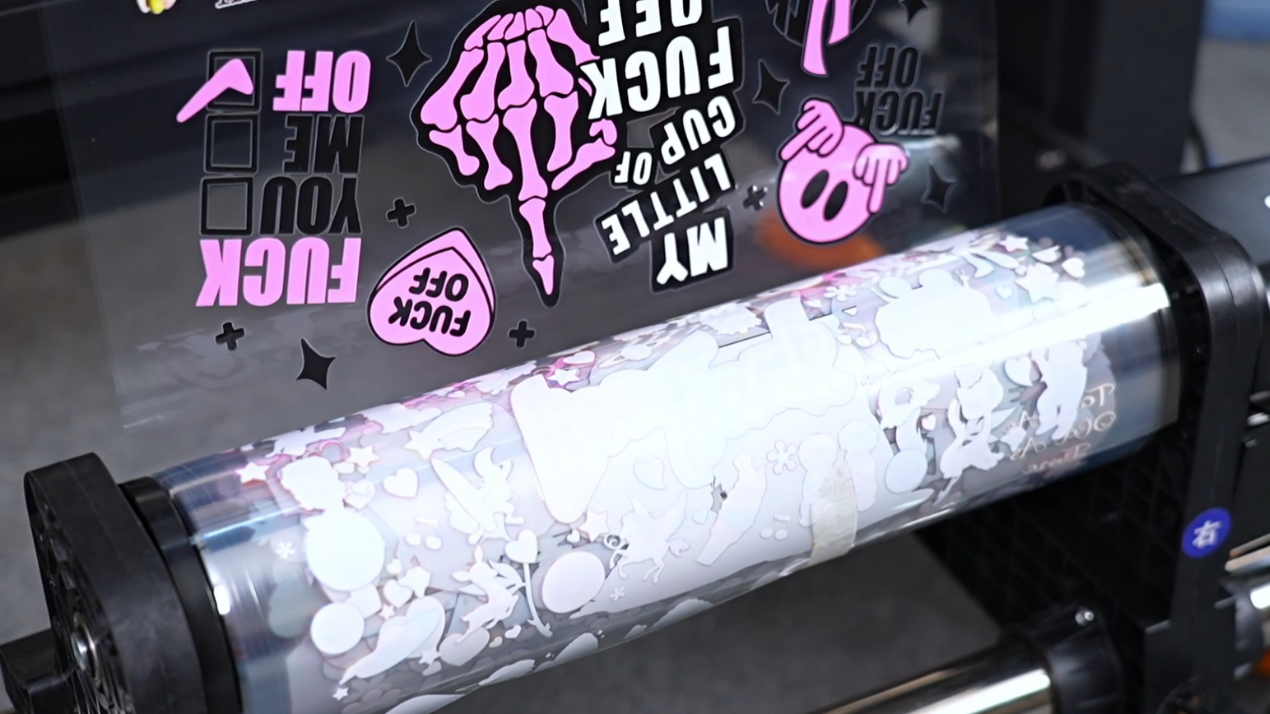
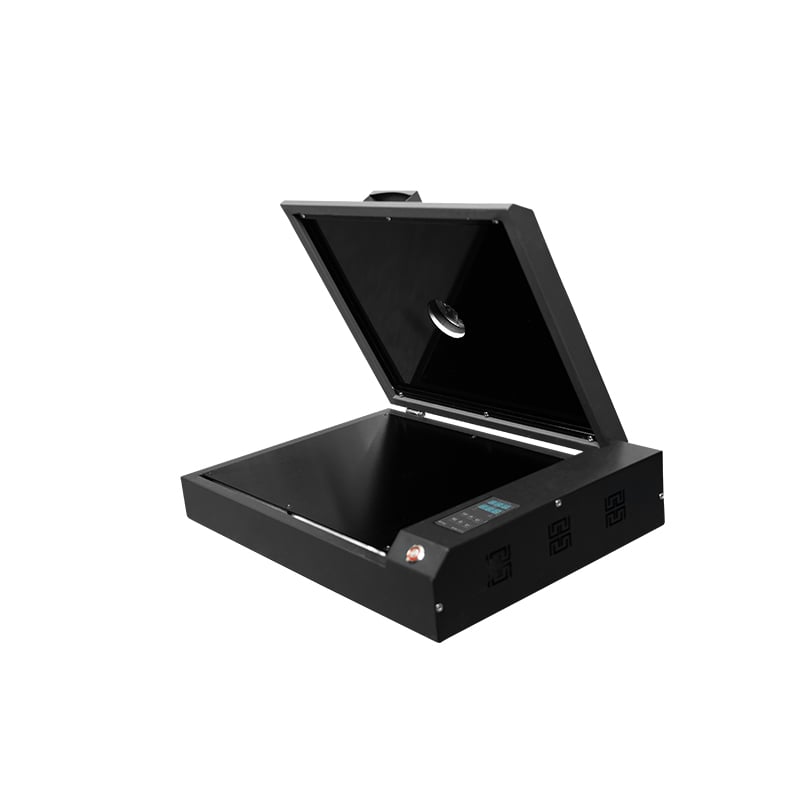
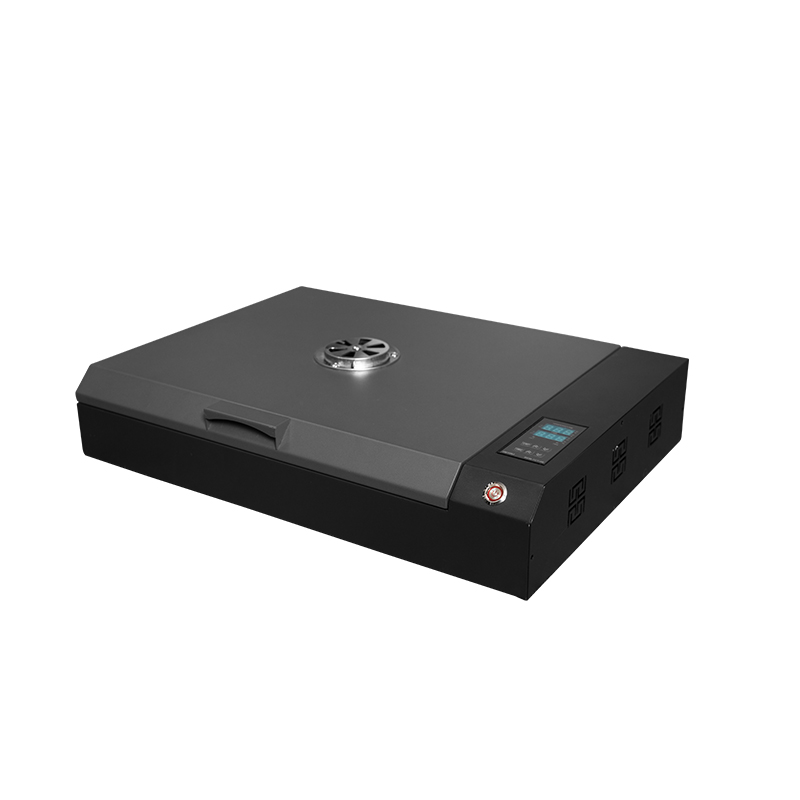
The basic UV DTF print workflow is straightforward: prepare artwork, print on Film A, laminate with Film B, then apply the finished transfer to a clean target surface. In production, each stage has a quality checkpoint. A machine decision should therefore include the entire workflow, not only the printer.
- Prepare the file. Confirm artwork size, resolution, white-layer setup, and any small text or fine detail that needs inspection.
- Print on Film A. Check registration, color consistency, white coverage, and cured output before moving the roll forward.
- Laminate with Film B. Keep alignment, pressure, and material handling consistent. Bubbles, wrinkles, or poor bonding can turn a good print into a rejected transfer.
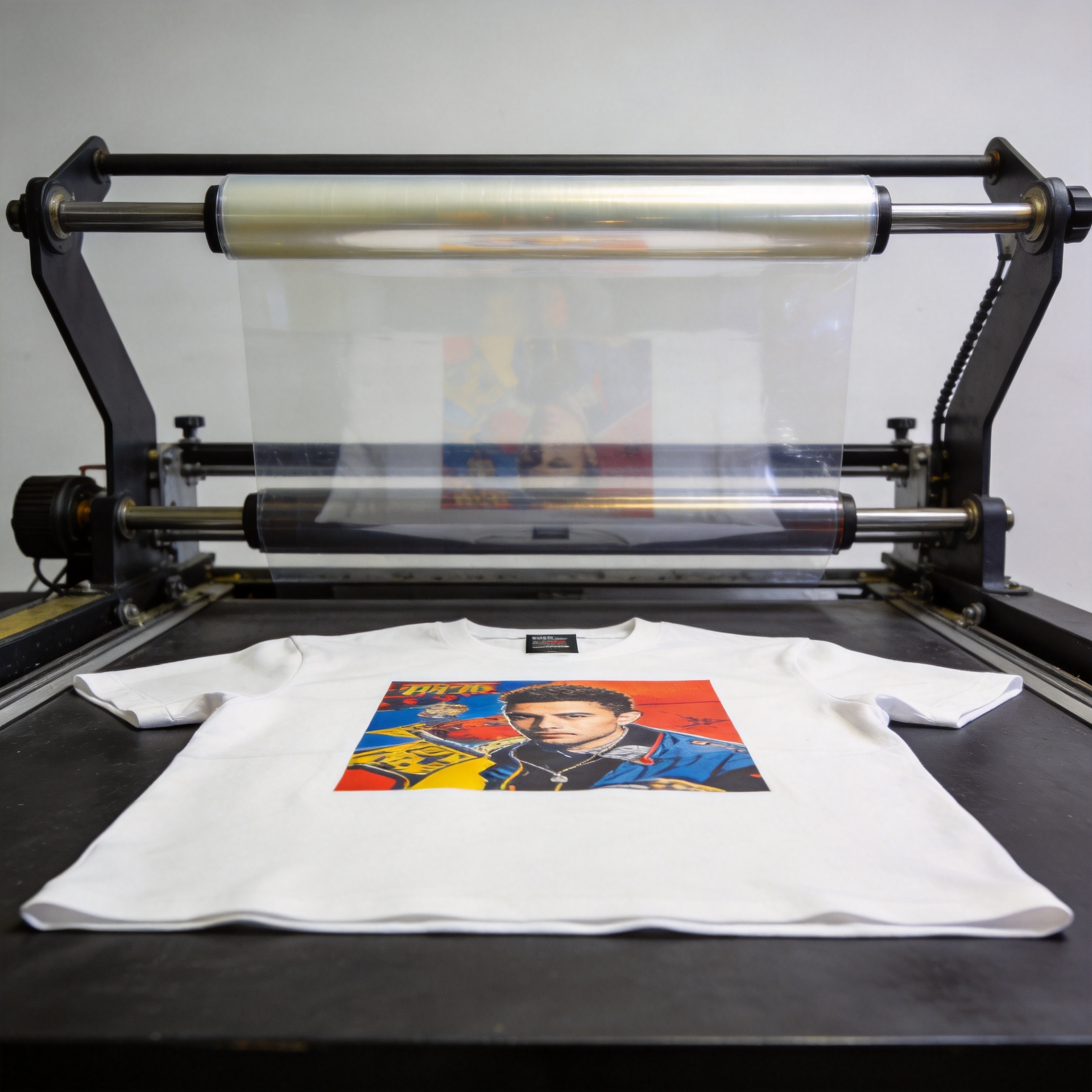
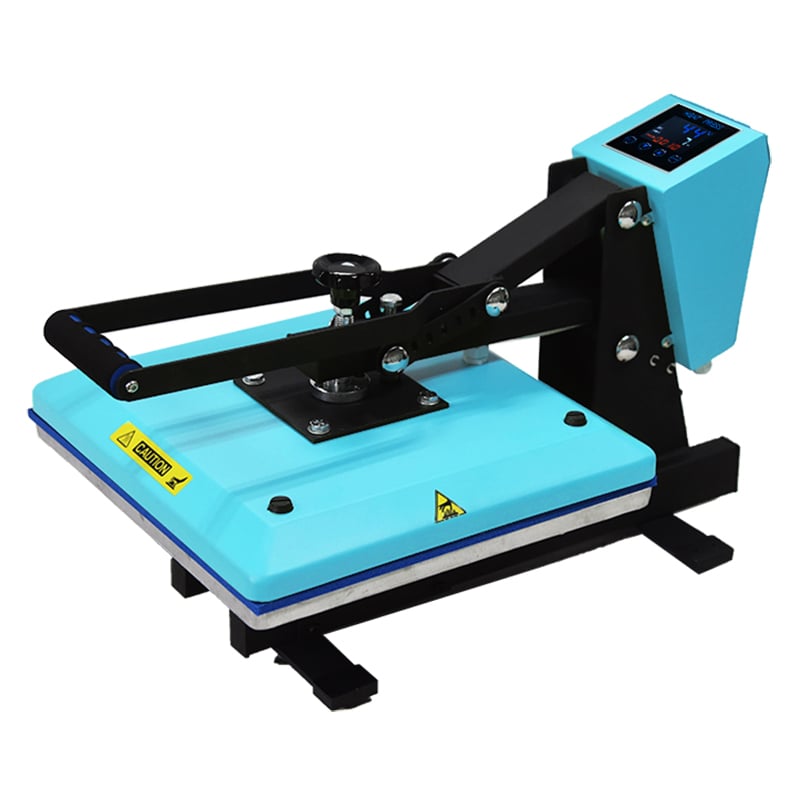
- Cut and apply. Use a clean, dry, suitably prepared surface. Apply with controlled pressure, then remove the carrier according to the film supplier’s recommended process.
- Inspect and record. Check edges, small text, raised areas, and adhesion. Keep notes by substrate and film batch so repeat jobs are easier to stabilize.
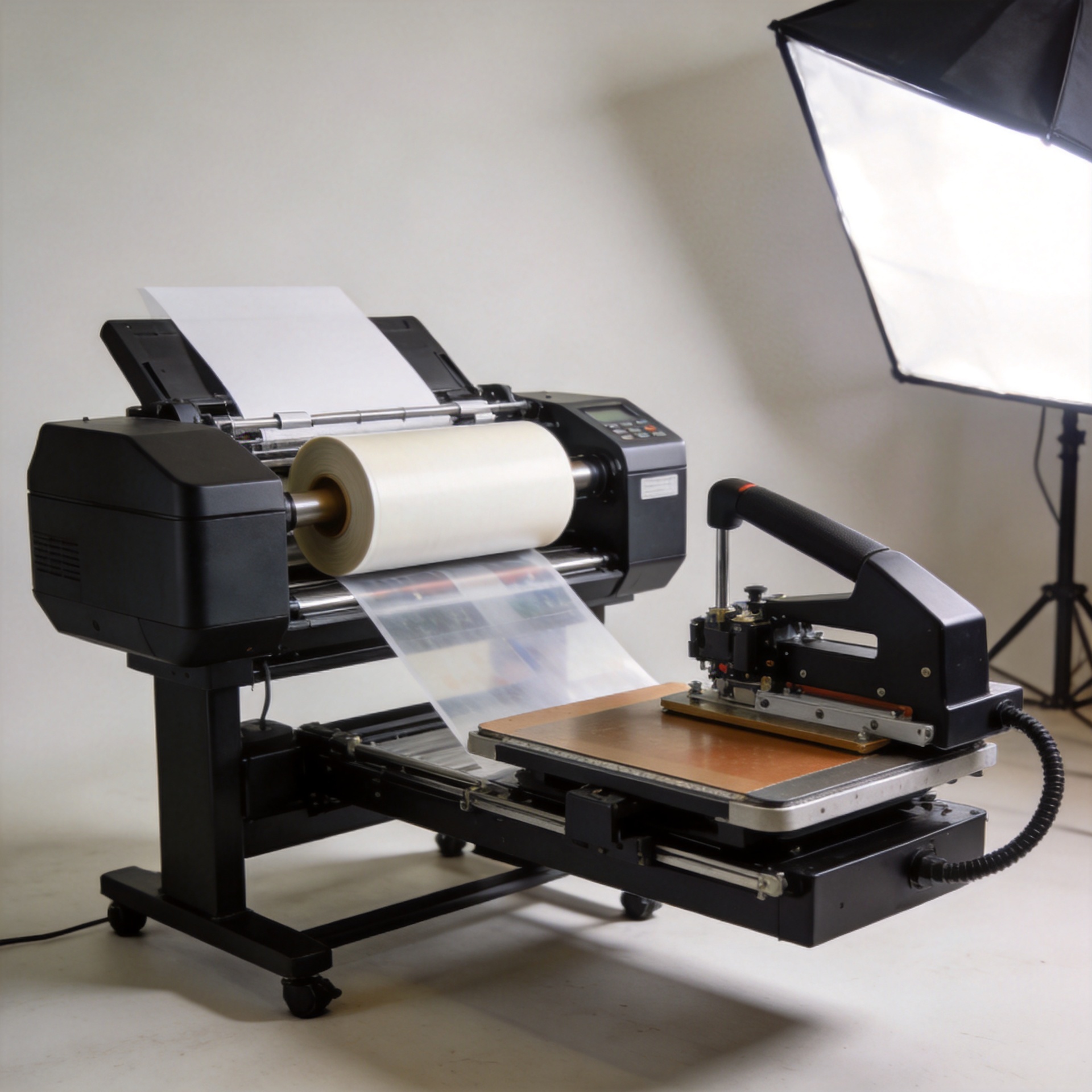
This sequence is why UV DTF printers should be evaluated alongside film availability and laminating capacity. If printing outpaces lamination, the printer sits idle. If the laminating step is inconsistent, increasing print speed only creates more material to rework.
Build a practical buyer checklist for UV DTF printers
At the consideration stage, a structured comparison is more useful than a generic specification table. Use the same checklist with every supplier:
- Run representative artwork with a stated film type and document the print, lamination, and application steps.
- Ask for the recommended daily maintenance routine and the consequences of extended idle time.
- Clarify what is included: printer, laminator, RIP software, inks, film, training, installation guidance, and spare parts.
- Ask how white ink is circulated and what cleaning checks are required before and after production.
- Compare the usable workflow speed for your typical sheets, not only maximum print speed.
- Verify support communication, troubleshooting documentation, and parts logistics for your region.
- Test intended surfaces; UV DTF transfers are versatile, but textured, contaminated, flexible, or unusually coated substrates require validation.
For buyers that want a 300 mm triple-F1080 configuration to evaluate, the Sunika Sk30-3 UV DTF printer 300mm UV DTF Sticker Printer Triple F1080 provides a concrete product page to review alongside the checklist. Treat the discussion as a configuration review: share your artwork, substrates, expected order volume, and service expectations before finalizing a machine choice.
Choose the configuration that protects the workflow
The strongest UV DTF printer purchase is rarely the one with the most impressive isolated specification. It is the configuration that keeps artwork preparation, print output, lamination, finishing, and support in balance. A 300 mm format can be a capable choice for sticker-oriented hard-surface decoration when it aligns with your sheet layouts and daily volume. Printheads should be compared through output quality, serviceability, and maintenance discipline—not marketing labels alone.
Before placing an order, request a workflow-based demonstration, calculate the full operating setup, and make substrate testing part of acceptance. That approach gives UV DTF printers a fair comparison and gives your team a clearer path from first print to repeatable, saleable transfers.