EN
EN


Epson F1080 vs I3200 DTF Printhead: Which Is Best for Your Production Needs?
Choosing an Epson DTF printer is rarely just a choice between two printhead names. The printhead sits inside a wider production system: film width, ink circulation, white-ink management, operator time, maintenance discipline, and the number of transfers you need to ship each day. For buyers comparing an F1080 configuration with an I3200 configuration, the practical question is simple: which setup matches your real workload without adding avoidable cost or downtime?
This comparison is written for apparel decorators, distributors, and procurement teams evaluating a DTF printing machine. It focuses on production fit rather than declaring one option universally better. A compact F1080 machine can be a sensible starting point for short runs and space-conscious shops, while an I3200-based system can make more sense when throughput and wider film workflows are central to the plan.
Start With the Production Decision, Not the Printhead Label
An Epson DTF printer should be assessed as a complete workflow. Before comparing F1080 and I3200, define the work that will pass through the machine: typical transfer size, daily order pattern, peak-season demand, artwork complexity, staffing, and tolerance for maintenance routines. A printhead can only deliver consistent output when the ink, humidity, cleaning process, RIP settings, film, powder, and curing steps are also controlled.
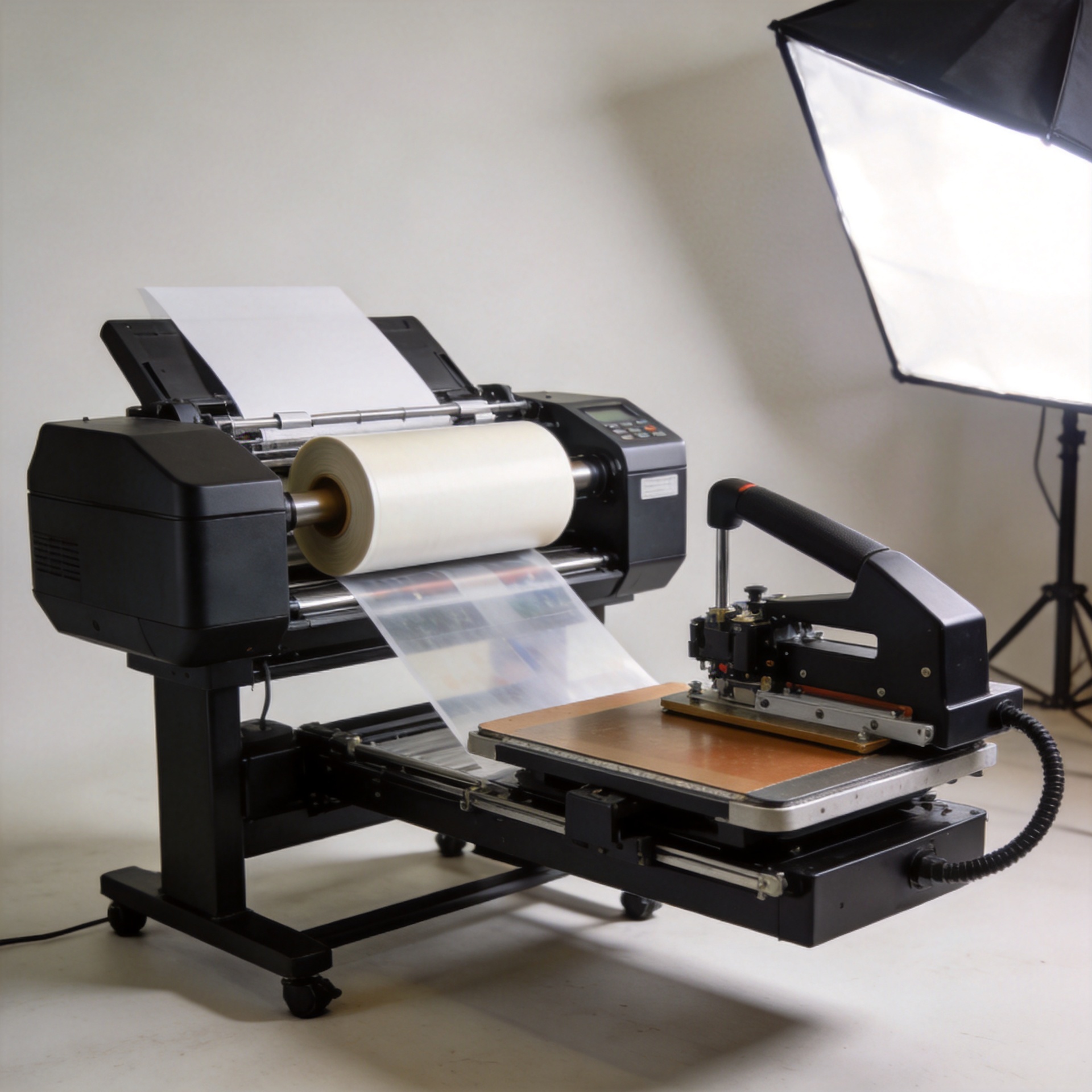
For many buyers, the most useful distinction is configuration scale. The confirmed Sunika examples show this contrast clearly: the Sunika SK-A3 DTF Printer F1080 330mm A3 Direct to Film Printer is a 330 mm A3-format option, while the Sunika SK60 DTF Printer Dual I3200 600mm Tee Shirt Printer is a 600 mm dual-I3200 configuration. Those formats point to different production conversations; they do not, by themselves, prove a specific speed or quality result.
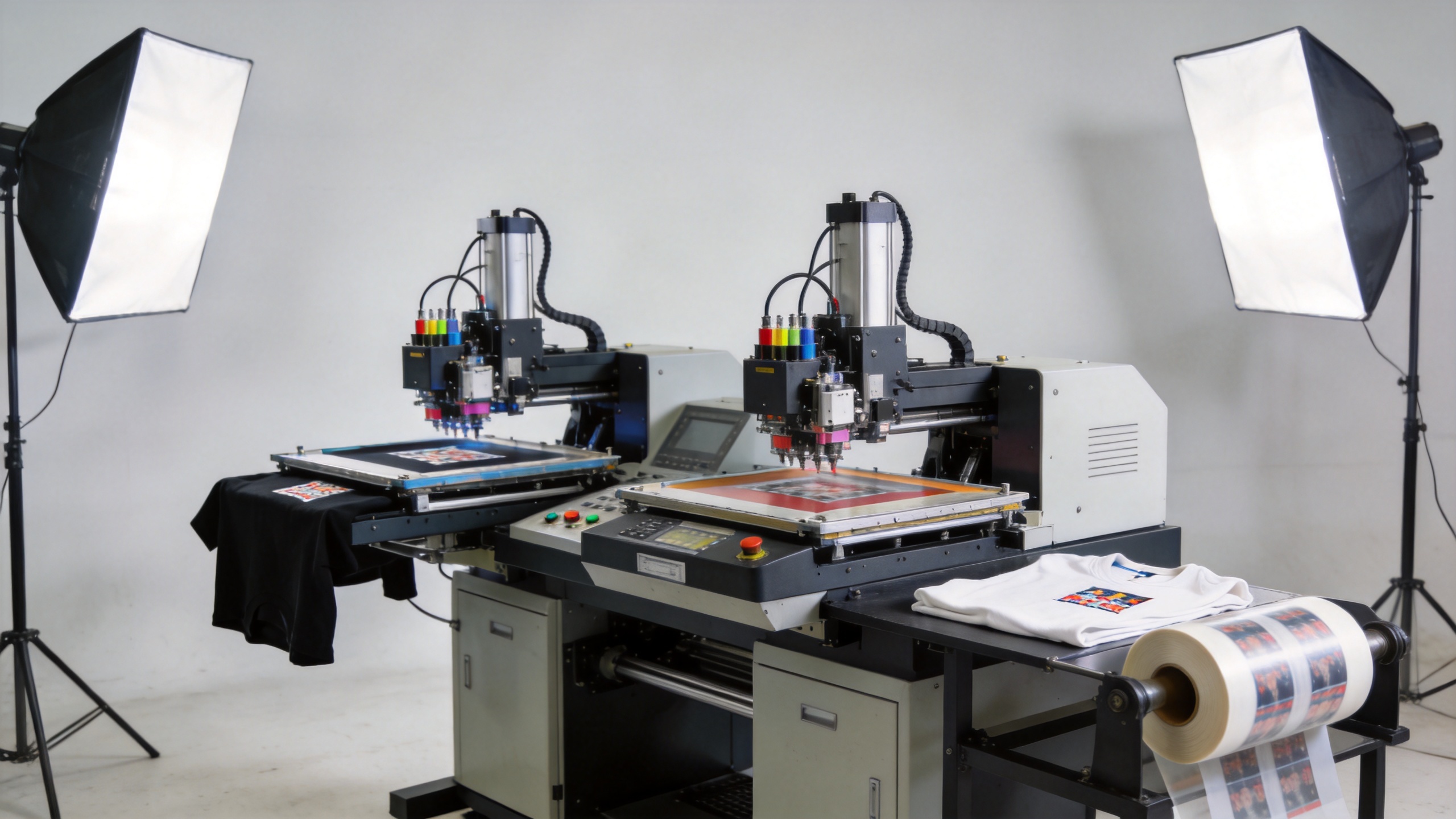
F1080: A Practical Fit for Compact and Controlled DTF Workflows
An F1080-based Epson DTF printer is commonly considered by buyers who value a smaller footprint and a workflow aligned with A3-format transfers. This can suit new DTF operations, sample departments, personalized-gift businesses, or shops that need to validate demand before committing to a wider production line.
The advantage of this route is operational focus. A smaller-format DTF printing machine can make it easier to organize film handling, operator training, and daily cleaning around a limited number of jobs. It may also reduce the amount of material exposed when a design, color profile, or process setting still needs adjustment. That does not make maintenance optional: white ink requires attention, and a missed cleaning routine can create a costly interruption regardless of printhead class.
Use the F1080 route when your expected order mix is dominated by short runs, samples, or modest transfer sizes; when floor space matters; and when the team can build repeatable maintenance habits before scaling. Ask suppliers to demonstrate the exact machine with the intended ink and white-ink circulation system, not only a general print sample.
I3200: Consider It When Width and Throughput Drive the Business Case
An I3200-based Epson DTF printer is usually evaluated when the business needs a wider, more continuous production workflow. The dual-I3200 600 mm example above is relevant to teams planning to process larger film widths or consolidate more work into fewer production cycles. For a growing decorator or a distributor serving higher-volume customers, that format can support a different labor and scheduling model.
The trade-off is that a larger DTF printing machine also asks more of the operation. Film loading, take-up handling, powder and curing coordination, ink management, preventive checks, and operator response to nozzle issues all become more consequential as the production line grows. Higher potential capacity is useful only when orders, staffing, finishing capacity, and maintenance coverage can keep pace.
Choose the I3200 path when the forecast justifies a wider workflow, when delays in transfer production would constrain delivery, and when the team can support a disciplined operating procedure. During supplier evaluation, request a run using your artwork types and confirm the support plan for cleaning, troubleshooting, spare parts, and training.
Resolution, Speed, and Quality: Compare the Complete System
Buyers often ask which Epson DTF printer produces the sharper image or the faster output. The responsible answer is that final transfer quality depends on more than the printhead. Resolution settings, pass count, ink behavior, film coating, color management, humidity, adhesive powder, curing, and fabric application all influence the result. A printed test should therefore be judged after the full transfer process, including pressing onto the fabrics your customers actually buy.
Rather than relying on an unverified headline speed, compare repeatable production evidence. Ask each supplier to document the print mode used for a sample, the film width, the artwork coverage, the white-ink treatment, and the maintenance actions performed before the run. Then compare practical output: color consistency, fine-detail readability, white-base continuity, film handling, and the time required to restore stable printing after routine cleaning.
Maintenance Cost Is Mainly a Process-Control Question
Maintenance cost should be discussed as planned labor, consumables, and downtime risk—not as a single number. Both F1080 and I3200 workflows need compatible DTF ink, appropriate cleaning liquid, stable storage conditions, and scheduled nozzle checks. White ink is especially important because its pigment can settle if circulation and daily operating practices are neglected.
Before placing an order, ask for a written maintenance matrix. It should state daily, weekly, and shutdown tasks; identify which liquids are approved for the installed ink system; explain the white-ink circulation process; and specify how the supplier handles remote diagnosis or replacement parts. This is more useful than assuming that an epson 4720 dtf setup or any other Epson-derived option follows identical procedures. Ink compatibility and maintenance instructions must be confirmed for the exact machine configuration.
A Procurement Checklist for F1080 vs I3200
- Workload: Estimate ordinary and peak-day transfer demand, not only the first month of orders.
- Format: Match A3 or wider film capability to the transfer sizes that generate revenue.
- Workflow: Check whether printing, powder application, curing, and pressing have balanced capacity.
- Maintenance: Obtain the daily and weekly routine in writing, including white-ink handling.
- Compatibility: Confirm the recommended ink, cleaning solution, RIP workflow, and consumables for the exact Epson DTF printer.
- Acceptance test: Run your files on your target fabrics and inspect completed transfers, not just film output.
- Support: Clarify training, diagnostics, spare-part availability, and the response process before payment.
Which Epson DTF Printer Should You Choose?
Choose an F1080-based configuration if compact production, A3-format work, controlled startup investment, and hands-on process learning match your current business. Choose an I3200-based configuration if wider film handling and a higher-capacity workflow are justified by confirmed demand and supported by operators, finishing equipment, and maintenance procedures.
The right Epson DTF printer is the one whose capacity, consumables, and support model fit the production plan you can execute consistently. Compare the full DTF printing machine workflow, verify ink compatibility, and use a real acceptance test before committing. That approach turns a printhead comparison into a purchasing decision that is easier to defend after the machine arrives.