EN
EN


Desktop UV Printer vs Larger Flatbed: Choosing for Custom Printing
A desktop UV printer can be a practical starting point for a custom-print business, but it is not automatically the right answer for every order mix. The useful comparison is not simply “small machine versus big machine.” It is about the jobs you need to accept, the way items move through your shop, and when a larger UV flat bed printer begins to remove more bottlenecks than it creates.
For distributors, decorators, and growing print shops, a sound decision usually comes from matching the printer footprint to actual production behavior. A compact unit can be ideal for short runs, samples, and personalized hard goods. A larger flatbed can make more sense when oversized panels, batch layouts, or repeat rigid-media work are becoming routine.
Start with the order profile, not the machine size
A desktop UV printer purchase should begin with the products you need to deliver each week, rather than with an assumed format upgrade.
Before comparing specifications, review the last several weeks of inquiries. A desktop UV printer is often a strong fit when orders involve phone cases, plaques, small acrylic pieces, promotional items, packaging prototypes, or one-off gifts. The operator can keep blanks close at hand, test artwork quickly, and move from proof to finished piece without committing a large area of the shop to one process.
A larger flatbed earns its space when the work frequently includes signs, display panels, larger boards, multiple small items arranged in a batch, or repeated jobs that need less loading and unloading per square meter of output. In that setting, capacity is not just about headline speed. It is about how many touchpoints the team needs to complete a sellable order.
Ask three plain questions: What is the largest item customers regularly request? How many individual pieces must be loaded for a typical order? And which jobs are currently declined because the printable area or handling workflow is too limited? Those answers create a more reliable buying brief than choosing a format because it looks more scalable.
Compare workflow: compact flexibility versus batch efficiency
In a desktop UV printer workflow, the value of a compact footprint is usually fast access to short-run work, not an assumption of unlimited versatility.
A desktop UV printer usually favors quick changeovers. It can sit close to the design station, making it easier to validate color, positioning, and fixture setup on short runs. That proximity matters when a business is learning which personalized products convert well. It also limits the financial and operational exposure of testing a new niche.
A larger UV flat bed printer shifts the advantage toward layout efficiency. If several compatible items can be printed in one setup, the operator may spend less time repeating the same preparation. The benefit is especially relevant for rigid-media orders where loading, alignment, and post-print inspection consume meaningful time. Still, a larger bed does not eliminate setup work; it changes where the work happens. Fixtures, material staging, cleaning access, and safe movement around the machine all need planning.
| Decision factor | Desktop UV printer | Larger flatbed |
|---|---|---|
| Best order pattern | Samples, personalization, short runs, small objects | Panels, batch layouts, repeat rigid-media work |
| Workspace demand | Lower, but still needs ventilation and service access | Higher, including material staging and handling clearance |
| Changeover style | Fast for varied small items | Efficient when jobs share media and setup |
| Expansion logic | Validate demand before adding capacity | Support a proven volume or size requirement |
Material range is useful only when the job is printable in practice
A desktop UV printer can broaden a custom-product catalog, but each substrate and fixture should be qualified through a representative production test.
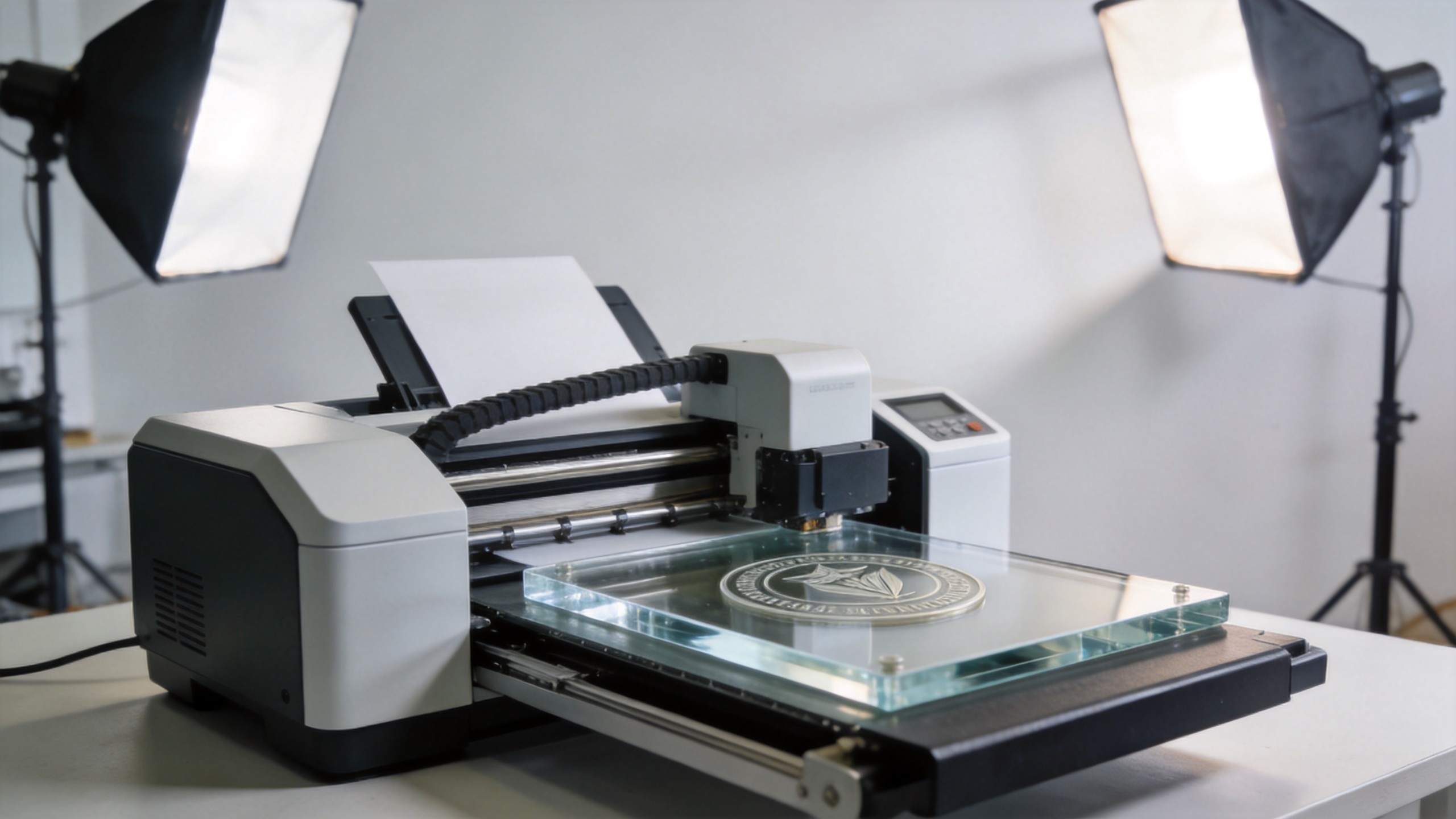
UV flatbed workflows are commonly used for rigid substrates such as acrylic, glass, metal, wood, and many plastics. But “can print on” should not be read as “will print perfectly without testing.” Surface energy, coatings, flatness, texture, ink adhesion, and the way an item is held in place can all affect the result. A desktop UV printer may cover a broad material mix for small-format products, while a larger system can make larger sheets and panels more practical to handle.
For custom printing, test the materials customers actually buy. Print a representative artwork, inspect fine details and white layers where applicable, and evaluate adhesion after the intended finishing or handling process. If cylindrical or irregular items are part of the plan, confirm the relevant fixture or accessory workflow before using that application as a reason to buy.
This is where a realistic total-cost view helps. A lower entry price does not automatically mean a lower cost per finished item if the team must repeatedly reposition blanks or turn away higher-value jobs. Conversely, a larger machine is not economical simply because it can accept more material; it must be fed with suitable work often enough to justify its floor space, power, maintenance routine, and operator time.
Plan your space, support, and growth path
Even a desktop UV printer needs a complete operating zone: materials, ventilation, cleaning access, and room for an operator to work safely.
Measure more than the machine body. Allow room for media storage, loading, cleaning, ink handling, workstation access, and safe maintenance. Also consider how artwork files, jigs, and approved material profiles will be organized. A compact installation that is difficult to service can become as disruptive as an oversized machine in a crowded shop.
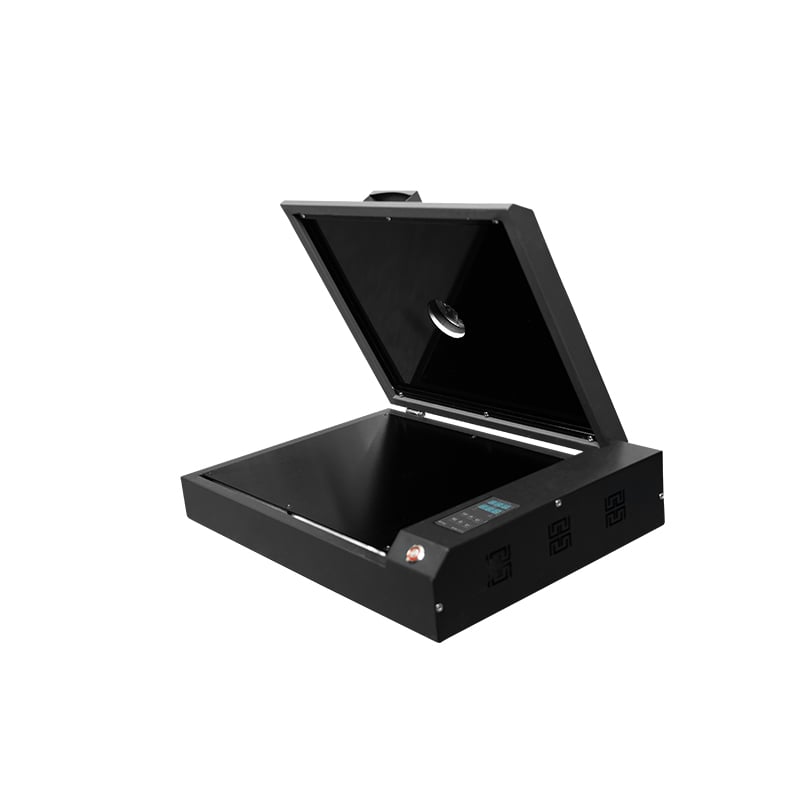
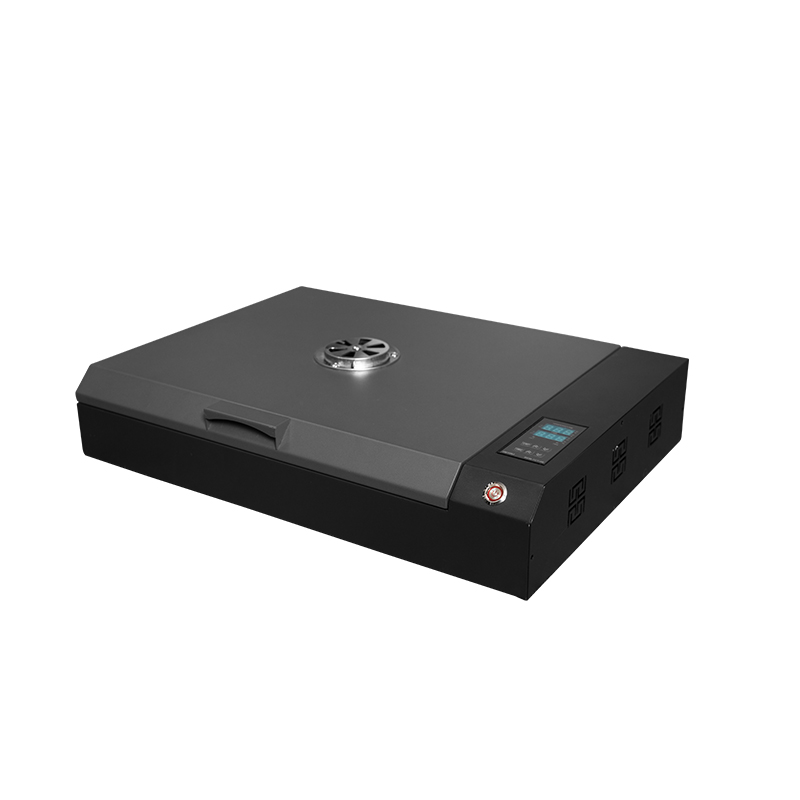
For businesses building a modular equipment lineup, it can be helpful to compare a compact model with the supplier’s wider UV range. For example, the Sunika Sk-A3UV Printer Single I3200 UV Flatbed Printer provides a concrete product page to review alongside your requirements. Use the supplier discussion to verify current configuration, supported workflow, service expectations, and suitability for your actual blanks rather than assuming capabilities from a product name. If you are evaluating a desktop UV printer for a dealer or end-user program, review the verified compact UV printer product page together with sample materials and expected order volumes.
Sunika focuses on DTF and UV printing equipment and serves both end users and dealer networks. That broader equipment context can be useful if your goal is to add a UV process alongside other decoration services. The right conversation, however, should remain specific: bring sample items, typical artwork, expected weekly order patterns, and the largest usable printable area you need.
How to evaluate a desktop UV printer before committing
A desktop UV printer should be evaluated with the same discipline as any production asset. For each likely job, record the item dimensions, material, artwork coverage, fixture requirement, target turnaround, and expected quantity. This turns a desktop UV printer comparison into an operational decision instead of a catalog comparison.
Ask a supplier to demonstrate the desktop UV printer on representative blanks where possible. A desktop UV printer may be well suited to a compact product line, but the result depends on setup consistency, media preparation, and the team’s ability to repeat the process. Review cleaning routines, training needs, and practical access to consumables before finalizing the desktop UV printer purchase.
For a business that expects mixed demand, a desktop UV printer can provide a measured entry route while the shop learns which formats sell. Track reprints, setup minutes, and order sizes after installation. Those records show whether the desktop UV printer remains the right capacity or whether a larger flatbed is justified by proven demand.
It is also worth separating prospect interest from paid work. A desktop UV printer does not need to cover every possible application on day one. It needs to support the profitable, repeatable jobs your team can quote and deliver. When a desktop UV printer is selected for that focused purpose, growth decisions become easier to defend.
A practical selection checklist
Use this desktop UV printer checklist to separate a real production requirement from a feature that may be rarely used.
- Map the order mix: Separate personalized small goods, repeat batches, and oversized rigid-media requests before choosing a desktop UV printer or a larger platform.
- Define usable size: Base this on finished items and fixtures, not only the nominal bed dimensions of a desktop UV printer.
- Test real substrates: Confirm adhesion, appearance, and handling on the materials customers will order with the desktop UV printer workflow you plan to run.
- Calculate workflow touches: Include loading, alignment, reprints, cleaning, and inspection—not just print time.
- Reserve service space: Plan access around the printer before committing to a format.
- Choose the next bottleneck: Buy the desktop UV printer or larger machine that solves the current constraint without creating an underused capacity burden.
Which option is right for you?
Your desktop UV printer choice should reflect a documented order pattern, available floor space, and the materials you can validate in your own workflow.
Choose a desktop UV printer when flexibility, compact setup, small-object customization, and market testing are the priority. It is often the sensible option for a shop that needs to prove demand, run varied short orders, or add UV capability without reorganizing the entire production floor.
Choose a larger UV flat bed printer when regular work has already demonstrated a need for larger rigid media, more efficient batch layouts, or a workflow that is constrained by repeated loading of small beds. The larger platform should be a response to verified job patterns, not a substitute for a clear production plan.
In short, a desktop UV printer decision is a business-fit decision. Define the work you want to win, test the materials you will actually run, and select the format that lets your team produce those orders consistently and profitably.