EN


Choosing a DTF Printer for Custom Logo T-Shirt Orders
Buying equipment for tshirt with logo printing is less about finding the fastest-looking specification and more about matching a production system to the orders you actually accept. A shop producing a few name-and-logo transfers each day faces a different decision from a contract decorator handling mixed garment runs, repeat corporate orders, and short delivery windows. For either buyer, DTF can be a flexible route because it supports detailed full-color artwork on common garment materials, but the printer is only one part of a reliable workflow.
As a DTF equipment specialist, I would start with the order profile, then evaluate the machine, and only then compare models. That sequence matters because a printer that looks economical for tshirt with logo printing can become difficult to operate if its width, maintenance routine, RIP workflow, or finishing capacity does not suit the business behind it.
Start With the Real Order Profile for Tshirt With Logo Printing
Before comparing printheads or advertised speed, map a typical week of tshirt with logo printing. Record the average number of garments per order, the largest peak order, the percentage of dark garments, the number of artwork changes, and the turnaround promise made to customers. These answers reveal whether you need compact flexibility, a higher-throughput production line, or a staged upgrade path.
- Small, varied orders: A compact format can make sense when tshirt with logo printing includes many artwork changes and modest daily transfer demand.
- Repeat logos and busy peaks: Wider media handling and a workflow designed for continuous production may reduce bottlenecks when tshirt with logo printing becomes more predictable.
- Mixed garment programs: Include hoodies, workwear, tote bags, and sports garments in your test plan rather than choosing only around one cotton tee sample.
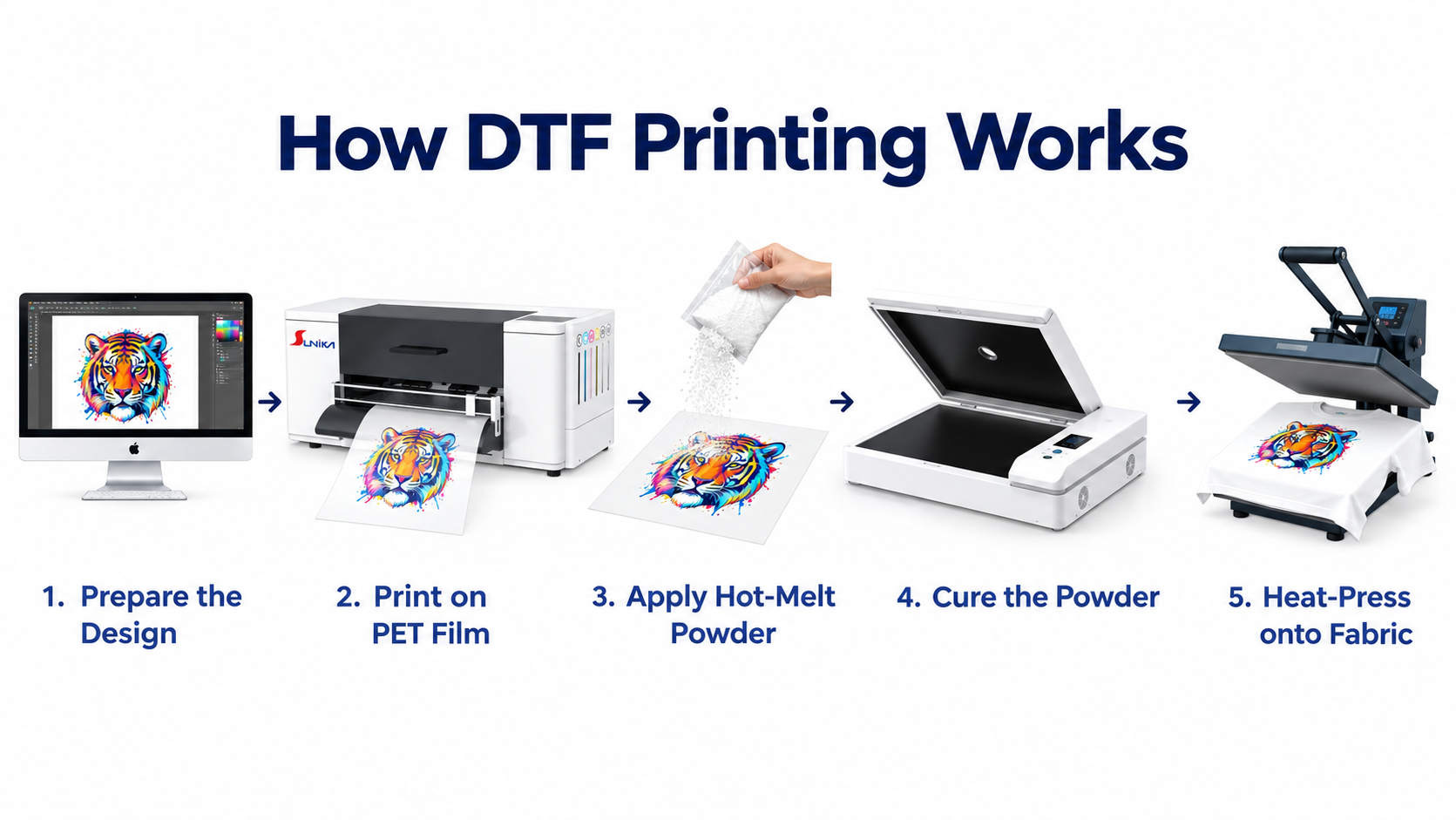
A useful mindset shift is this: print speed is not the same as daily throughput. The usable capacity of tshirt with logo printing also depends on artwork preparation, film loading, powder application, curing, pressing, quality checks, and the time spent keeping the printer ready.
Choose Width and Output Around the Bottleneck
For tshirt with logo printing, print width should fit the transfer sizes and order mix you expect, not simply the largest format available. A smaller-format system can be practical for left-chest logos, sleeve marks, and on-demand custom work. A wider system may be a better operational fit when gang sheets, larger front prints, or repeated logo layouts are common. The right choice depends on whether the constraint is printing capacity, finishing capacity, or order volatility.
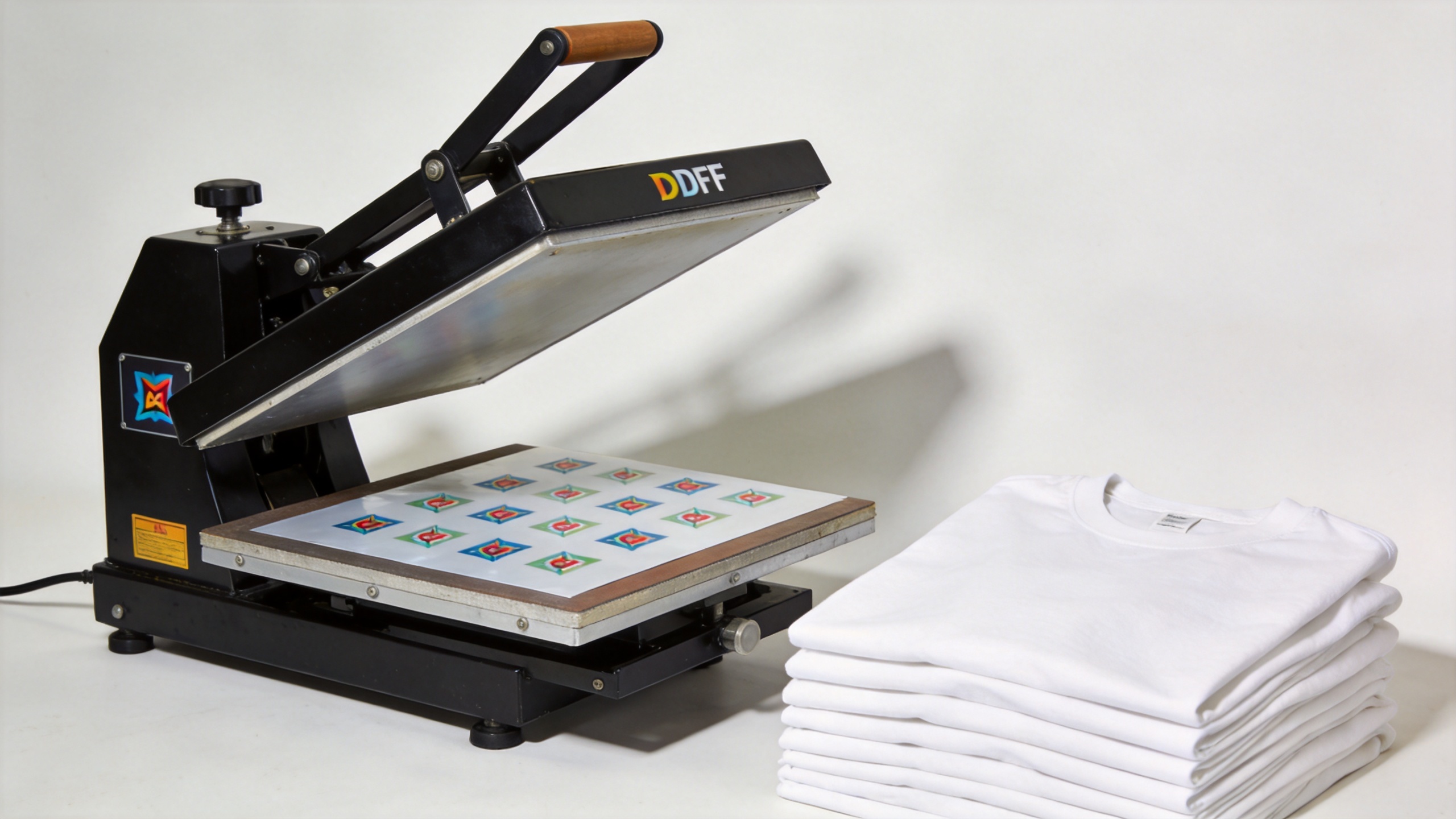
Ask the supplier to demonstrate a complete job cycle relevant to your tshirt with logo printing workflow. Bring representative artwork with fine text, solid colors, gradients, and a dark-garment design. Look at the transfer after pressing, not only at film coming off the printer. This is where color handling, powder coverage, curing consistency, and pressing settings become visible as one process.
Evaluate White-Ink Management Before You Commit
White ink is important for many dark-garment tshirt with logo printing jobs, and it is also a key maintenance consideration. Because white pigment can settle during idle periods, ask how circulation, agitation, cleaning, and daily start-up routines work in the proposed configuration. A machine is not “low maintenance” just because the brochure says so—well, no production printer is. What matters is whether the routine is clear, repeatable, and realistic for the people who will operate it.
Request a written maintenance checklist and clarify who provides onboarding, remote troubleshooting, spare parts guidance, and RIP setup support. If your team cannot sustain the required routine during quiet weeks, that should affect the DTF printer choice for tshirt with logo printing.
Test the Garments Your Customers Actually Buy
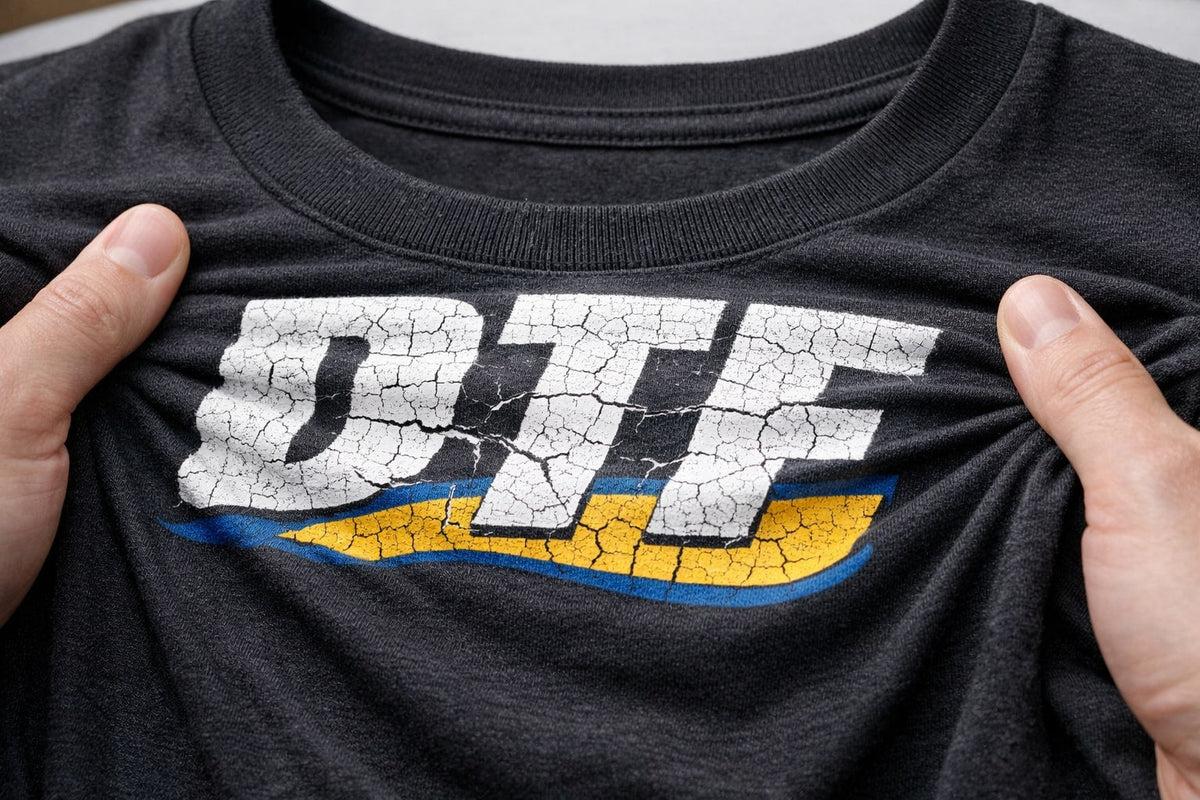
DTF transfers are commonly used on cotton, polyester, and poly-cotton garments. Still, material compatibility is a production question, not a blanket promise. For polyester tshirt with logo printing, especially on dark or vivid garments, test for heat sensitivity and dye migration before approving an order. The same logo can behave differently across garment brands, colors, and finishes.
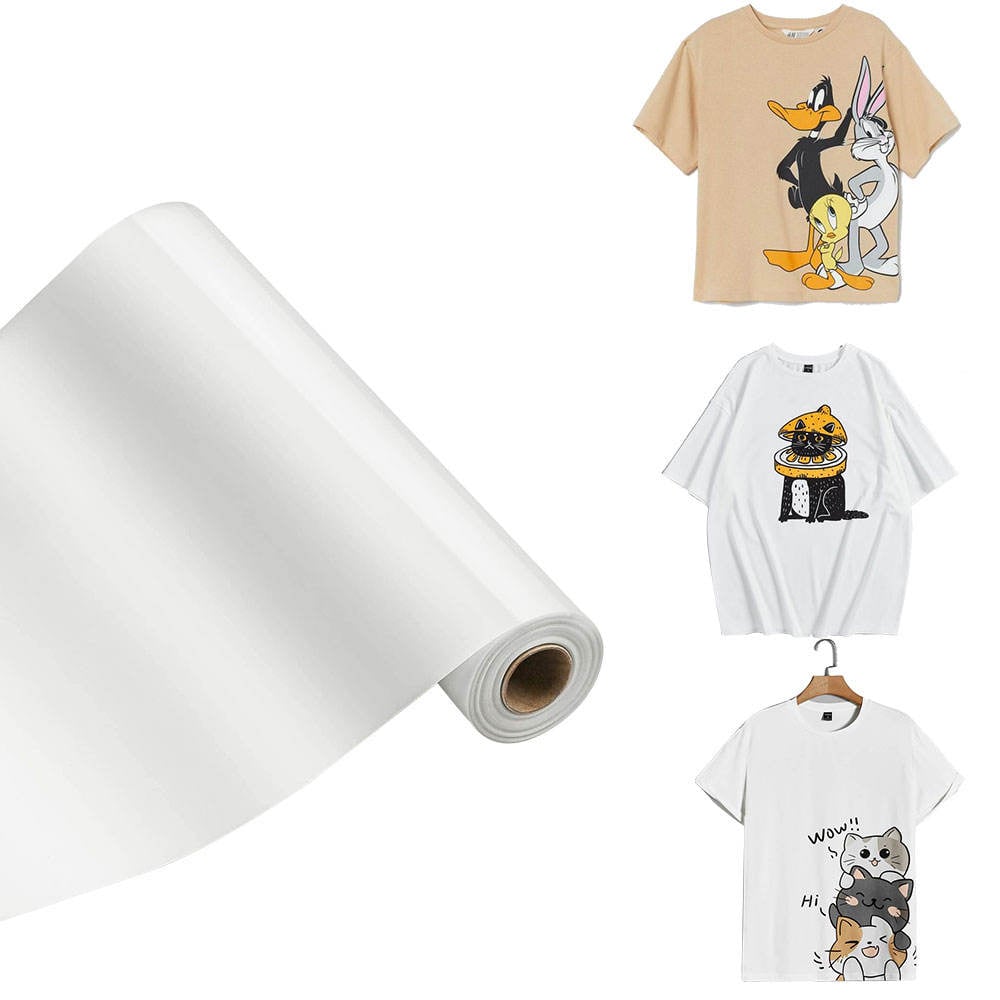
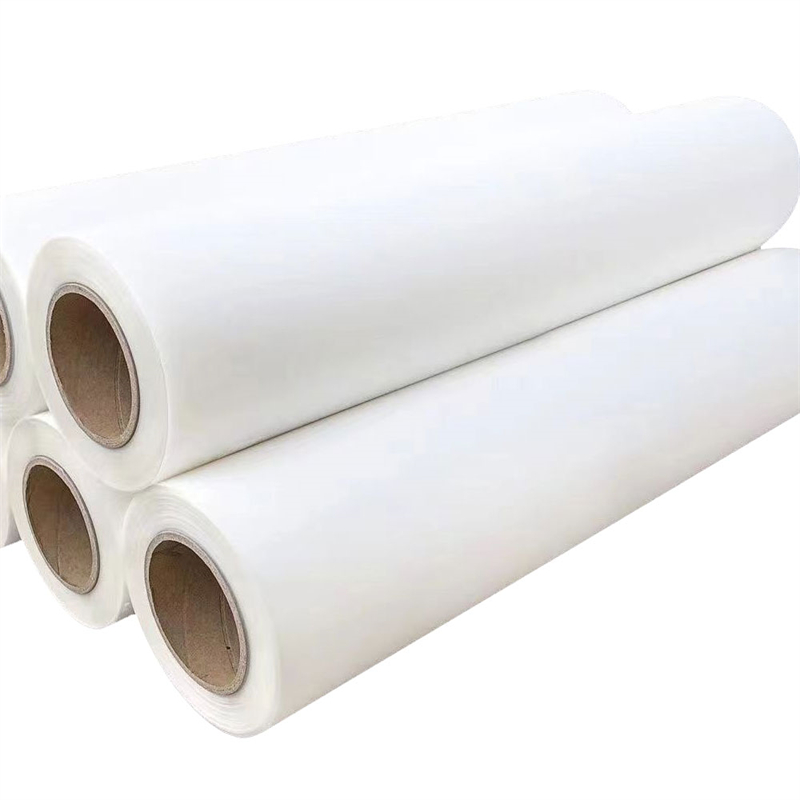
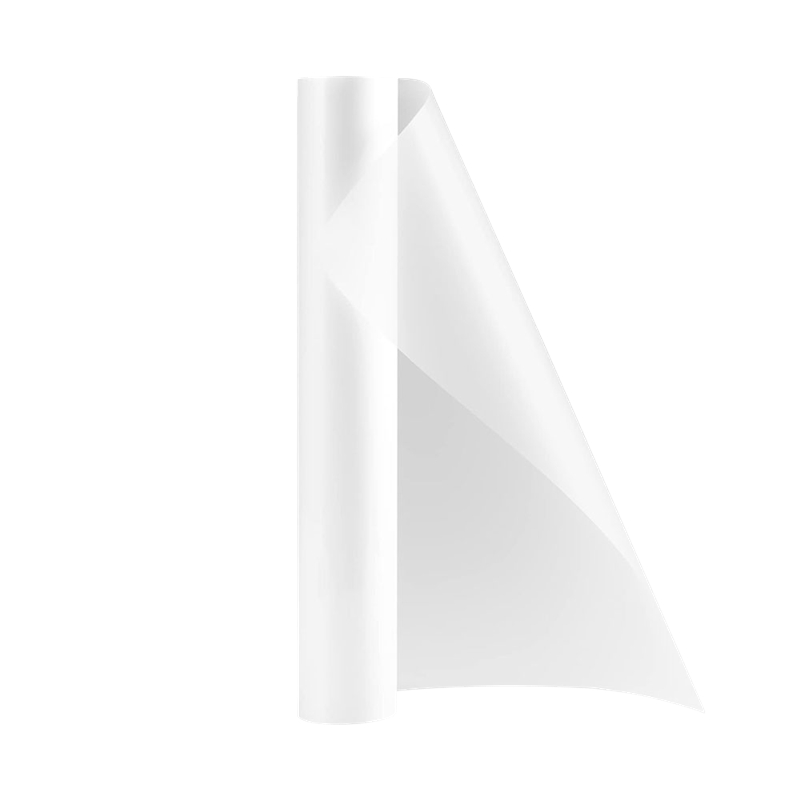
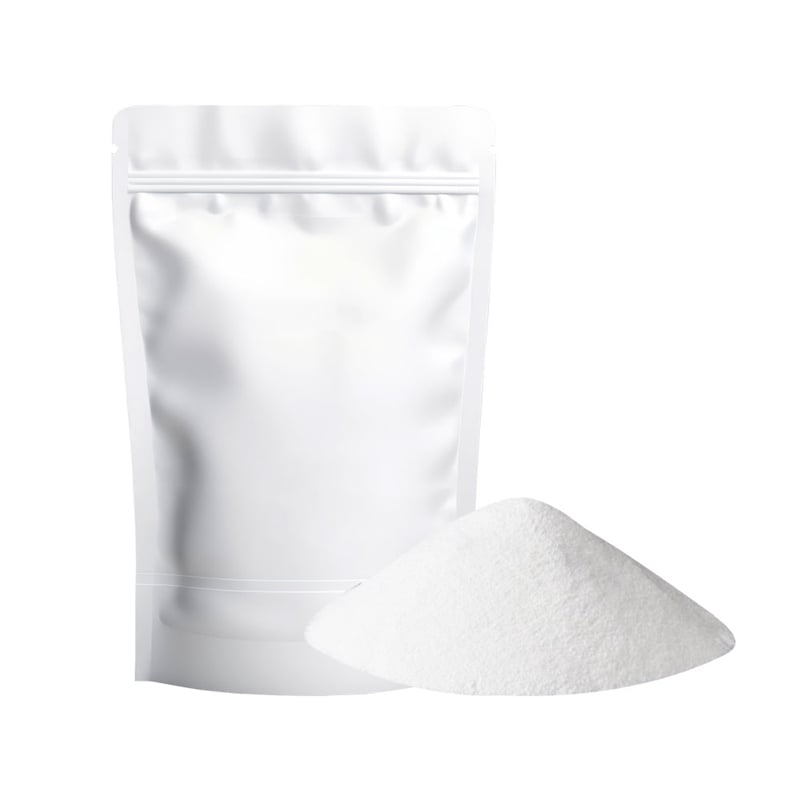
Build a sample matrix for cotton tees, poly-cotton workwear, performance shirts, and any specialty fabric you sell. For each tshirt with logo printing sample, document the film, powder, press settings, peel approach, and post-press result. That record is more useful than choosing by resolution alone. Higher resolution does not automatically create a better transfer; artwork preparation, ink behavior, profile control, and pressing discipline all influence the finished logo.
Compare Total Workflow Cost, Not Only Machine Price
The purchase price can feel like the central decision, until you start tracking film, powder, ink, labor, maintenance time, rejected transfers, and rush-order capacity. For tshirt with logo printing, a lower-cost system may be sensible if orders are intermittent and the required output is modest. It may be a poor fit if a limited workflow creates missed delivery windows during seasonal demand.
Ask every supplier to separate the quotation into printer, RIP software, curing or powder equipment, installation, training, consumables, recommended spare parts, and support terms. Then evaluate the whole line against a realistic production week. That comparison makes it easier to see whether a model is genuinely suited to tshirt with logo printing rather than merely inexpensive at the point of purchase.
Use a Supplier Demonstration to Reduce Risk
A purchase at this stage deserves more than a specification sheet. During evaluation, ask for your own files to be run through the proposed workflow and compare the outcome against your order requirements. Confirm how the supplier handles color profiles, file preparation, white-ink maintenance, operator training, installation, and fault escalation. You should also ask what is included after delivery and what work remains with your team.
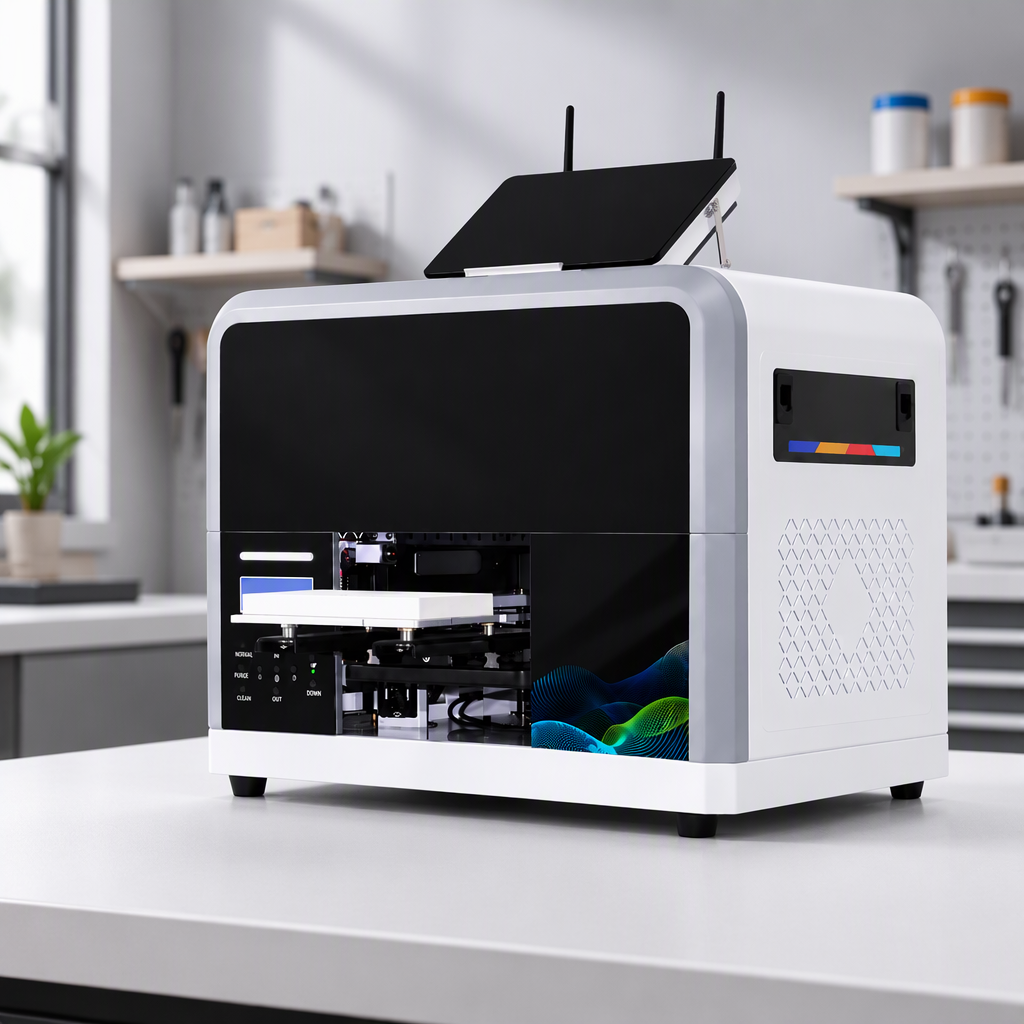
For businesses considering different production scales, Sunika lists both the Sunika SK-A3 DTF Printer F1080 330mm A3 Direct to Film Printer and the Sunika SK60 DTF Printer Dual I3200 600mm Tee Shirt Printer. Treat these as starting points for a workflow discussion and request samples based on your own tshirt with logo printing files and production expectations.
A Practical Final Checklist
- Define normal and peak tshirt with logo printing volumes.
- Match printer width to transfer layouts, not marketing claims.
- Validate white-ink circulation and the daily maintenance routine.
- Test your actual garment colors, fabrics, and logo artwork.
- Compare the entire print-to-press workflow, including support and consumables.
- Approve a supplier only after reviewing relevant sample transfers.
There is no universally right DTF printer for every logo decorator. The right fit for tshirt with logo printing is the one that gives your team a controllable workflow, suitable capacity, and support that matches the level of production you intend to build.