EN
EN


What Is DTF Hot Melt Powder and How to Use It for Perfect Heat Transfers
DTF powder is the adhesive layer that turns a freshly printed DTF film into a heat transfer that can bond to fabric. For a new DTF operator, it can look like a minor consumable. In practice, the way you apply, melt, and cure the powder has a direct effect on edge definition, wash durability, hand feel, and the number of transfers you need to remake.
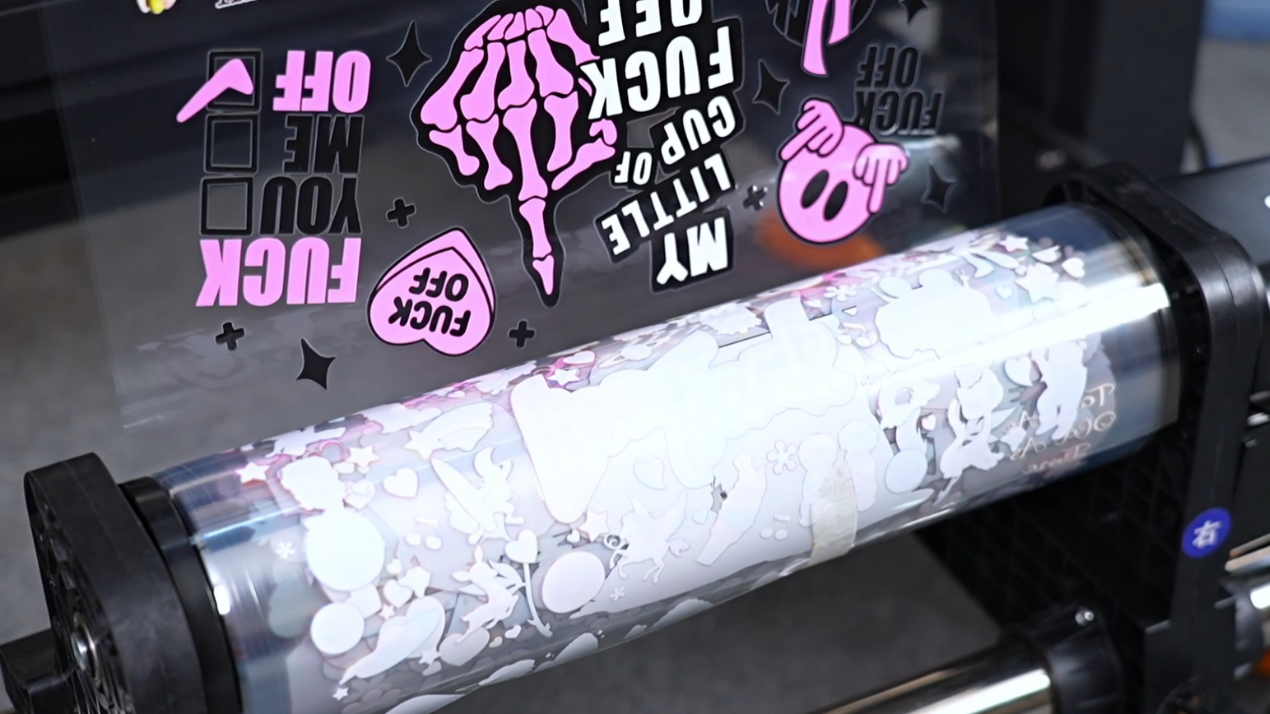
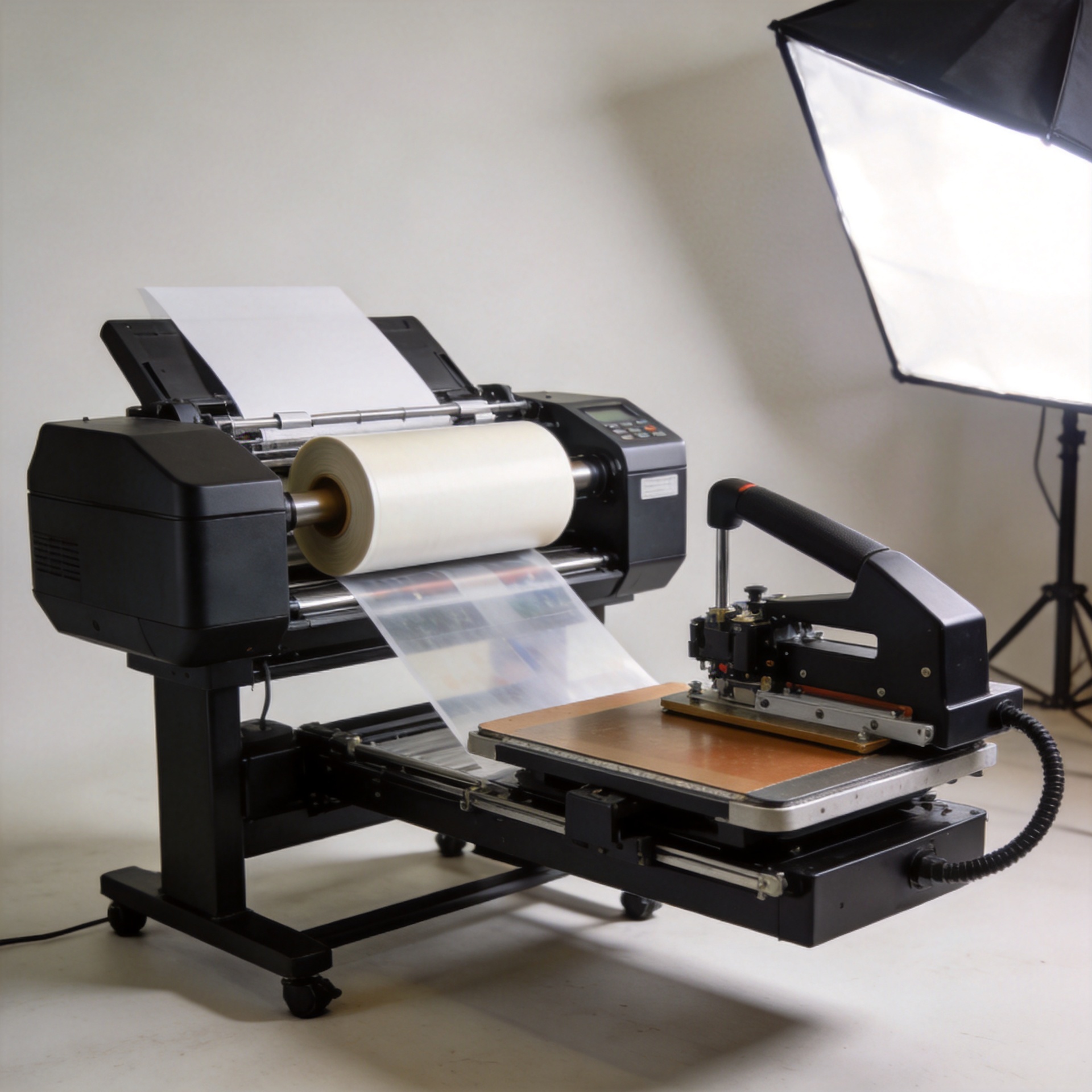
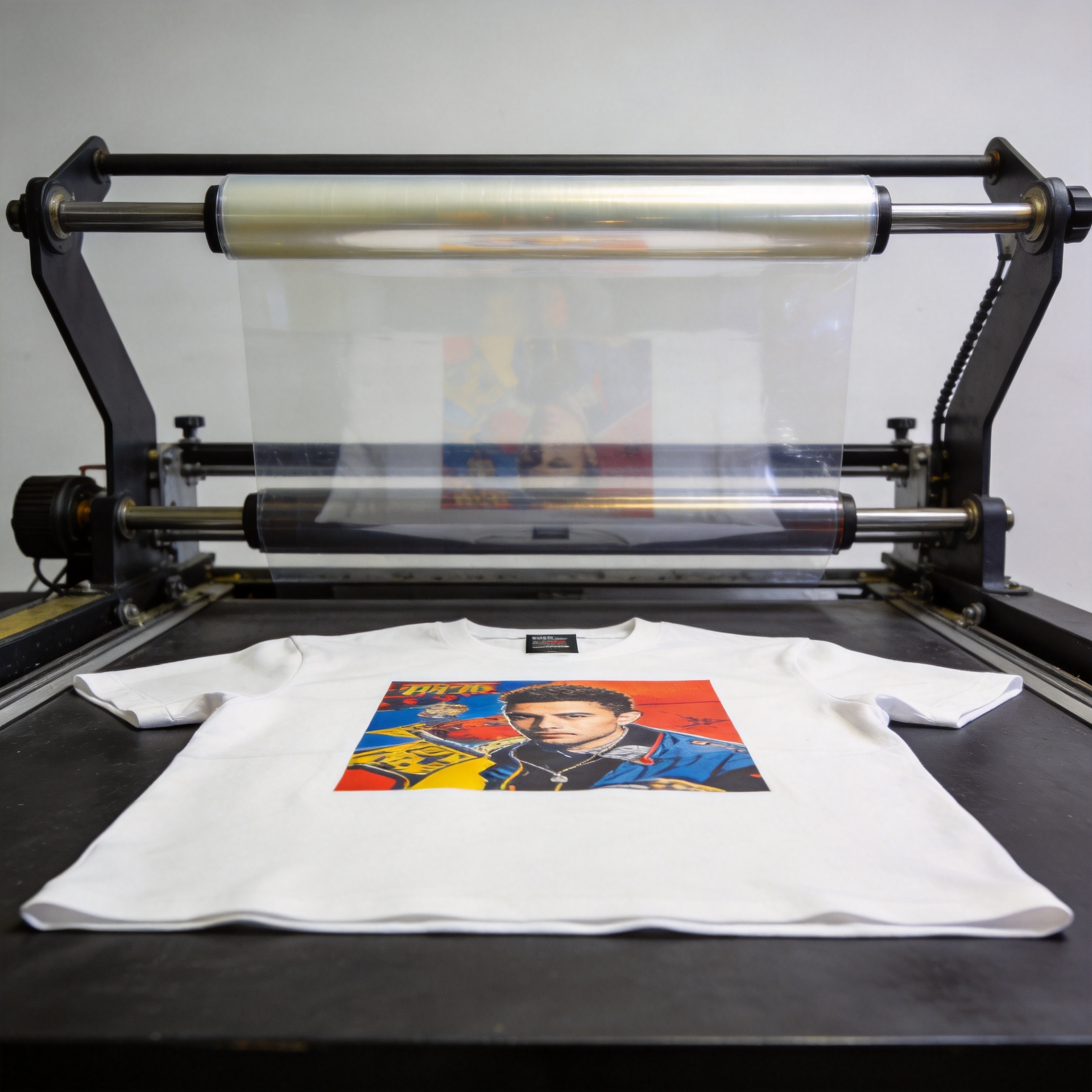
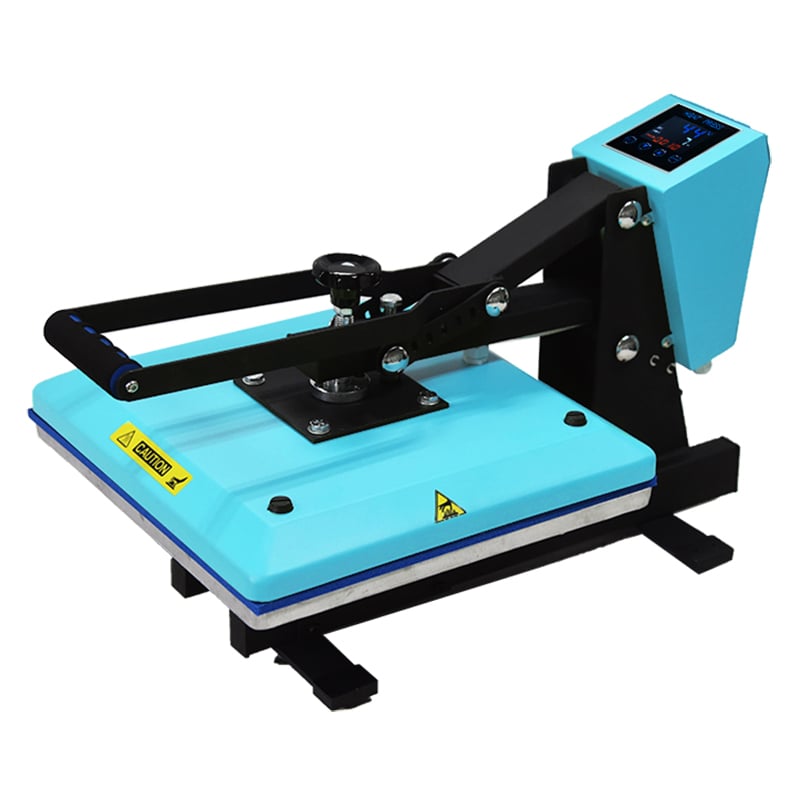
In a direct-to-film workflow, ink is printed onto coated film, the wet print is covered with dtf powder, and the powder is cured before the design is heat pressed onto a garment. The powder melts into a flexible adhesive layer. When pressing conditions and fabric are matched, that layer helps connect the printed design to the textile rather than merely sitting on the surface.
What Does DTF Powder Do?
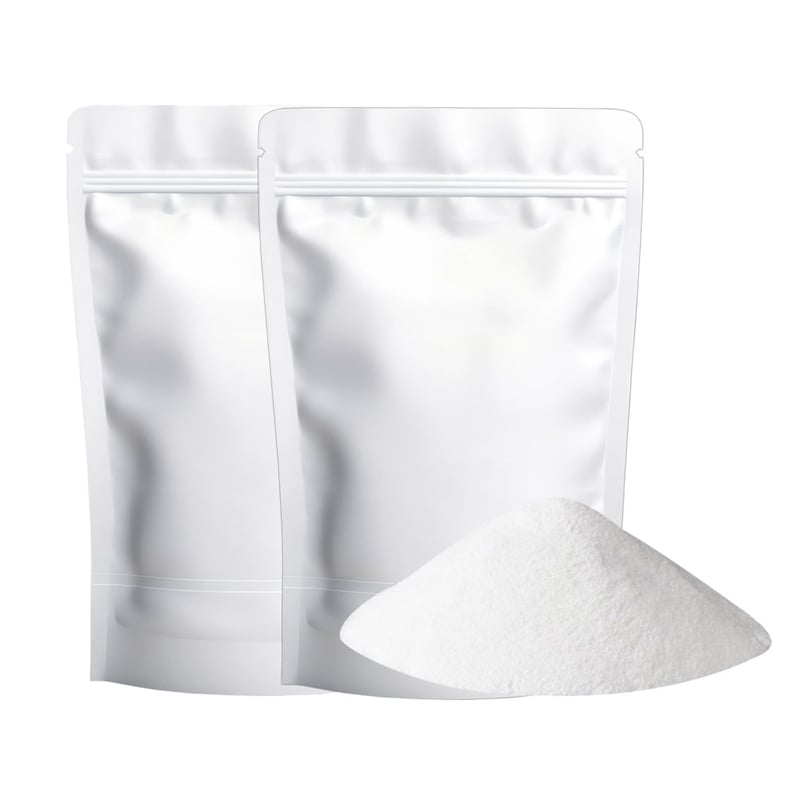
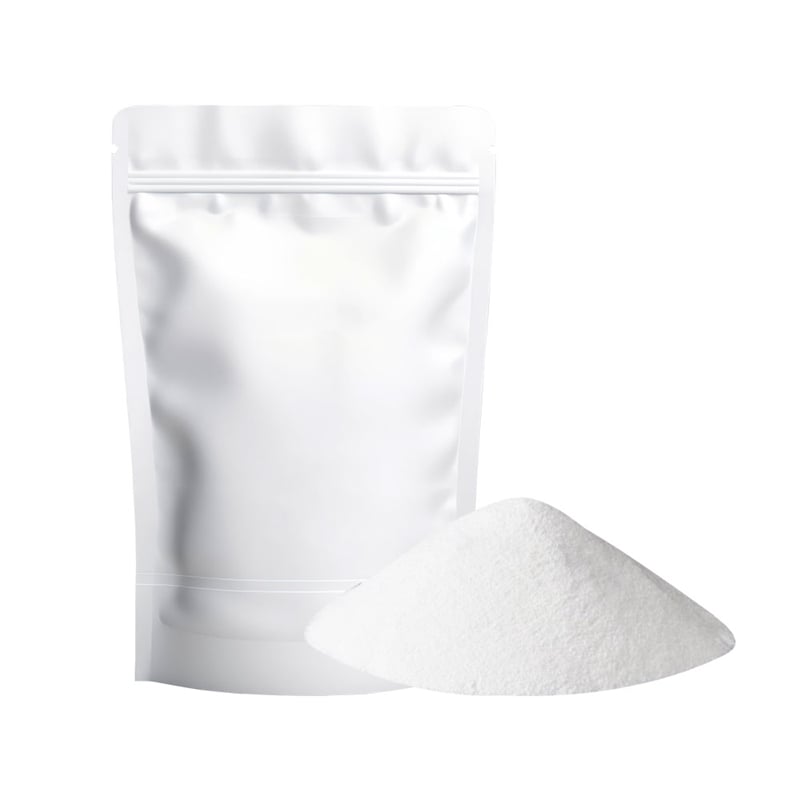
DTF hot melt powder is commonly a thermoplastic adhesive powder formulated for transfer printing. Its core job is simple: it coats the white-ink area on the film, melts during curing, and activates again under the heat press so the transfer can adhere to the garment. That adhesive bridge is why dtf powder matters for cotton, polyester, blends, and many other application tests.
Not every fabric or artwork needs the same handling. A small, detailed logo may expose excess powder around its edges, while a large solid graphic can reveal uneven coating or incomplete curing. Treat the powder stage as part of print quality control, not a separate finishing task.
Particle Size and Melt Behavior: Why They Matter
When comparing hot melt powder uses, look beyond the color of the bag. Particle size affects how the powder settles over wet ink and how easily excess material shakes away. Melt behavior affects how the adhesive layer forms during curing and pressing. A powder that is easy to distribute can still produce a poor transfer if its cure profile does not suit the film, ink, fabric, and equipment workflow.
For beginners, the useful question is not “Which powder fits my workflow?” It is “Which powder performs consistently in my tested process?” Record the film type, powder, curing method, press settings, fabric, and result for a few representative jobs. This creates a practical baseline before changing more than one variable at a time.
How to Apply DTF Powder Evenly
- Print the design on DTF film. Apply powder while the relevant ink layer is still wet. Waiting too long can make coverage inconsistent.
- Cover the printed area fully. Let the powder contact the wet ink rather than sprinkling only at the center of the design.
- Shake away the excess with controlled movement. Tilt and tap the film so loose powder leaves the non-printed areas. Avoid aggressive shaking that can disturb fine details.
- Inspect the edges before curing. Check lettering, transparent gaps, and thin lines under good light. Loose powder in these areas can create unwanted adhesive marks.
- Cure according to your validated powder-and-film workflow. Follow the supplier’s current instructions and confirm the result with a small test transfer before production.
A consistent coating is more valuable than a thick coating. Too little dtf powder can leave weak adhesion; too much can increase residue around the print, affect hand feel, or contribute to a rough edge. A repeatable shake-off routine is one of the easiest ways to reduce this variation.
Drying and Curing: The Step That Sets Up the Transfer
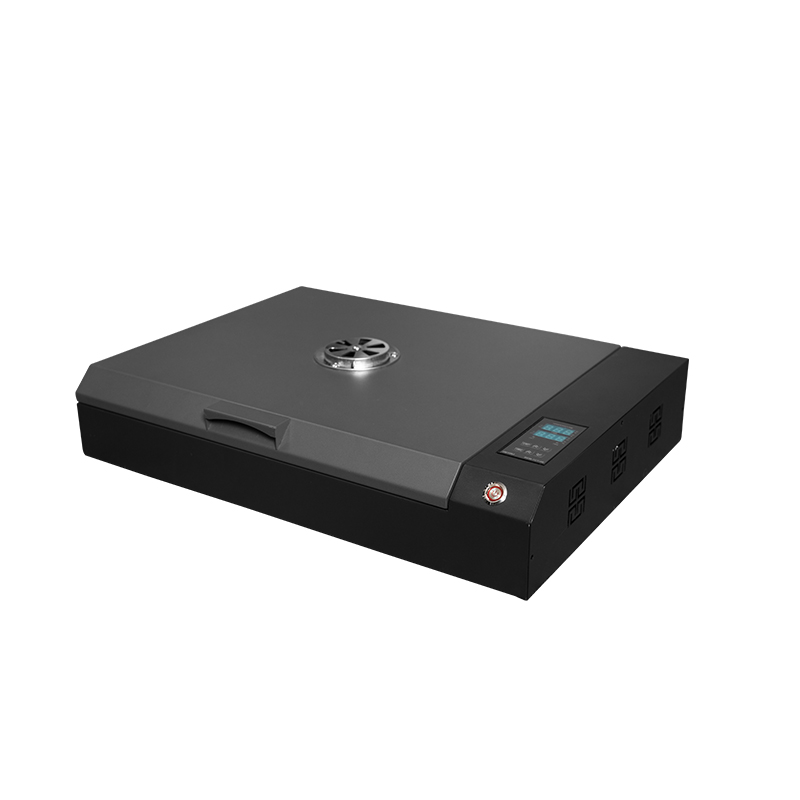
Curing is where the powder changes from a loose layer into a controlled adhesive film. Exact temperature and time are not universal: they depend on the powder formulation, film, oven or curing setup, garment material, and press process. Use the validated setting supplied for the consumables you are running, then confirm it through a production-like test.
Watch the transfer rather than relying only on a timer. Incomplete curing may leave an unstable adhesive layer, while excessive heat can alter the film or make the finished transfer less predictable. If you change powder, film, ink, or curing equipment, repeat the test rather than assuming an old setting still applies.
Common DTF Powder Problems and Practical Fixes
| Problem | Likely checkpoint | Practical next step |
|---|---|---|
| Powder sticks outside the design | Shake-off is incomplete or the work area is contaminated | Improve the shake-off angle, clean the work surface, and inspect fine areas before curing. |
| Transfer edges look uneven | Coverage varies across the wet ink | Use a steadier coating motion and compare several test films under the same lighting. |
| Adhesion is inconsistent | Powder, curing, pressing, or fabric variables are not aligned | Run a small matrix test while changing one condition at a time. |
| Finished print feels too heavy | Excess powder remains on the film | Refine the shake-off step before changing the entire workflow. |
A Simple Quality-Control Routine for DTF Powder
Before a larger run, keep one approved sample beside the printer. Compare powder coverage, cured appearance, press result, and edge cleanliness against that reference. This routine is especially useful when a new operator joins the team or when you switch between designs with fine text and large solid areas.
If you are sourcing consumables for a DTF workflow, use confirmed product information rather than assumptions. For example, you can review the Hot Melt Adhesive Glue White Powder For DTF Heat Transfer Film as part of your compatibility evaluation, then validate it with your own film, ink, curing equipment, and garment tests.
Final Takeaway
DTF powder is not just a finishing material. It is the adhesive stage that helps a printed film become a usable heat transfer. Start with even coverage, remove loose powder carefully, cure with a tested workflow, and document your results. Those habits make hot melt powder uses easier to control and give you a clearer path to cleaner, more consistent DTF transfers.