EN

UV DTF Transfer Printing for Product Branding: Where It Fits
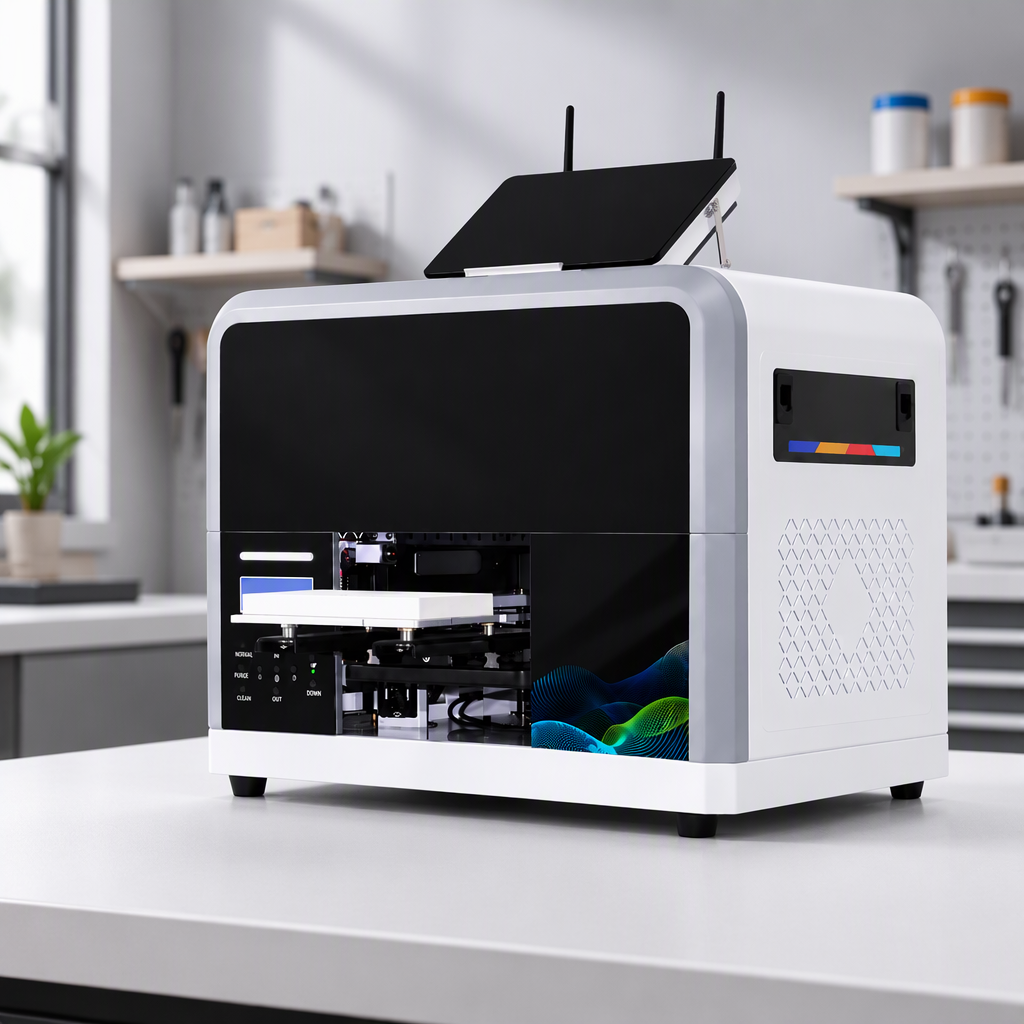
For a custom-product shop, an uv dtf transfer printer is most useful when a brand needs full-color decoration on items that are awkward to print directly. Think of a logo on a glass bottle, a small run of acrylic display pieces, or a personalized phone case with curves and edges. Rather than treating the machine as a universal answer, it helps to see it as one part of a repeatable branding workflow: select a suitable surface, prepare the artwork, make the transfer, apply it carefully, and approve a sample before scaling up.
This practical approach matters to both small customizers and larger print businesses. A UV DTF sticker printer for small business can let a team prepare branded transfers in batches, then decorate different compatible products without resetting a direct-print fixture for every shape. The result is flexibility—but only if material testing and production control are built into the job.
Where an uv dtf transfer printer fits in a branding workflow
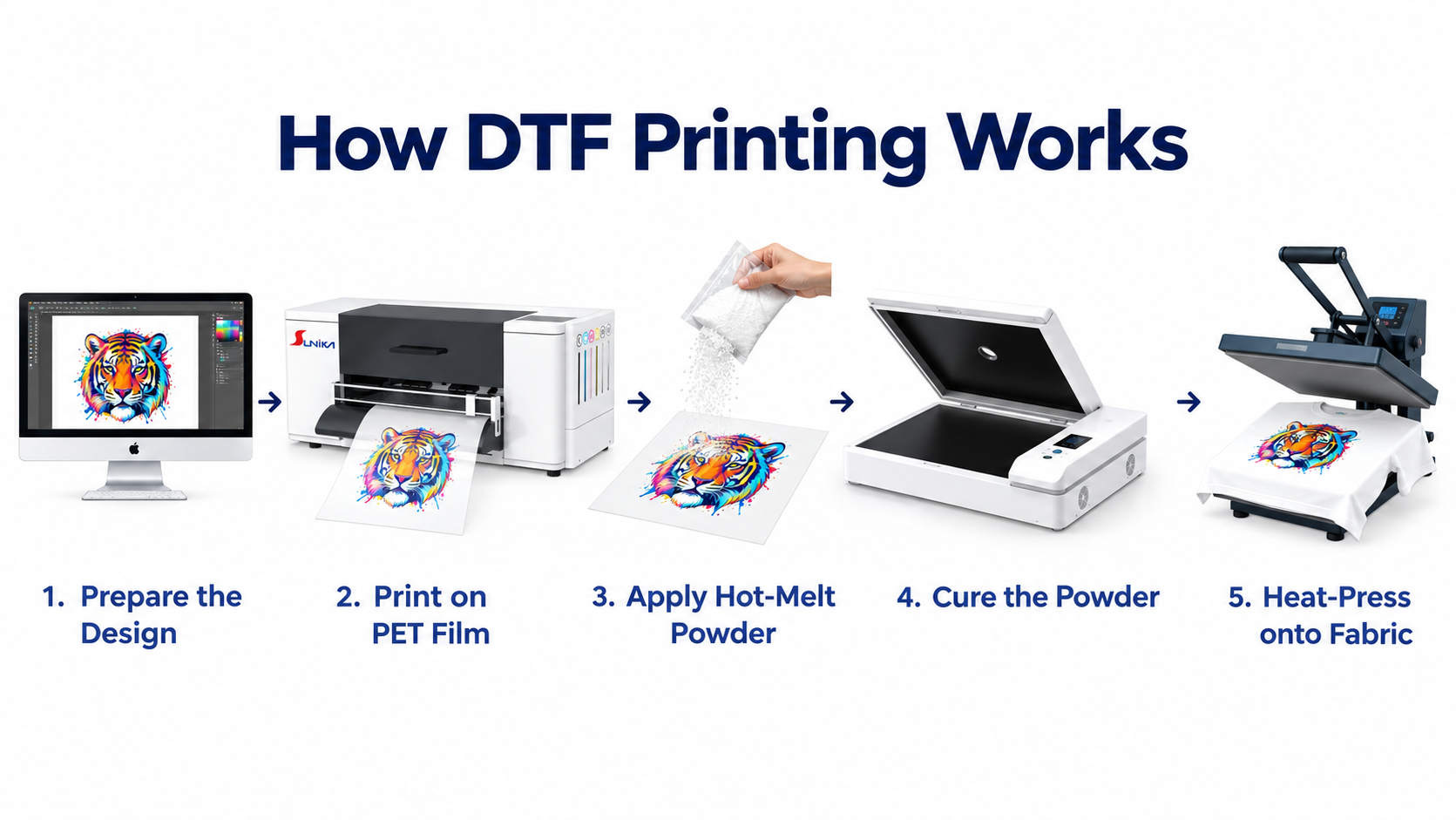
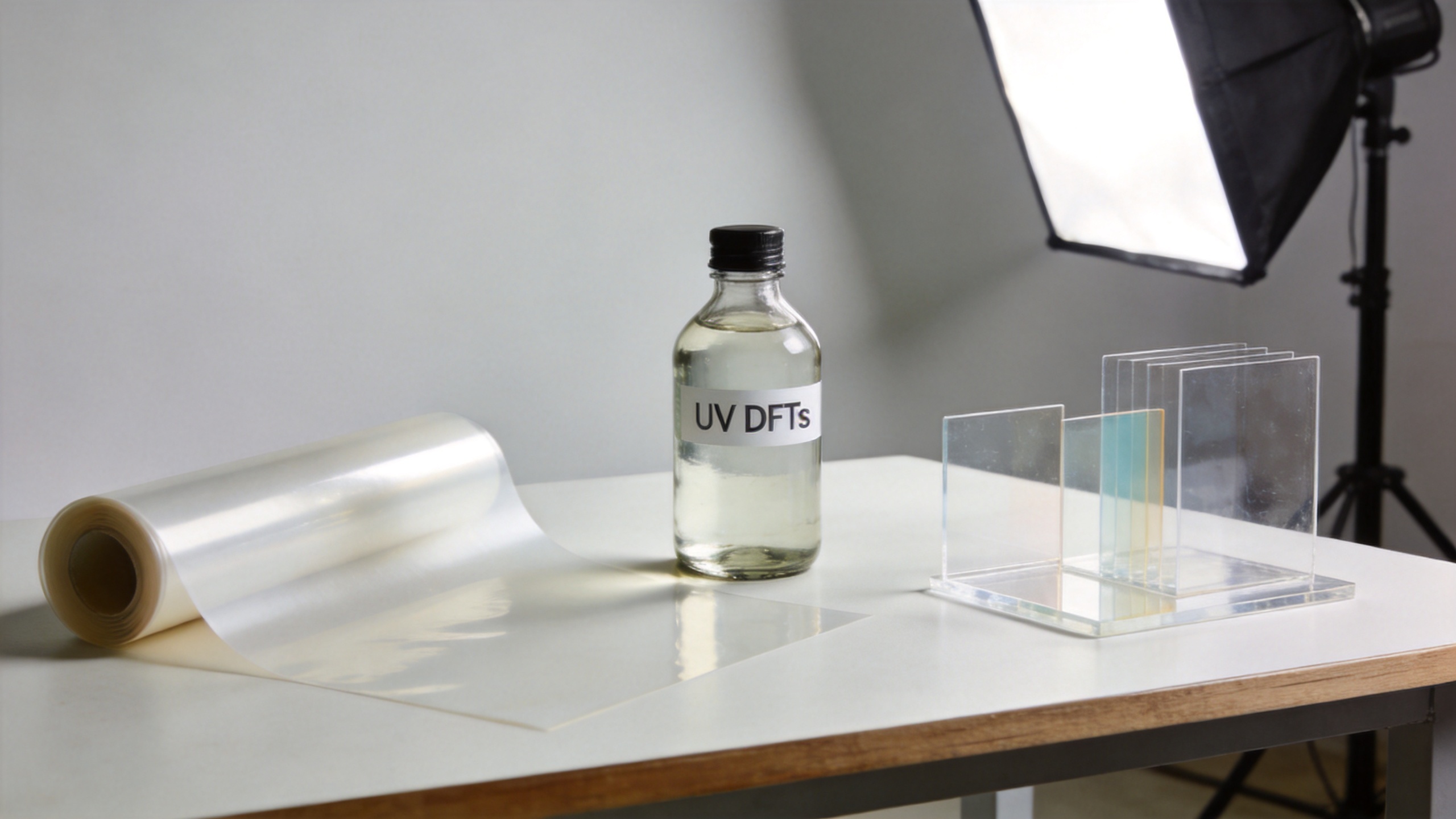
An uv dtf transfer printer produces a graphic on film rather than directly on the finished item. In a typical UV DTF workflow, the image is built with color, white and protective-varnish layers and cured with UV light; the transfer is then applied to the product surface. The exact layer sequence and operating settings vary by system, so operators should use their equipment documentation rather than copy settings from another shop.
This makes an uv dtf transfer printer a practical option for short branded runs, product sampling, seasonal packaging accessories, event merchandise, and mixed-shape catalogues. It does not remove the need for a sound artwork file or a stable application process. It simply moves the decoration step away from the product itself, which can reduce setup friction when the product shape changes frequently.
Choose the product surface before choosing the design
Surface condition is the first decision. UV DTF transfers are commonly used on smooth, hard, non-porous surfaces such as glass, acrylic, polycarbonate and PVC. That is a useful starting point, not an adhesion promise. Texture, coatings, release agents, mold residue, wax, oil, curvature, and the way a finished product will be handled can all change the result.
Before committing a campaign, use the uv dtf transfer printer to make a small test set on the actual production item. Clean the test area, apply the transfer with consistent pressure, allow the recommended settling time for the chosen materials, and inspect edges and fine lines. Products with heavily waxed or water-repellent finishes deserve special attention because the adhesive layer may not bond reliably. A branded transfer that looks good at first but lifts at an edge is a process problem, not just a design problem.
| Product condition | Why it matters | Useful pre-production check |
|---|---|---|
| Smooth, rigid surface | Usually offers a more even contact area | Run a placement and edge-adhesion sample |
| Curved item | Artwork may stretch or trap air during application | Reduce design size and test the most curved zone |
| Coated or treated surface | Surface chemistry can reduce bonding | Confirm cleaning method and test a real finished item |
| Highly textured surface | Contact can be incomplete around the texture | Evaluate legibility and edge hold before selling |
A clear production sequence prevents avoidable rework
For product branding, the strength of an uv dtf transfer printer is not only the print itself; it is the ability to standardize the sequence. Start with artwork that has a defined final size, safe margins, and readable small text. Check brand colors and any white areas that need opacity against the actual product color. Then make the transfer, inspect it before application, and apply it on a clean product using one documented method.
- Confirm the brand brief. Lock the logo version, placement, size, and the item list before output.
- Screen the substrate. Identify the actual product material and finish; do not assume two visually similar items behave the same way.
- Prepare and print the transfer. An uv dtf transfer printer should be maintained and profiled according to its own ink, film, and curing requirements.
- Inspect before application. Look for small text, registration, color consistency, and obvious film defects while the transfer is still easy to replace.
- Apply and approve. Use a sample approval checkpoint before repeating the job across the batch.
That sequence is especially helpful when multiple product lines share a logo but differ in shape. The transfer can be prepared once, while the application method is adjusted for each validated item. It also makes it easier to separate a print issue from a substrate or handling issue when a result does not meet the brand standard.
How small businesses can use UV DTF without overpromising
A UV DTF sticker printer for small business can support branded gifts, drinkware accessories, cosmetic containers, retail displays, hard promotional items, and prototype packaging components. The commercial value is often operational: a shop can offer personalization or limited editions without treating every product as a separate direct-print setup.
Still, the right message is not “works on everything.” A responsible offer explains the approved product materials, the expected look, and the need for sample validation. For logos exposed to abrasion, washing, heat, outdoor use, or frequent handling, define the use case first and test it under relevant conditions. The uv dtf transfer printer creates the decoration; the product’s real-world use determines whether the finished combination is appropriate.
Evaluate equipment around the work you actually plan to sell
When comparing an uv dtf transfer printer, start with the mix of transfer sizes, expected volume, artwork detail, and operators—not only a headline specification. Ask whether the workflow can support the film width you use, the maintenance rhythm your team can follow, and the inspection standard your brand customers expect. Also consider how easily you can create repeatable samples before opening a new material or product category.
For teams building a UV DTF offer, Sunika lists equipment intended for this production category, including the Sunika Sk30-3 UV DTF printer 300mm UV DTF Sticker Printer Triple F1080 and the SK-U301 30cm UV DTF printer for glass and phone cases. Review the current product information directly and match the equipment to a validated production plan rather than assuming any machine configuration fits every item.
Build a brand-customization process, not just a print step
A disciplined use of an uv dtf transfer printer is to make product branding more adaptable while keeping quality decisions visible. Begin with compatible products, document a tested application method, approve a physical sample, and keep the artwork and inspection criteria tied to the order. With that discipline, UV DTF can help a brand move from one-off customization to a more repeatable decoration workflow, without making claims the substrate or end use has not earned.