EN
EN

UV DTF Printing Explained: How the Technology Works and What You Can Print
At first glance, uv dtf print may sound like ordinary sticker production. The working method is different. UV DTF is a transfer-based decoration process for many hard, smooth items: the artwork is printed to film, UV-cured, then transferred to the finished surface without putting that item inside a printer. That difference is why the process has become relevant to shops that decorate glassware, metal accessories, ceramic containers, acrylic pieces, and phone cases.
This guide explains the basic workflow, where a uv dtf machine fits in, which surfaces make sense to test, and how a dtf uv printer differs from standard textile DTF equipment.
What is UV DTF printing?
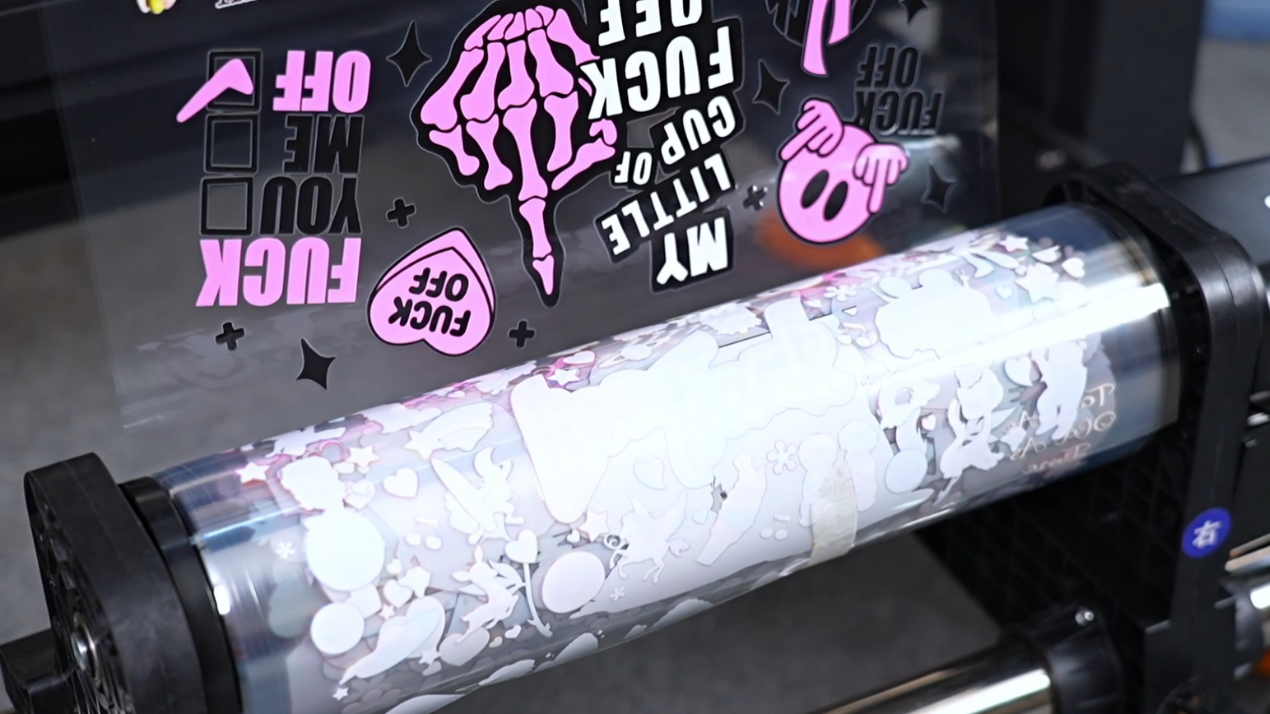
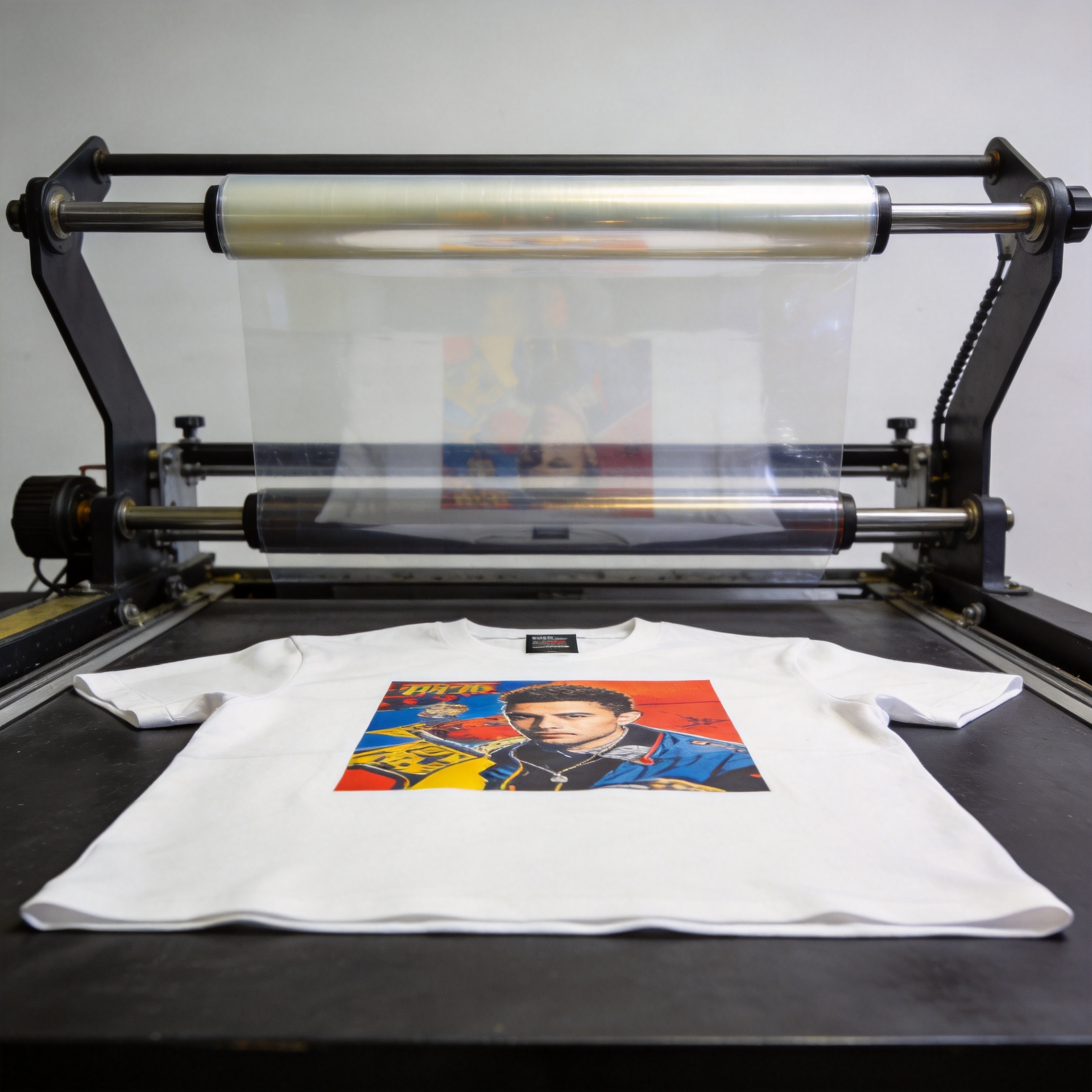
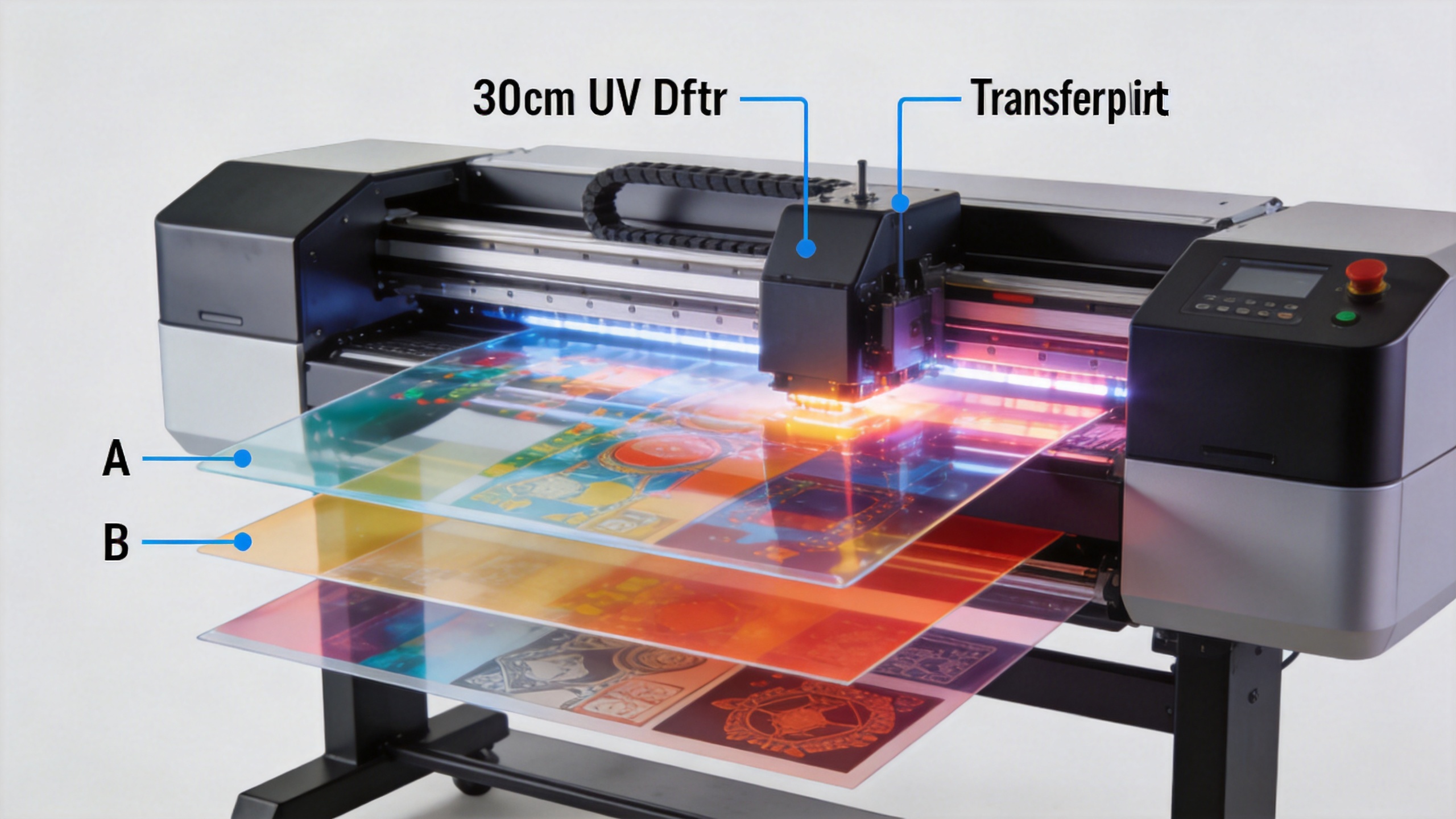
UV DTF means ultraviolet direct-to-film. In a typical uv dtf print workflow, a printer lays down a mirrored design on a release film using UV-curable inks. UV light cures the printed layers, and a second adhesive/laminating film becomes part of the transfer. After the transfer is prepared, the operator positions it on the target item, applies even pressure, and removes the carrier film at the correct stage.
What matters in practice is that the final object does not need to be flat enough to pass under a print carriage. The print is created on film first. For brands and decorators, that can make short-run personalization of awkwardly shaped hard goods more practical than direct printing in some cases.
How the UV DTF workflow works: film, ink, curing, and transfer
- Prepare the artwork. Fine text, small details, and bleed areas deserve a quick review because the printed transfer is handled separately from the final object.
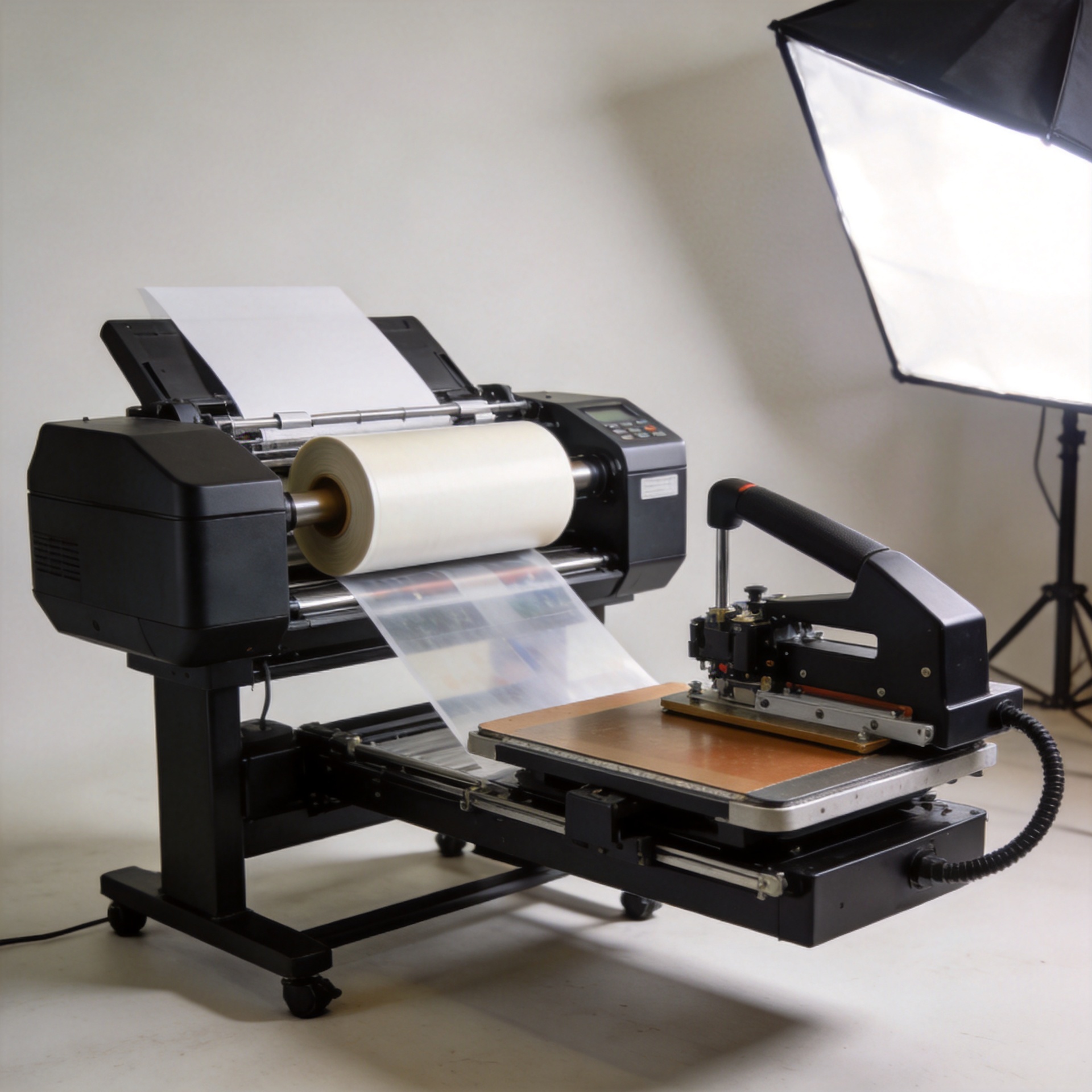
- Print onto the release film. The uv dtf machine prints the image and adhesive-related layers in a controlled sequence. Exact layer order and RIP settings depend on the equipment and consumables.
- UV-cure the image. UV curing converts the ink layer from wet to stable quickly. It is a core difference between this process and heat-based transfer methods.
- Laminate and trim the transfer. The second film protects and carries the adhesive side of the design until application.
- Apply to a cleaned surface. Place the decal carefully, press it down from the center outward, then peel the carrier according to the film supplier’s instructions.
It helps to treat film, ink, curing settings, and the receiving surface as one system. A uv dtf print may look excellent on the release film yet disappoint after application if surface cleaning, film compatibility, or pressure is inconsistent.
What can you print with UV DTF?
UV DTF is commonly explored for smooth, non-porous or lightly textured hard surfaces. Typical test categories include:
- Glass bottles, jars, tumblers, and signage
- Metal drinkware, tins, tags, and coated accessories
- Ceramic mugs, tiles, and decorative pieces
- Acrylic displays and plastic packaging
- Phone cases and other small consumer accessories
Think of that list as a starting point rather than a guarantee. Surface coatings, curvature, texture, cleaning residues, and the specific film/ink combination all affect adhesion. A dtf uv printer can help a shop produce transfer graphics for varied hard goods, but a small production test is still the sensible way to approve a new substrate.
Highly porous, dusty, waxed, flexible, or sharply textured materials are more challenging. If the transfer cannot make broad, consistent contact with the surface, edge lift or incomplete adhesion becomes more likely. It is a small detail, but cleaning and drying a test piece before application often reveals whether the material—not the printer—is the real constraint.
UV DTF vs. standard DTF: the material difference
| Question | UV DTF | Standard DTF |
|---|---|---|
| Primary target | Hard, smooth items such as glass, metal, ceramic, acrylic, and selected plastics | Textiles and apparel fabrics |
| Ink curing | UV-cured ink system | Typically uses textile ink, hot-melt powder, curing, and heat pressing |
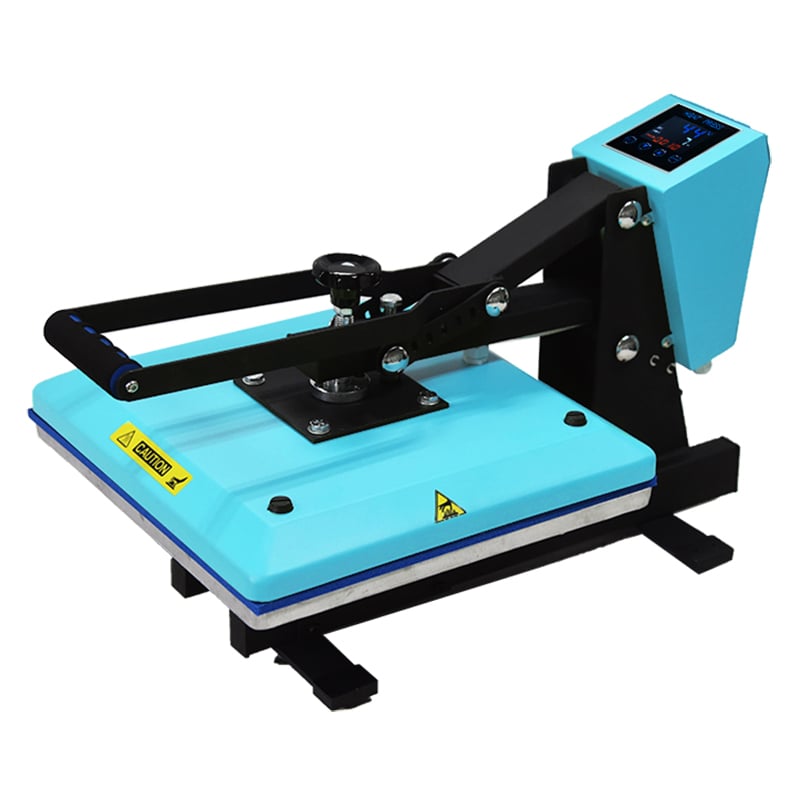
| Application | Pressure-applied transfer film; no heat press is normally used for the item | Heat press transfers the design to fabric |
| Key evaluation question | Will this surface accept the transfer cleanly and durably? | Will this fabric, powder, and press setting produce the required feel and wash performance? |
Neither route is automatically better. Standard DTF is designed around textile decoration, while uv dtf print opens a route for hard-goods decoration. If your orders are dominated by garments, UV DTF is not a replacement. If you need logos on bottles, cases, boxes, or gift items, it may be the more relevant process to evaluate.
Choosing a UV DTF machine for your workflow
For awareness-stage buyers, start with the workflow rather than a headline specification. Ask what items you decorate, how wide the artwork needs to be, how often you will run transfers, and whether the team can maintain a repeatable cleaning, color, and film-handling routine. A uv dtf machine should fit those answers—not just a product comparison chart.
Sunika’s UV printing portfolio includes equipment dedicated to this category. If you are researching 30 cm formats for hard-goods transfers, review the Sunika Sk30-3 UV DTF printer 300mm UV DTF Sticker Printer Triple F1080 and the SK-U301 30cm UV DTF printer for glass phone cases as starting points for a configuration discussion. Product pages should be paired with your own substrate and production-volume requirements before a purchasing decision.
A practical first-test checklist
- Use the exact glass, metal, ceramic, acrylic, or phone-case material you plan to sell.
- Clean several samples consistently and document any coating or texture differences.
- Test fine lines, solid fills, corners, and curved regions—not only a simple logo.
- Record the film, ink, cure, and application settings used for each sample.
- Inspect edges after a reasonable handling period and repeat the test before scaling production.
Have you ever seen a transfer look clean on a flat sample but lift around a curved edge? That is exactly why a representative sample set matters. A controlled test can tell you more than a generic claim about material compatibility.
Final takeaway
UV DTF printing is a film-transfer technology that combines UV-cured graphics with adhesive transfer layers for hard-surface decoration. It is especially useful to explore when your product mix includes glass, metal, ceramic, acrylic, plastic, or phone cases. Reliable results come from matching the uv dtf print workflow to the receiving surface, consumables, and production routine. Start with a real sample, compare it with standard DTF only in the context of your material needs, and use a suitable dtf uv printer configuration to build a repeatable process.