EN
EN


UV DTF Printer Cost: What to Include in Your Equipment Budget
When comparing a uvdtf printer, the machine quote is only the starting point. A workable UV DTF sticker operation needs a coordinated system: the printer, print-and-laminate workflow, inks and films, RIP software, installation readiness, and a support plan for the first months of production. For buyers serving custom-gift, packaging, promotional-product, or hard-surface decoration markets, a complete budget prevents a low initial quote from turning into a delayed launch.
The practical way to compare uv dtf printers is not to ask, “What does the printer cost?” Ask, “What must be in place before I can produce saleable stickers consistently?” That distinction matters because UV DTF output depends on white ink control, color setup, film handling, UV curing, and lamination working together.
Start with the core UV DTF equipment configuration
First, define exactly what the supplier’s base quotation includes. A uvdtf printer may be sold as a printer-only unit, as a print-and-laminate configuration, or as part of a more complete production package. Those are not equivalent budgets.
- Printer and printhead configuration: Confirm the model, print width, number and type of printheads, white/varnish channel configuration, and whether the listed configuration is the one being shipped.
- UV curing components: Ask how curing is integrated and what routine checks are required. Curing affects adhesion and finish, so it should not be treated as an invisible add-on.
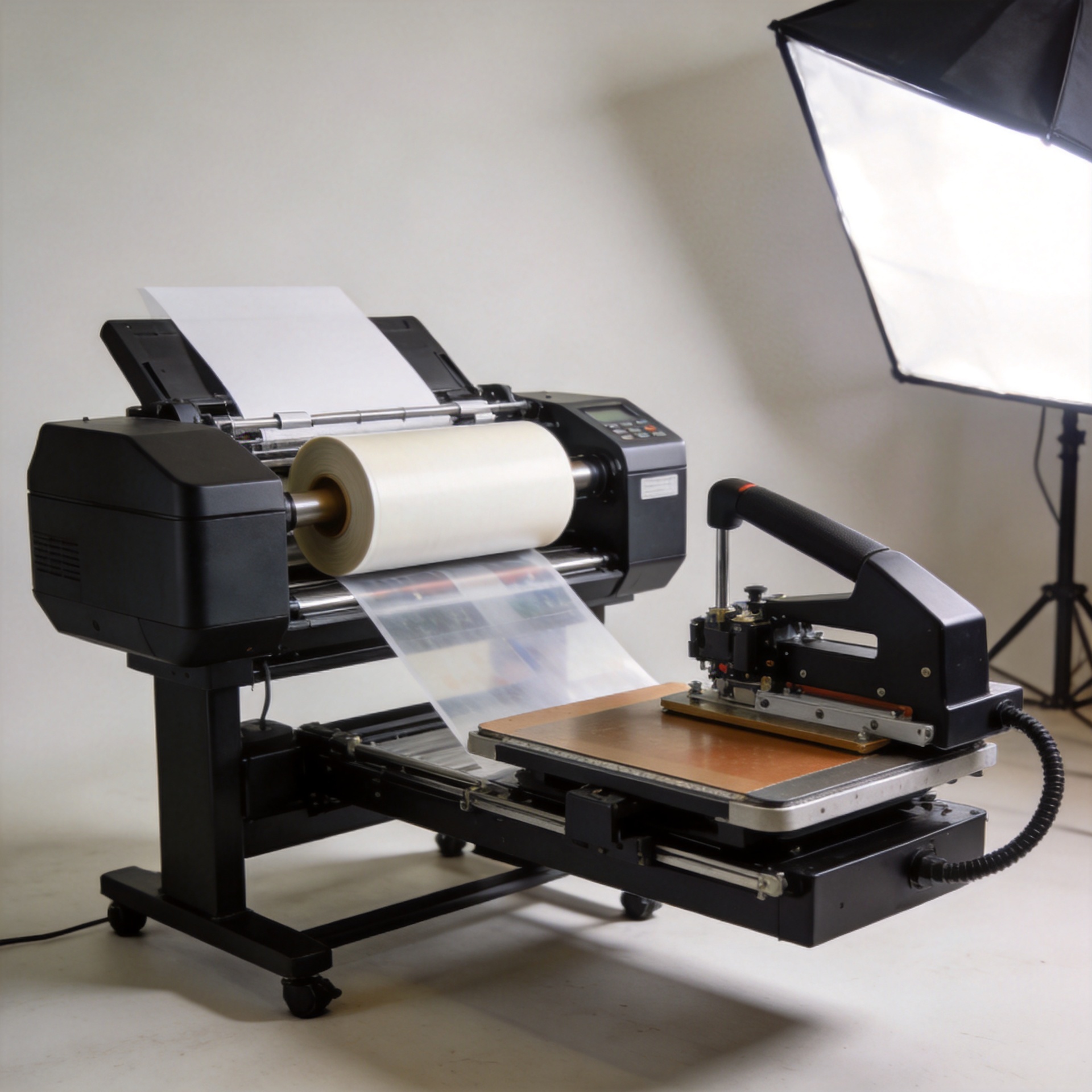
- Laminator or integrated lamination path: UV DTF stickers commonly require a controlled film-lamination stage. Confirm whether this is included, separate, or integrated.
- Computer and connectivity: Check whether a production PC, cables, drivers, and compatible operating-system requirements are part of the offer.
A dedicated system can make sense when UV DTF sticker production will be a regular revenue line. But a larger or more automated setup is not automatically the better purchase. The right uvdtf printer configuration depends on your expected sticker sizes, daily order mix, available floor space, and the operator time you can support.
Budget the consumables needed to start, not just to demonstrate
The purchase price felt like the main decision until many buyers began tracking the inputs required for a stable workflow. The real planning number is the operating cost per usable sticker, not only the machine invoice.
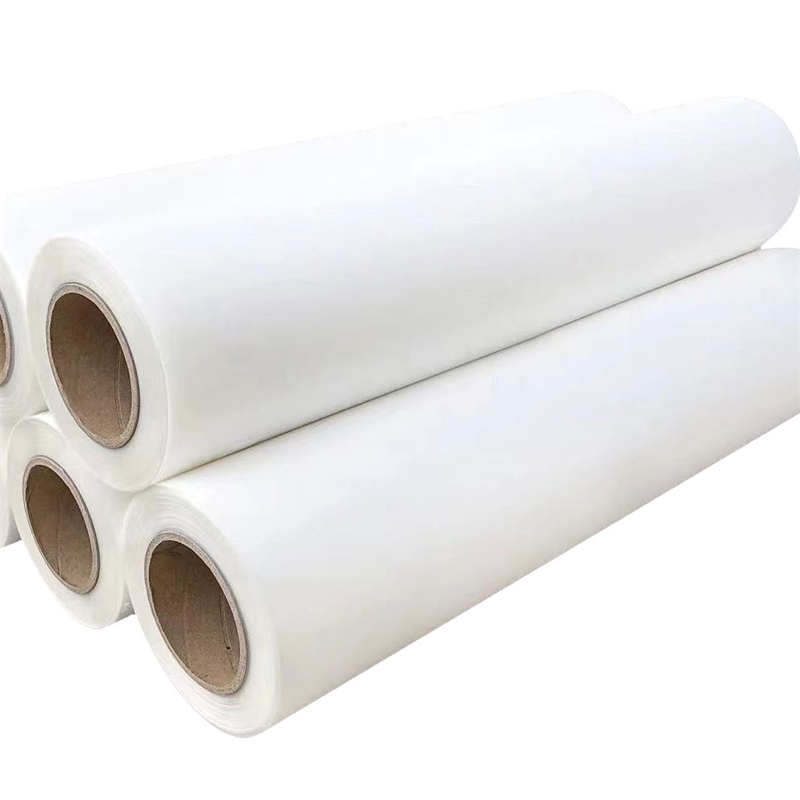
Your launch budget should identify the initial quantity and replenishment path for UV inks, cleaning liquid, A film, B film, waste supplies, and any approved maintenance consumables. Do not assume every film or ink behaves the same way in every setup. Compatibility between the ink, film, RIP profile, and printer configuration can affect color, adhesion, and reprint rates.
Ask suppliers to separate included starter stock from ongoing supplies. Starter bundles are useful, but they may not represent the volume or material mix needed for your first customer orders. A sensible budget also keeps a contingency for test prints, calibration sheets, failed applications, and early workflow learning.
Include RIP software, color setup, and file-preparation costs
RIP software is a budget item because it manages the instructions behind the printed result: color handling, white ink layers, resolution, and job settings. Confirm the license type, whether it is perpetual or subscription-based, which computer it is tied to, and whether an ICC profile or calibration service is included.
There is a common assumption that bundled software simply works out of the box. In practice, the useful question is whether the supplied RIP workflow is configured for your exact uvdtf printer, ink set, film, and operating environment. Budget time for test files and operator training, especially if your customers expect repeatable brand colors or fine detail.
Also separate design software from RIP software. Your team may already have artwork tools, but production still needs a reliable process for file checks, white-layer preparation, and job approval. That process is part of implementation cost even when the software line on the invoice is small.
Plan for installation, workspace readiness, and training
A UV DTF system arrives in a real workspace, not in a product brochure. Before placing an order, review power requirements, ventilation needs, temperature and humidity stability, bench or floor layout, delivery access, and space for film rolls and completed transfers. Freight, insurance, import handling, unloading, and local electrical work should be shown as separate assumptions in the budget.
Training deserves the same attention. A supplier may offer remote setup support, on-site service, video instruction, or a mix of these. Clarify what is included: installation assistance, RIP configuration, nozzle checks, white ink circulation routines, film loading, lamination adjustment, test-print approval, and troubleshooting during the first production period. Good onboarding reduces waste while operators are learning the system.
Protect the budget with maintenance, spares, and support
Do not classify every maintenance cost as an unexpected expense. A uvdtf printer needs routine cleaning, checks, and a defined response plan when output drifts. Budget for the recommended cleaning materials, a basic spare-parts list, and the shipping path for replacement parts. Ask which items are wear parts, which are covered by warranty, and how technical support handles remote diagnosis.
This is particularly important for overseas procurement. A lower equipment price may be less valuable if the supplier cannot clearly explain documentation, support channels, spare-part availability, and the steps for resolving a production interruption. For a budget-sensitive buyer, support is not a vague service promise; it is a way to limit downtime and unplanned rework.
UV DTF Printer Budget Confirmation Questions
Use these short checks when comparing suppliers. Each answer should be written into the final quotation for your uvdtf printer.
- Is the uvdtf printer base unit fully specified?
- Which printheads are fitted to the uvdtf printer?
- Does the uvdtf printer include white-ink circulation?
- Is a laminator included with the uvdtf printer?
- Which UV inks ship with the uvdtf printer?
- Which A and B films suit the uvdtf printer?
- Is cleaning liquid included for the uvdtf printer?
- Does the uvdtf printer quote include RIP software?
- Is the RIP license matched to the uvdtf printer?
- Are ICC profiles configured for the uvdtf printer?
- Does the uvdtf printer package include a computer?
- Are drivers installed for the uvdtf printer?
- What power supply does the uvdtf printer require?
- What workspace ventilation supports the uvdtf printer?
- Who installs and tests the uvdtf printer?
- Does training cover daily uvdtf printer checks?
- Does training cover film loading on the uvdtf printer?
- Does training cover RIP setup for the uvdtf printer?
- Which maintenance tools support the uvdtf printer?
- Which spare parts accompany the uvdtf printer?
- What warranty applies to the uvdtf printer?
- How is remote support provided for the uvdtf printer?
- What freight costs belong to the uvdtf printer?
- What import costs belong to the uvdtf printer?
- What commissioning support follows the uvdtf printer delivery?
- What recurring supply plan protects the uvdtf printer?
- What downtime process applies to the uvdtf printer?
- What acceptance test confirms the uvdtf printer setup?
- What documentation ships with the uvdtf printer?
- What operator time must the uvdtf printer budget include?
Use a quote-comparison checklist before you decide
Build a single table for every supplier quotation. Include the machine configuration, curing and lamination components, RIP license, computer, initial inks and films, maintenance kit, spare parts, packaging and freight terms, installation, training, warranty, and expected support response path. Mark each item as included, optional, excluded, or unclear.
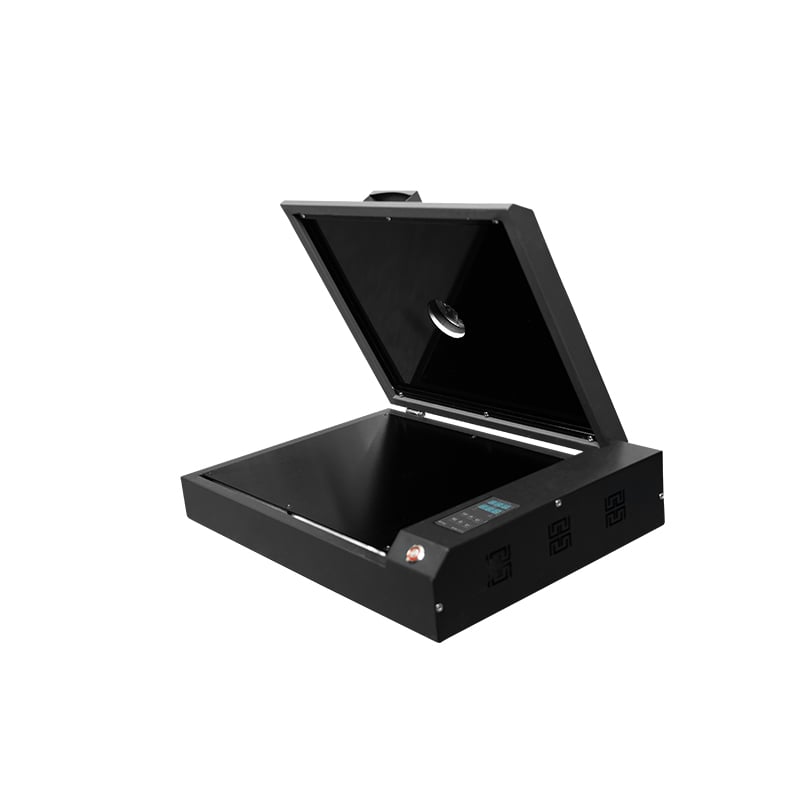
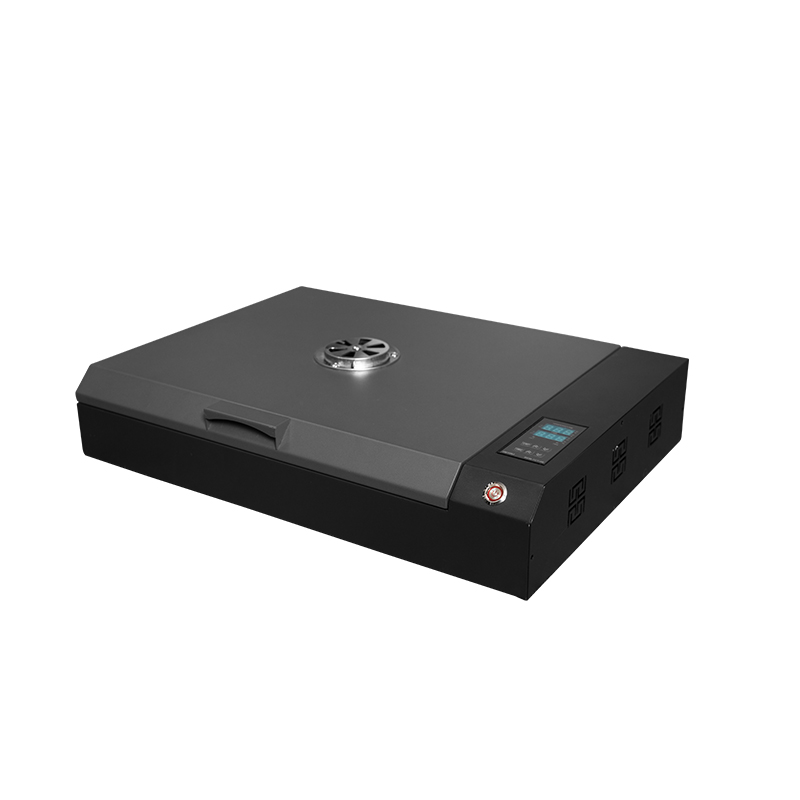
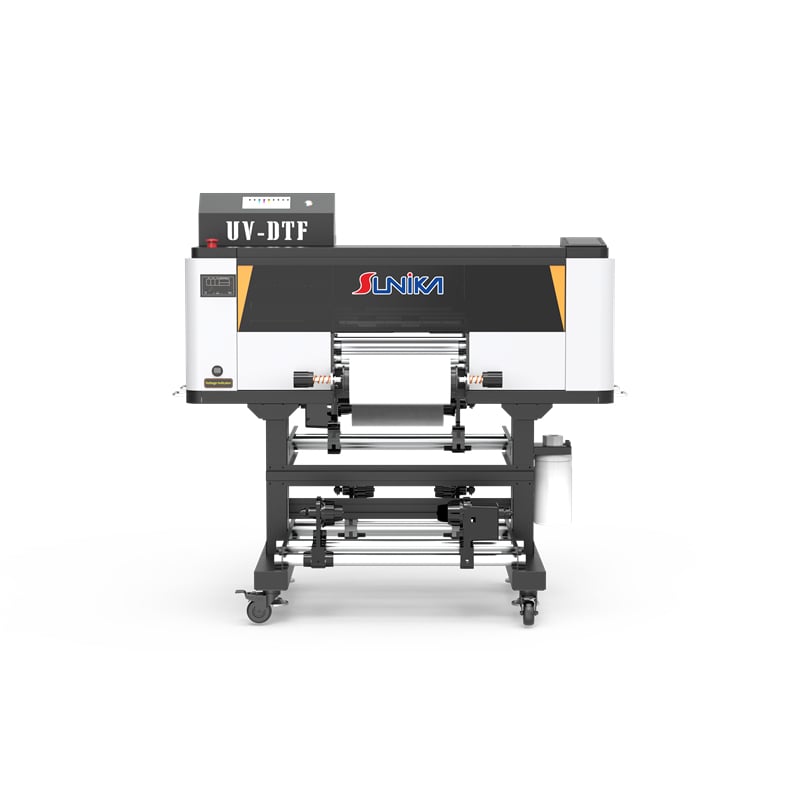
For example, buyers evaluating a 300 mm option can use the product page for the Sunika SK30-3 UV DTF printer as a starting point for configuration discussions, then request a written list of what the final package contains. The product page helps start the conversation; the confirmed quotation and support scope should drive the investment decision.
Before approving the purchase, request a final uvdtf printer bill of materials, a uvdtf printer commissioning checklist, and a uvdtf printer support contact path. These three documents make it easier to compare uvdtf printer quotations on a like-for-like basis.
There is no universal “right” UV DTF budget. A lower-priced system can be appropriate for limited, predictable work, while a more complete package may reduce implementation friction for a business planning regular sticker production. Compare the total launch-ready package, then choose the uvdtf printer that fits your workflow, support expectations, and growth plan.