EN


Phone Case Print on Demand: Building a Practical Production Workflow
Phone case print on demand looks simple from the storefront: a buyer uploads artwork, chooses a model, and expects a clean custom result. In production, however, the margin is protected by the handoffs behind that order. A repeatable workflow turns one-off personalization into a process the team can inspect, train, and scale.
For a shop using UV DTF decoration, the goal is not to chase the fastest possible job. It is to build reliable throughput: correct case model, approved artwork, stable transfer preparation, clean application, and a final check before packing. This approach is especially useful when each order contains different names, photos, colors, or device models.
Start with an order brief that removes ambiguity
Every phone case print on demand order should create one production record. Capture the device model, case material and finish, artwork version, personalization text, quantity, promised date, and approval status. Give the order a unique code and keep the design file attached to that code rather than relying on a chat history or a filename such as “final-final-2.”
Before production, check the artwork at its intended print size. Confirm spelling, crop boundaries, transparent areas, small text, and colors that may need special handling. For a custom print phone case, a preview or sample approval is valuable because it separates a customer preference issue from a production issue. Once approved, lock the artwork version and record any agreed tolerances.
- Order gate: no print queue entry until model and artwork are confirmed.
- File gate: use the approved file, correct dimensions, and a named production version.
- Material gate: verify that the selected case surface is suitable for the planned UV DTF application.
Build a small-batch production queue
Phone case print on demand is easier to manage when the queue groups compatible work without losing traceability. Batch orders by case size, film layout, finish expectation, or delivery deadline. Do not mix unrelated artwork files merely to fill a sheet if it makes the picking step confusing. The savings from a crowded layout can disappear after one wrong personalization is applied.
Use a simple board with four states: approved, ready to print, ready to apply, and ready to pack. The operator should be able to see which orders are waiting on customer approval and which ones are physically on the bench. For repeat designs, retain the approved source file and a short setup note; this reduces rework when the same customer returns for another custom print phone case order.
Prepare the UV DTF transfer with handling controls
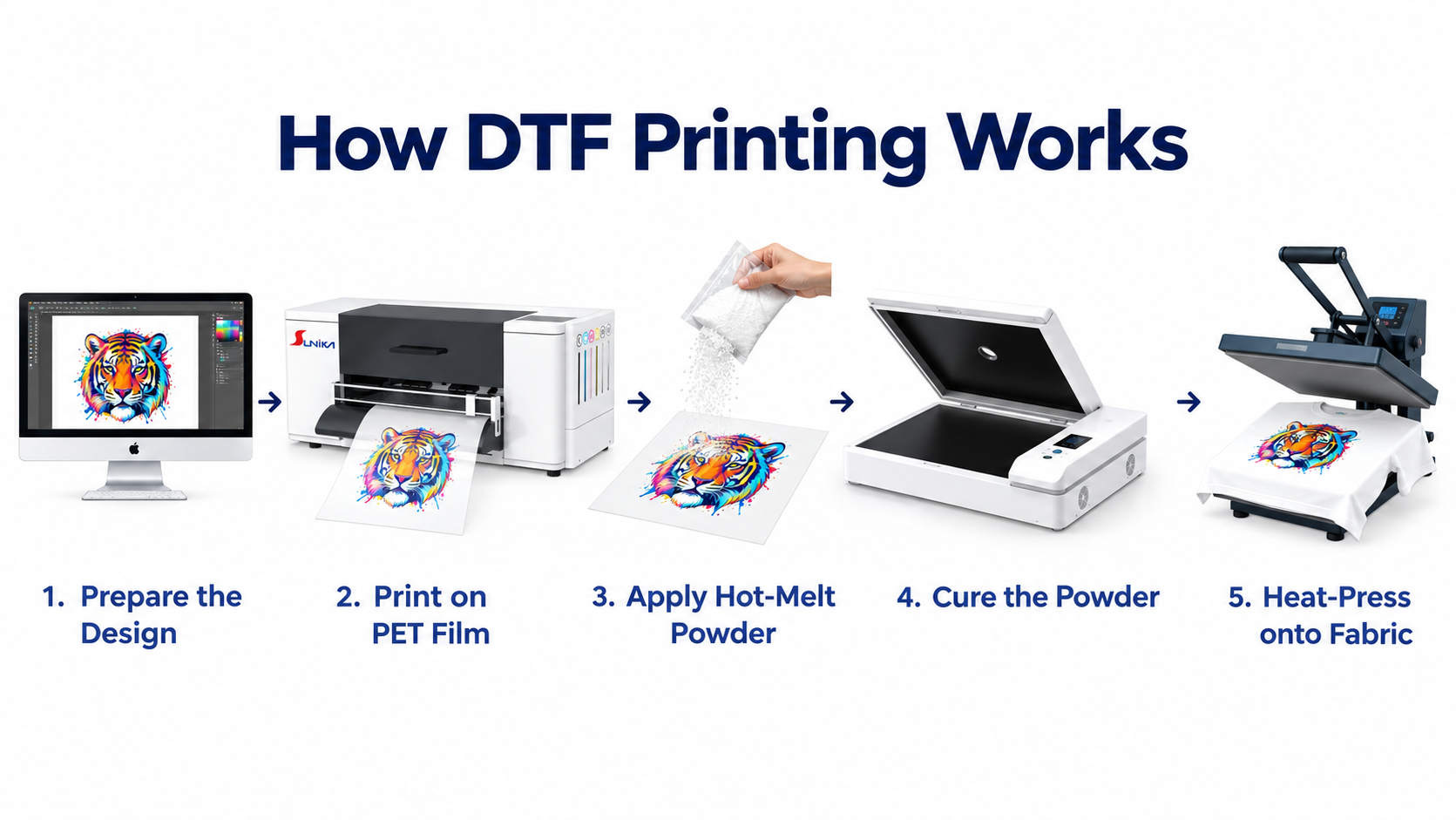
In a UV DTF-based phone case print on demand workflow, artwork is prepared for the transfer process before it reaches the case. Keep the design aligned with the available printable area, leave sensible clearance around camera cutouts and curved edges, and identify any fine details that need inspection after transfer.
Handling discipline matters. Once adhesive areas are exposed, keep the work surface clean and avoid unnecessary contact. Store printed transfers flat and clearly labeled by order code. A label should include the case model, artwork code, quantity, and operator initials. This small step prevents a transfer made for one phone model from being applied to another.
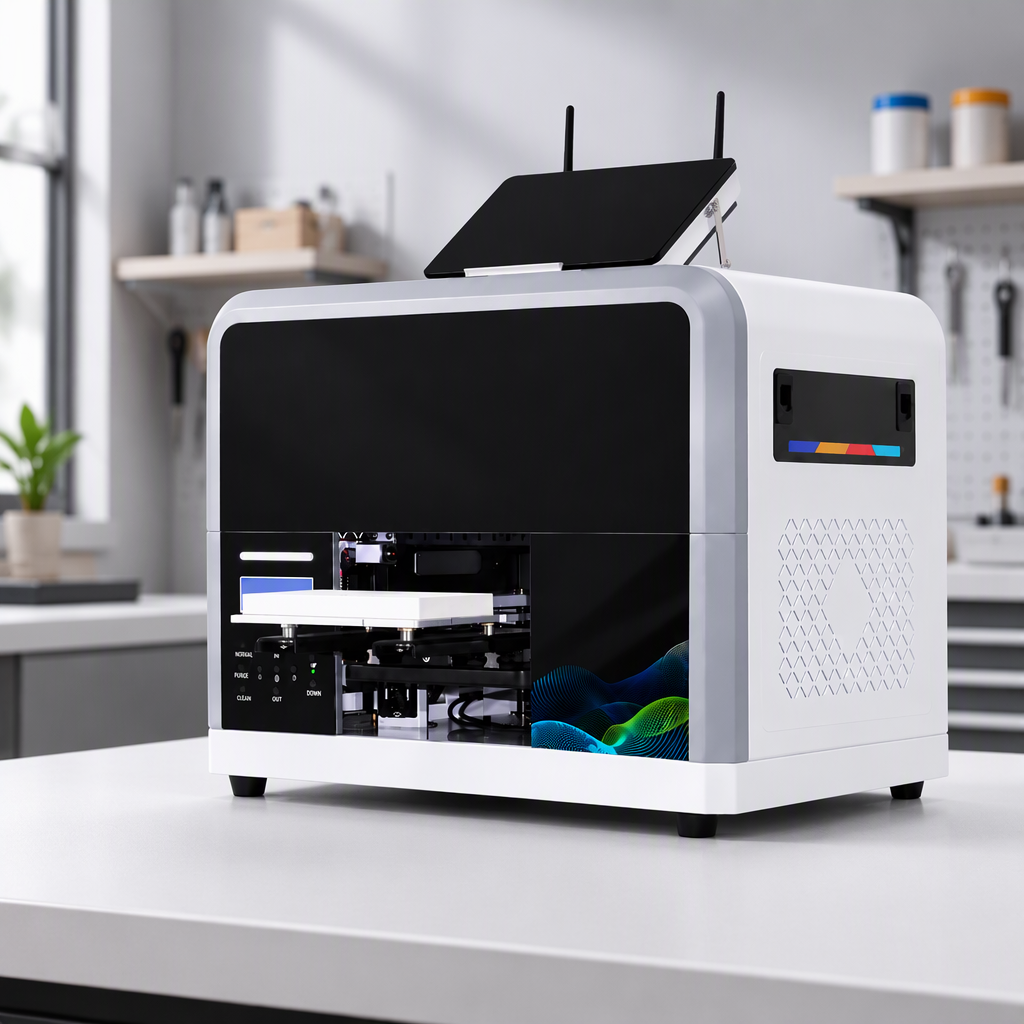
When selecting equipment for this workflow, review the confirmed product information rather than relying on generic descriptions. For example, the SK-U301 30cm UV DTF printer for glass phone cases is a relevant product page to evaluate alongside your actual order volume and application requirements. A second reference point is the Sunika SK30-3 UV DTF sticker printer. The right fit depends on the whole workflow, including operator capacity and quality-control discipline.
Prepare every phone case before application
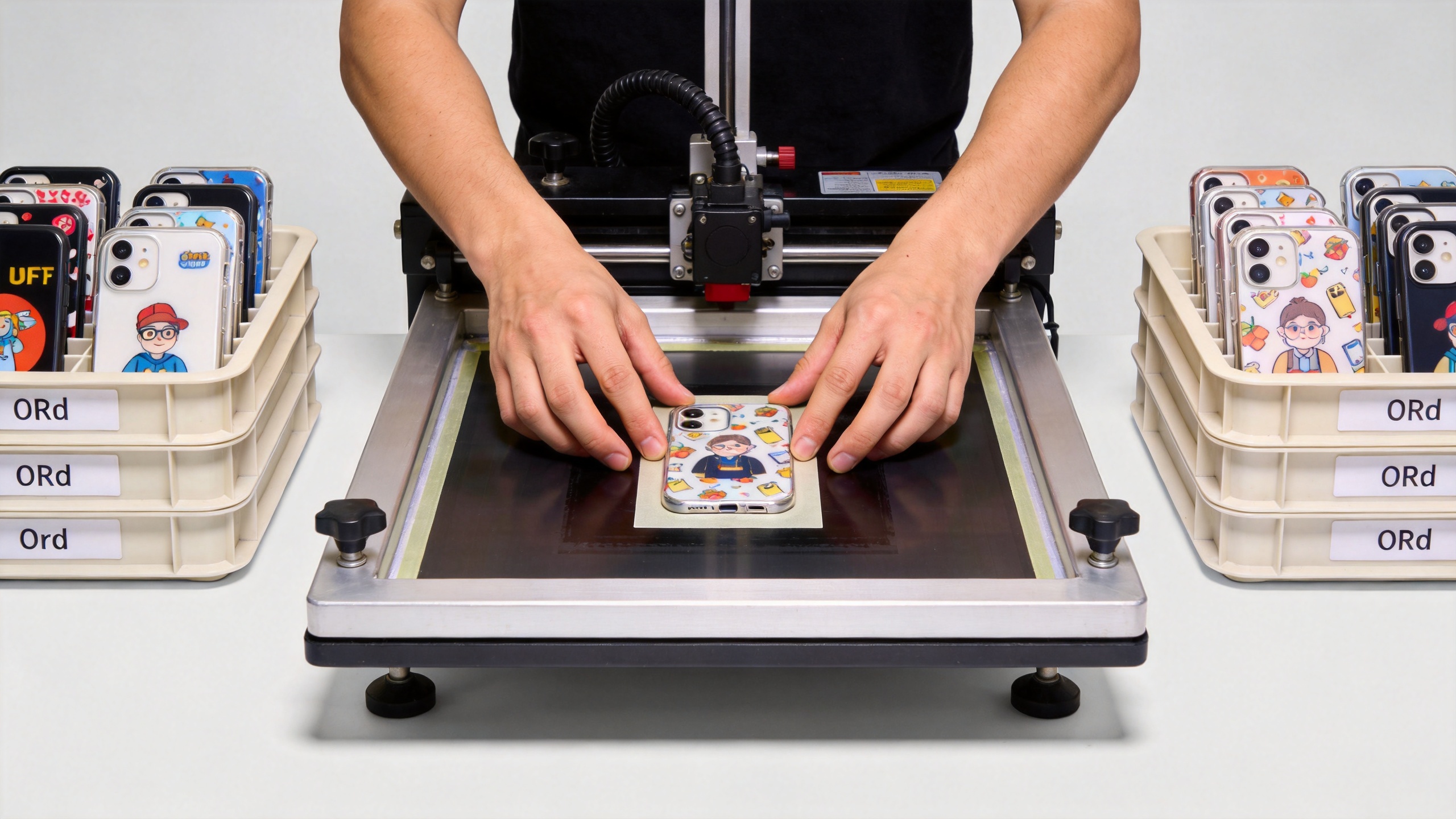
Surface preparation is a non-negotiable checkpoint. Before applying the transfer, make sure the case is clean, dry, and free from dust, grease, and fingerprints. This is not an optional cleanup step: contamination can create adhesion problems that show up only after the order has been shipped.
Work one case at a time when designs are personalized. Match the order code on the transfer to the code on the case, then confirm the camera cutout orientation and the visual centerline. On curved or textured cases, run a short test on the same material before committing a larger batch. It is better to discover a fit issue on a sample than after dozens of customized orders have moved to packing.
- Place the matched case and labeled transfer together at the application station.
- Clean and dry the target surface; inspect it under task lighting.
- Align from the camera cutout and key design landmarks, not only from the outer edge.
- Apply pressure evenly and work from the center outward to reduce trapped air.
- Peel and inspect according to the transfer process, then return the finished case to its order tray.
Make quality control visible, not assumed
A practical phone case print on demand workflow has two quality checks. The first happens immediately after application: look for edge lift, trapped particles, incomplete contact, color defects, and misalignment around cutouts. The second happens before packing: verify the device model, customer personalization, quantity, and surface appearance against the production record.
Photograph exceptions and log their cause. Over time, the log will show whether rework comes from artwork approval, film handling, surface contamination, case variation, or operator setup. That information is more useful than a vague instruction to “be careful.” It gives the team a concrete improvement target and helps protect profit on low-quantity custom print phone case orders.
| Checkpoint | What to verify | Action if it fails |
|---|---|---|
| Artwork release | Model, text, crop, version | Hold order and return to approval |
| Transfer preparation | Order label, layout, clean handling | Reprint or relabel before application |
| Application | Alignment, contact, edge condition | Quarantine the case and investigate |
| Pack-out | Correct model, personalization, finish | Correct the order before shipment |
Scale with repeatable records, not uncontrolled speed
As volume grows, add capacity only after the current workflow is stable. Standardize model-specific positioning guides, maintain a case-material test library, and track rework by cause. Keep a small sample archive for approved finishes so new operators can compare a live order with an acceptable benchmark.
For teams building a phone case print on demand offer around UV DTF applications, a practical workflow creates confidence for both the operator and the buyer. The winning system is not the one with the most steps; it is the one where every step answers a real question before a mistake becomes a shipment. Start with order clarity, protect the application surface, make inspection visible, and use the resulting data to improve the next batch.