EN


How to Compare DTF Printer Printhead Configurations
Comparing DTF printers calls for more than reading the highest stated print-speed figure. For a buyer comparing an epson 8550 dtf workflow with purpose-built equipment, the printhead configuration affects throughput, white-ink management, maintenance time, recovery from downtime, and the kind of orders the machine can realistically support. For purchasing purposes, the question is not “How many heads should we consider?” but “Which configuration fits our daily production pattern and service capacity?”
This comparison is written for apparel decorators, print shops, distributors, and procurement teams evaluating DTF printer options. It focuses on how head count, ink-channel layout, media width, and maintenance routines work together before a purchasing decision is made.
Start With the Job Mix, Not the Head Count
An epson 8550 dtf setup is often considered by businesses that want to enter DTF with a compact footprint or test a new transfer workflow. Search-result previews describe the ET-8550 platform as handling media up to 13 by 19 inches, which helps explain its appeal for small-format work. That size reference, however, does not define DTF production capacity. Film feeding, RIP workflow, curing, powder handling, white-ink circulation, operator availability, and order batching all influence usable output.
Before comparing configurations, document the work you actually expect to run:
- How many transfer sheets or gang sheets are required on a normal day?
- Are orders mostly short-run personalization, repeat logos, or time-sensitive production?
- Will one operator print, powder, cure, and press, or will these roles be separated?
- Can the team complete routine nozzle checks, cleaning, and white-ink circulation every day?
A low-volume shop may value lower entry complexity. A growing shop may value more consistent production flow and less disruption when jobs queue up. These are different requirements, even when both buyers begin by searching for an epson 8550 dtf option.
Single-Head and Dual-Head DTF Configurations: What Changes
| Configuration | Typical buying fit | Main advantage | Main trade-off to evaluate |
|---|---|---|---|
| Desktop or converted platform | Sampling, entry-level transfer work, limited daily volume | Compact starting point and familiar desktop-printer format | More operator dependence; conversion-specific maintenance needs can be significant |
| Single-head purpose-built DTF printer | Small commercial teams with steady but moderate volume | Dedicated DTF workflow can simplify film and ink handling | One head remains a single production point; backlog can build during cleaning or recovery |
| Dual-head DTF printer | Teams planning recurring commercial production or a wider order mix | Potentially supports a higher-throughput workflow when the full system is matched | Higher upfront cost and a more demanding maintenance and service plan |
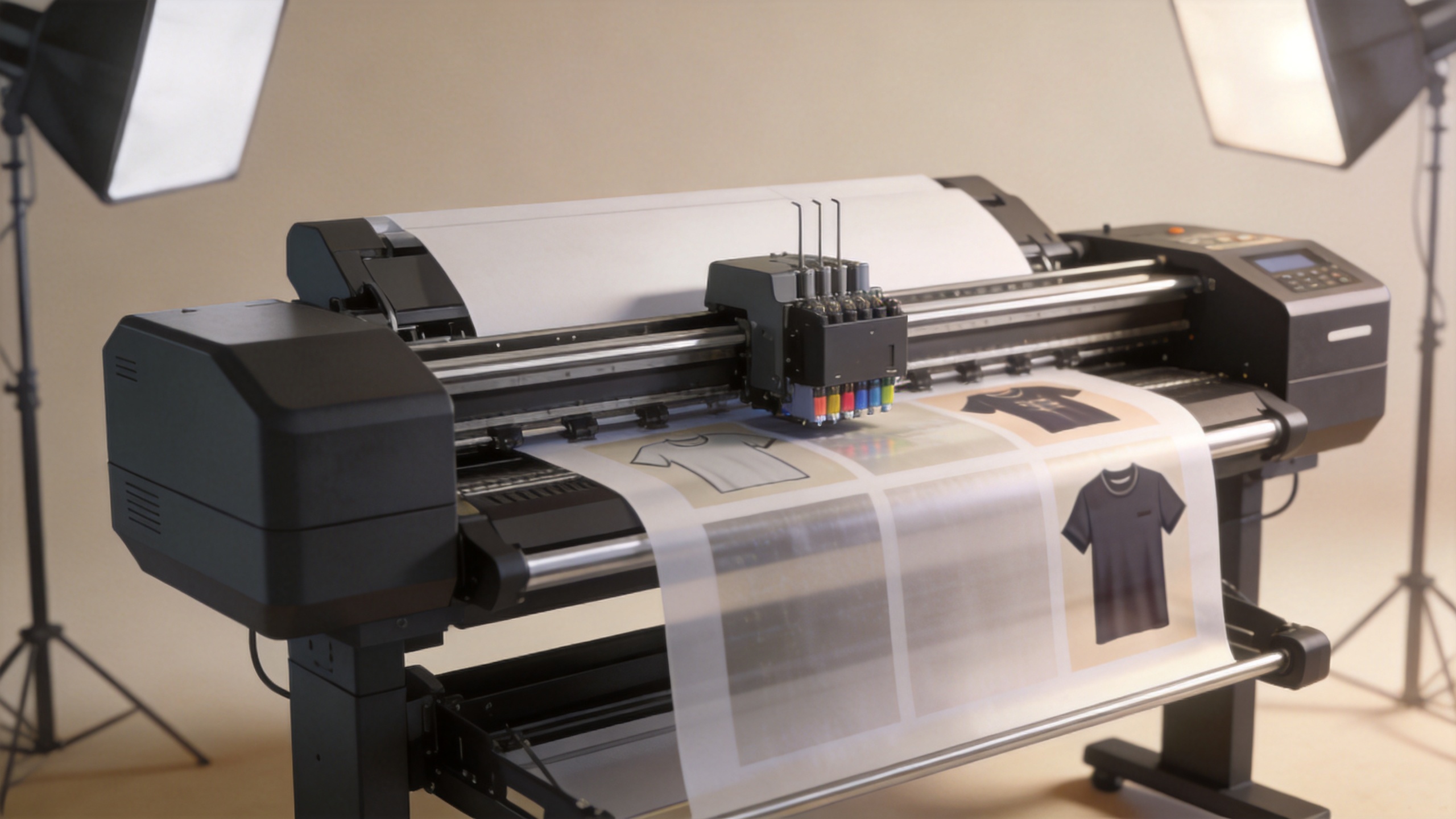
A dual-head configuration should not be judged by head count alone. Its practical value depends on the RIP setup, ink delivery, carriage tuning, film transport, dryer or shaker capacity, and the operator’s ability to keep the workflow stable. If downstream powder and curing steps cannot keep pace, additional printing capacity may simply move the bottleneck.
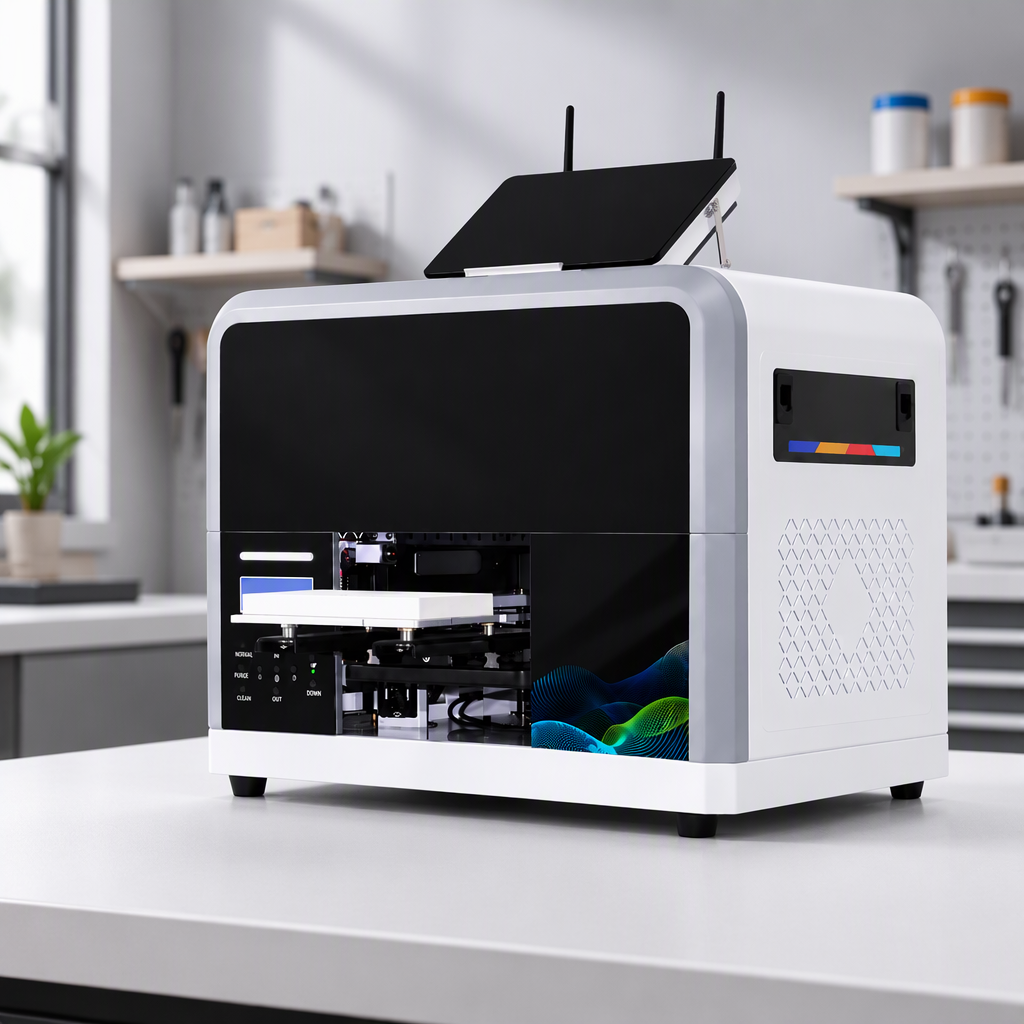
For example, the SK-A302 12inch DTF printer with Epson F1080 dual heads is a relevant product category to review when comparing a dual-head production path. Buyers should request the current supplier documentation for supported workflow, service scope, consumables, and applicable operating conditions rather than assuming that the product title alone guarantees a particular output rate.
Evaluate the Printhead Around White Ink, Not Only Color Output
White ink is often where DTF operations become operationally demanding. It is used to create an underbase on many designs, but it also requires disciplined handling. Conversion-oriented search results commonly mention a continuous ink supply system, a white-ink channel, and daily maintenance. These are useful reminders that an epson 8550 dtf workflow needs an active maintenance plan; they are not a substitute for the supplier’s current instructions.
Ask each vendor or technical contact to explain the configuration in operational terms:
- Which channels are allocated to white ink and color ink?
- How is white ink circulated or agitated while the machine is idle?
- What is the daily nozzle-check and cleaning procedure?
- What happens after a missed maintenance cycle or a period of non-use?
- Which parts are considered consumable, and what service support is available in the buyer’s market?
A configuration that looks economical on a quote can become expensive if it requires too much unplanned cleaning time or if the buyer has no clear recovery procedure. Conversely, a more capable configuration is not automatically appropriate for intermittent use if the shop cannot maintain it consistently.
Compare Throughput as a Complete System
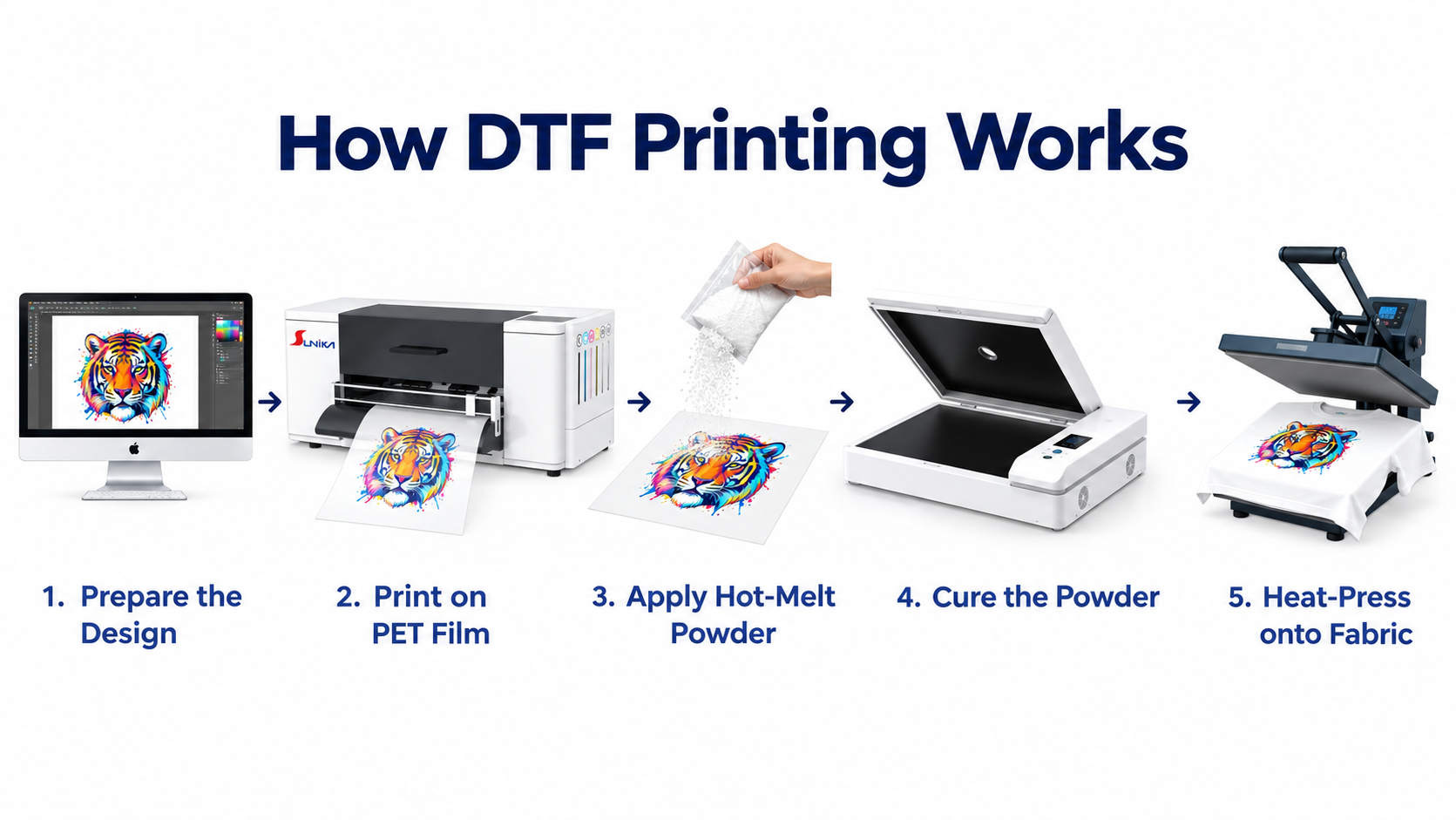
When assessing epson 8550 dtf alternatives, distinguish print speed from finished-transfer throughput. Finished output is constrained by every stage: artwork preparation, RIP processing, printing, powder application, curing, cooling, trimming or cutting, and packing. A reliable buyer comparison uses the same test design across options—similar artwork coverage, film width, white-ink use, print mode, and finishing setup.
Rather than relying on a single headline number, request a workflow demonstration or documented test conditions. Then compare:
- time from file-ready to printable film;
- time for a representative color-and-white design;
- time spent on powder and curing;
- quality consistency across repeated transfers;
- operator actions required between jobs; and
- the restart process after an idle period.
This method helps a purchasing team see whether a desktop epson 8550 dtf route suits short runs, or whether a dedicated single- or dual-head setup better aligns with planned demand.
Build Maintenance Into the Cost Comparison
Maintenance is part of the configuration, not a separate afterthought. A practical cost comparison includes daily labor, cleaning supplies, waste ink handling, expected consumables, training time, spare-part availability, and the cost of delayed orders. Use conditional scenarios instead of promised ROI: calculate a quiet month, a typical month, and a peak-order month. The goal is to identify how much production variability the configuration can absorb.
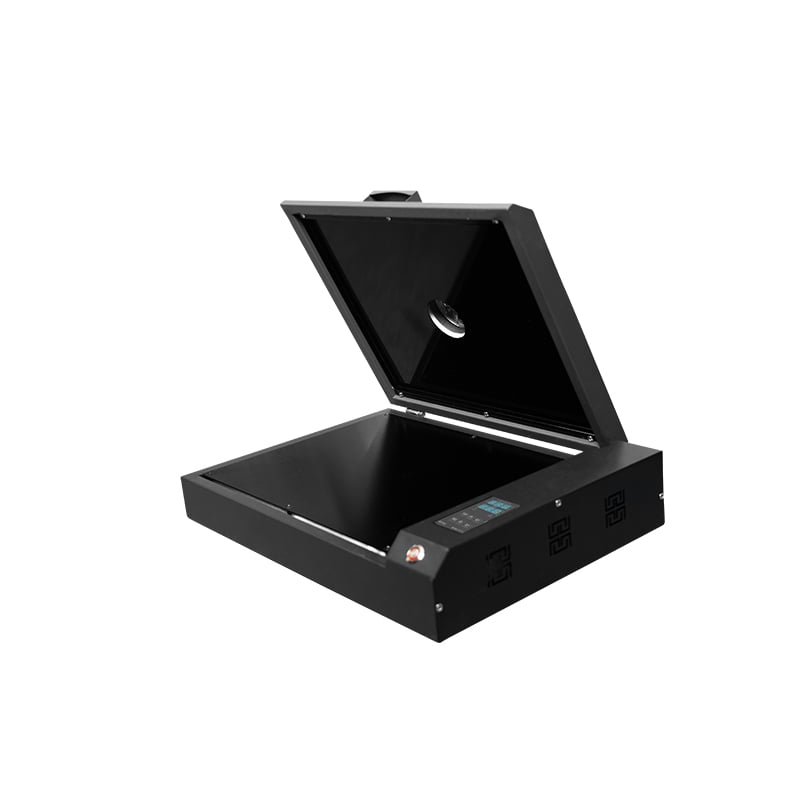
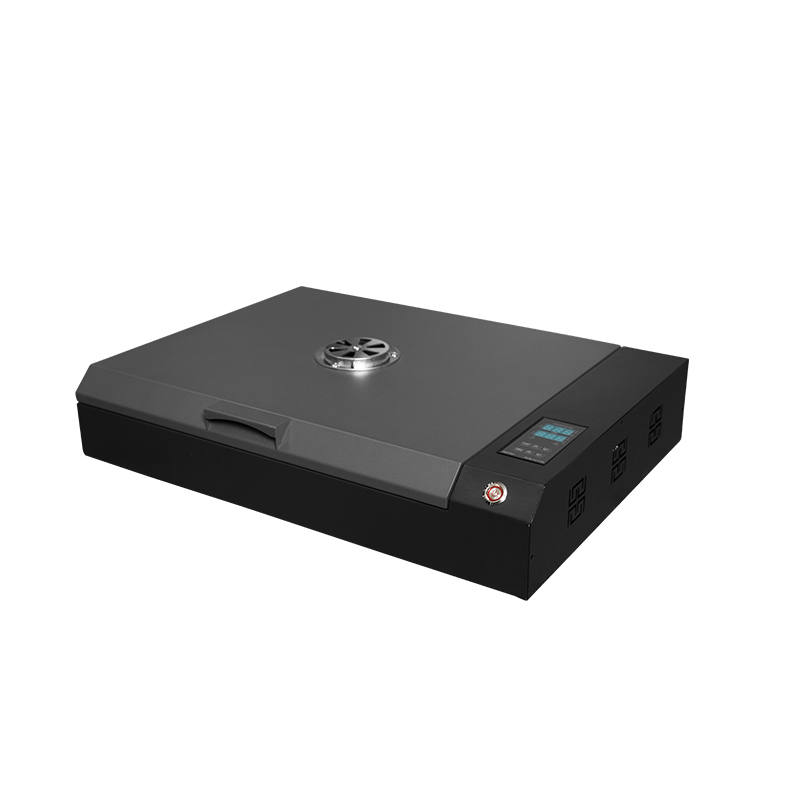
For distributors and agents, this is equally important. A product portfolio should match the customer’s technical readiness. An entry-level buyer may need a training-led solution and realistic maintenance expectations. A commercial customer may need a system that supports workflow expansion, clearer service procedures, and more predictable scheduling.
A Practical DTF Printhead Configuration Checklist
- Volume: What daily and weekly transfer demand is expected six months after purchase?
- Format: Does the media width match the common artwork size and gang-sheet strategy?
- Ink workflow: How are white ink, circulation, cleaning, and idle periods handled?
- System balance: Can powder, curing, and finishing keep up with the printer?
- Service: Are training, documentation, spare parts, and remote support defined in writing?
- Test method: Can suppliers show comparable samples and disclose the test conditions?
- Growth path: If demand rises, will the next configuration reduce a real bottleneck or only add complexity?
Make the Choice Fit the Operating Model
The right DTF printhead configuration is the one your team can operate, maintain, and support consistently. An epson 8550 dtf workflow can be worth evaluating for compact, controlled use cases, while dedicated single- and dual-head machines may be more appropriate where recurring commercial throughput and system integration matter. Compare complete workflows, request current technical details, and choose based on the production model you can sustain—not on head count alone.
Common Epson 8550 DTF Evaluation Questions
Is an epson 8550 dtf setup a production printer?
An epson 8550 dtf setup can be evaluated for controlled, small-format work, but its fit depends on job volume, conversion hardware, operator skill, and daily care. An epson 8550 dtf setup should be tested with the actual artwork and finishing workflow before it is treated as a production baseline.
How should buyers compare epson 8550 dtf with a dedicated DTF printer?
Compare an epson 8550 dtf workflow with a dedicated DTF printer using the same film, design coverage, white-ink requirement, print mode, and finishing process. This makes an epson 8550 dtf comparison more meaningful than comparing headline speed alone. For many teams, the epson 8550 dtf decision also includes training, recovery procedures, and the time needed for regular checks.
Does an epson 8550 dtf workflow eliminate maintenance?
No. An epson 8550 dtf workflow needs a documented maintenance routine. Ask who will perform nozzle checks, handle white-ink-related tasks, and respond when print quality changes. An epson 8550 dtf option is easier to evaluate when the supplier can explain those steps clearly.
When does a buyer outgrow an epson 8550 dtf approach?
A buyer may outgrow an epson 8550 dtf approach when order volume becomes less predictable, finishing becomes a bottleneck, or one operator cannot maintain the workflow alongside production. At that point, compare an epson 8550 dtf path with purpose-built single- and dual-head systems using the same total-cost assumptions. The right next step after an epson 8550 dtf trial is a configuration that resolves a measured bottleneck.
End the comparison with a practical test plan: record setup time, maintenance time, sample consistency, and finished-transfer throughput. Those observations provide a grounded basis for choosing a compact workflow or a dedicated DTF configuration.