EN


How to Choose a DTF Printer for T-Shirt Printing Orders
Choosing a DTF printer for shirts is less about buying the biggest machine and more about matching equipment to the way orders move through your shop. For a custom-apparel business, the right choice should support reliable transfers, manageable maintenance, and a production pace that your team can actually sustain. This guide uses a workflow-first approach for buyers comparing a DTF printer for shirts for small runs, repeat orders, or growing contract-printing work.
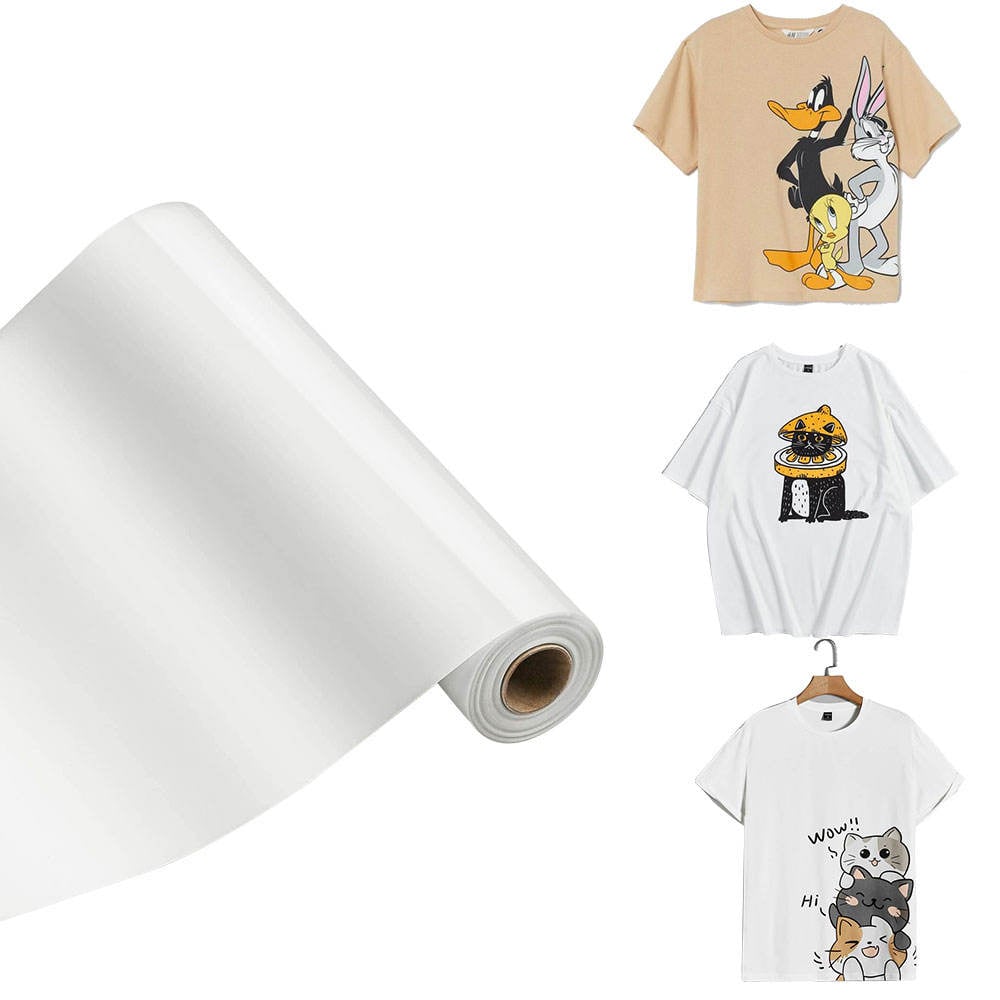
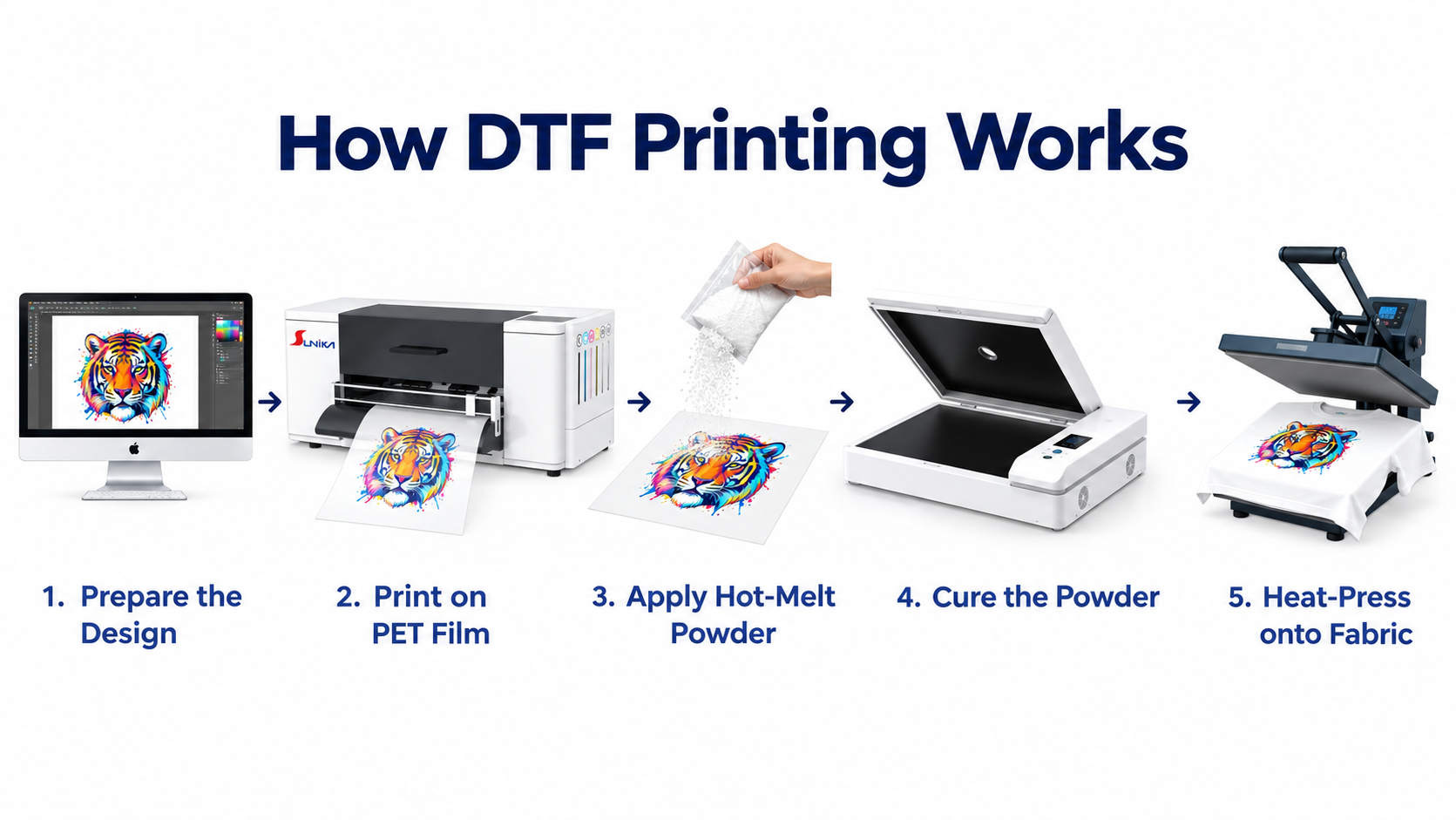
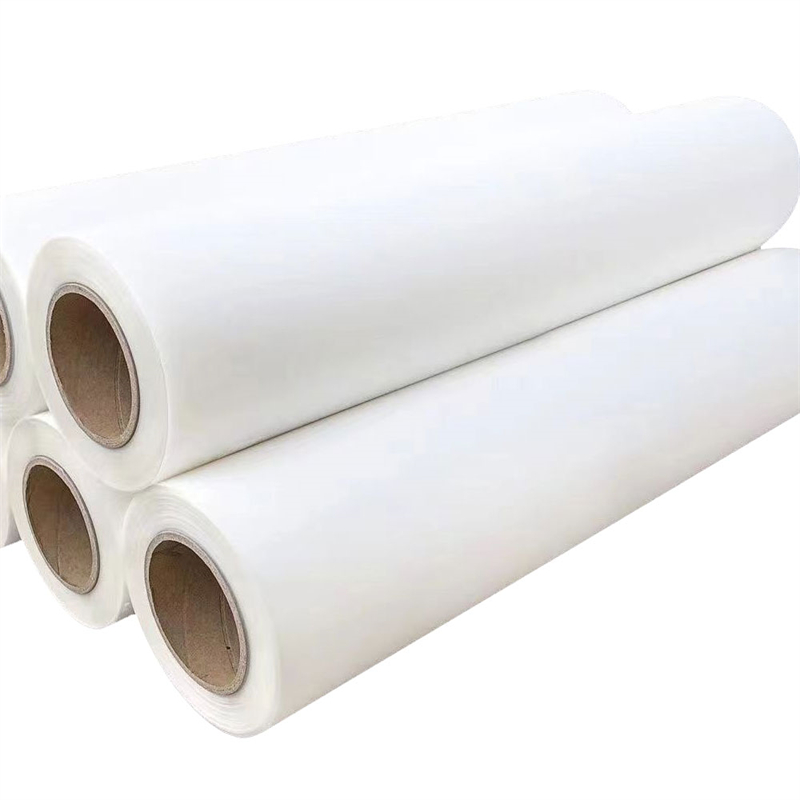
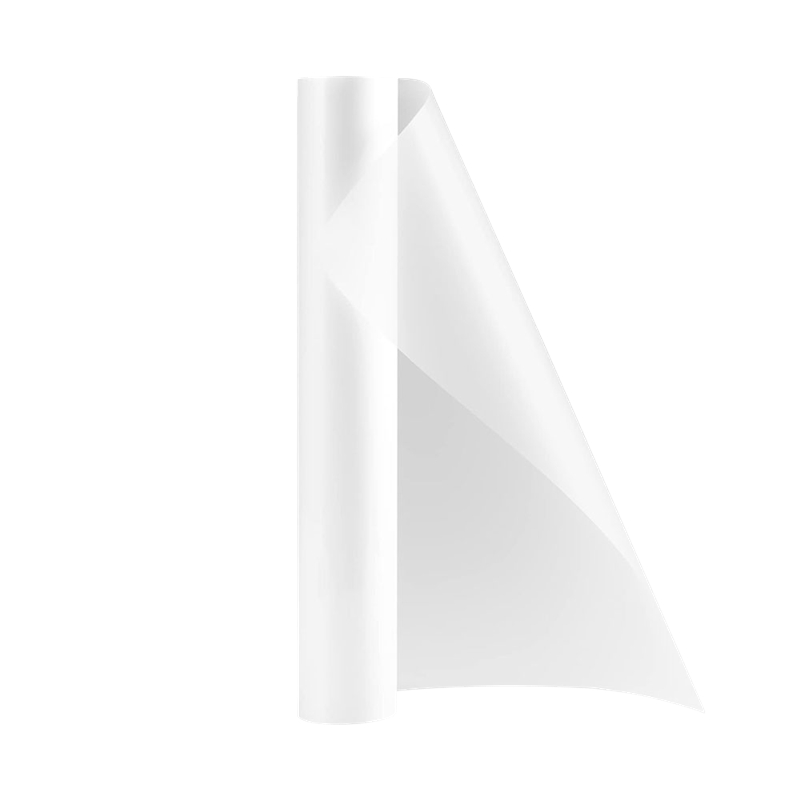
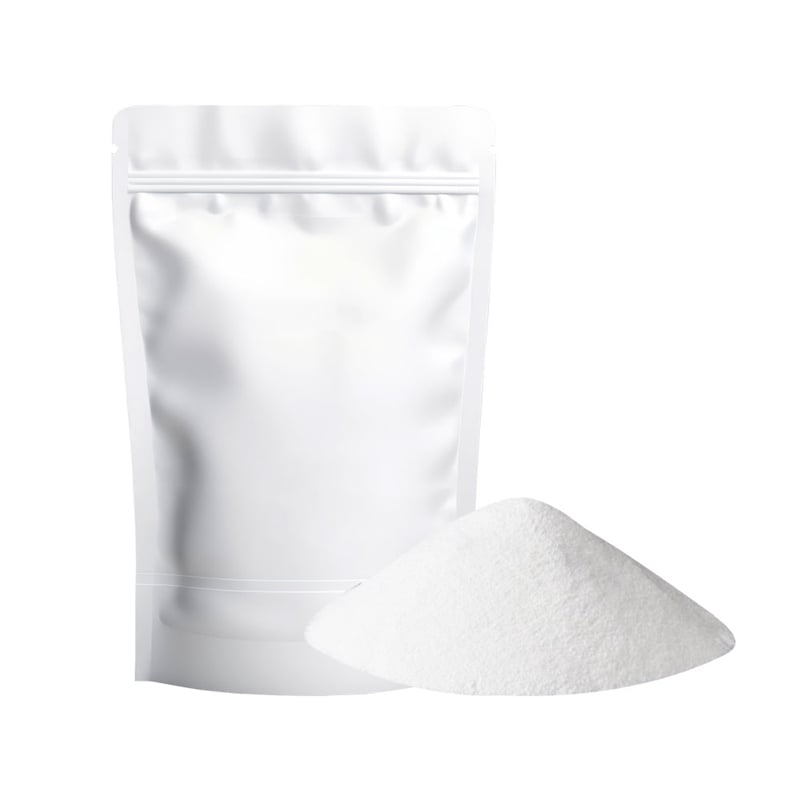
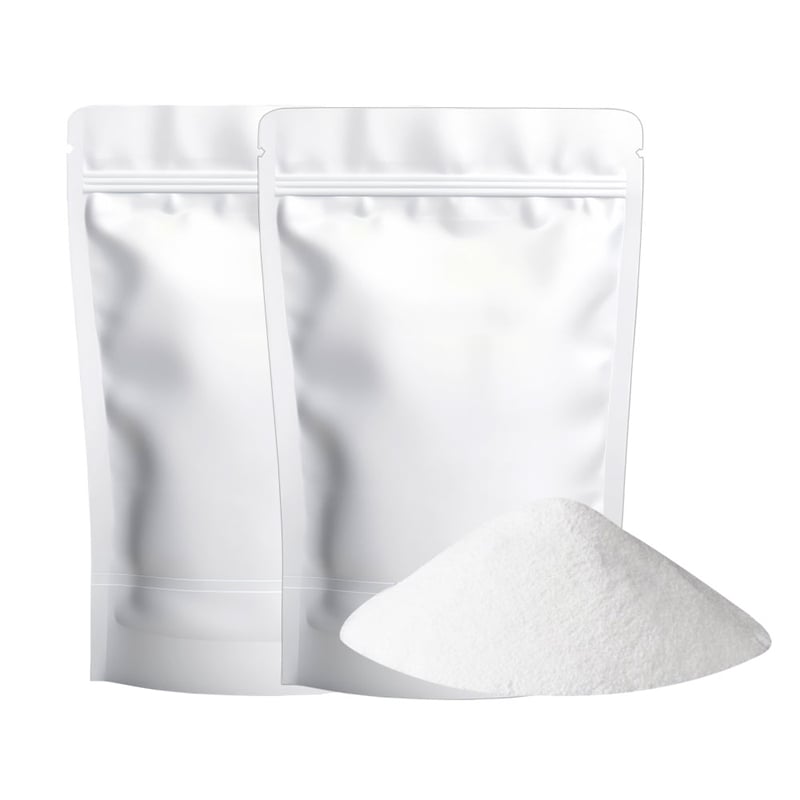
DTF is a digital inkjet process: artwork is printed on coated PET film, paired with adhesive powder, cured, and then heat-pressed onto the garment. That means a DTF printer for shirts is only one part of the production line. Film handling, powder application, curing, RIP settings, operator routines, and heat pressing all affect the result delivered to a customer.
Start With Order Pattern, Not the Specification Sheet
Before comparing models, look at the order mix you expect over a normal week. A shop processing short personalized runs has different needs from a wholesale decorator producing repeat gang sheets. When evaluating a DTF printer for shirts, record average daily film output, peak-season demand, turnaround commitments, design sizes, and whether jobs arrive steadily or in bursts.
- Low or variable volume: prioritize a compact footprint, straightforward cleaning access, and a workflow that one trained operator can manage.
- Regular mid-volume orders: prioritize stable daily output, practical media width, and a shaker/curing setup that keeps pace with printing.
- High-volume repeat work: consider wider media, additional printheads, redundancy planning, and material staging so finishing does not become the bottleneck.
Do not use headline speed alone to size a DTF printer for shirts. A fast printer followed by slow powder application or limited curing capacity simply moves the queue downstream. Ask suppliers to describe the full workflow at the print mode you intend to use, rather than quoting a peak-case number from a different quality setting.
Choose Print Width Around Gang-Sheet Economics
Print width determines how efficiently you can arrange artwork on film. A narrow DTF printer for shirts can be sensible for samples, local personalization, and focused designs. A wider format gives more room for gang sheets and can reduce wasted space when orders include mixed logo sizes, left-chest graphics, sleeves, and full-front transfers.
The practical question is not “Is wider the right fit for every workflow?” It is “Will we fill the width often enough to justify the material handling, floor space, and upstream artwork preparation?” Review actual past orders. If your work regularly combines many small designs, a wider DTF printer for shirts may improve layout efficiency. If most jobs are isolated designs with frequent artwork changes, ease of setup may be more valuable than maximum width.
Compare Printhead Configuration by Capacity and Service Plan
Printhead count can increase production capacity, but it also changes operating complexity. A multi-head DTF printer for shirts may suit businesses with predictable demand and operators who can follow daily nozzle checks, white-ink circulation routines, humidity controls, and preventive cleaning. It is not automatically the right configuration for every startup.
White ink deserves special attention because it is central to opaque transfers on dark garments. During supplier discussions, ask how the DTF printer for shirts manages ink circulation, what the daily startup and shutdown routine involves, which consumables are required, and how technical support handles a nozzle or printhead issue. A credible plan includes training, documented maintenance tasks, and access to suitable spare parts—not just a promise of high output.
| Decision factor | What to check | Why it matters |
|---|---|---|
| Printheads | Capacity at your normal quality mode; cleaning routine | Balances output with maintenance discipline |
| White ink system | Circulation, agitation, filtration, daily checks | Supports consistency on dark fabrics |
| RIP workflow | Color profiles, job queueing, operator controls | Helps standardize repeat orders |
| Service response | Remote diagnostics, training, spare-part availability | Reduces uncertainty when production is interrupted |
Build the Whole DTF Workflow Before You Buy
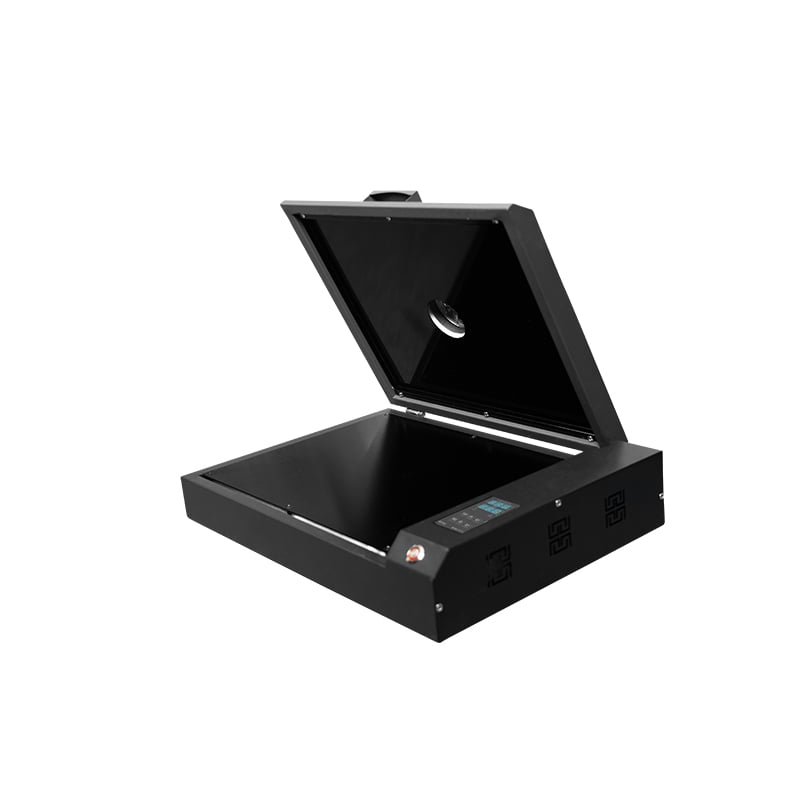
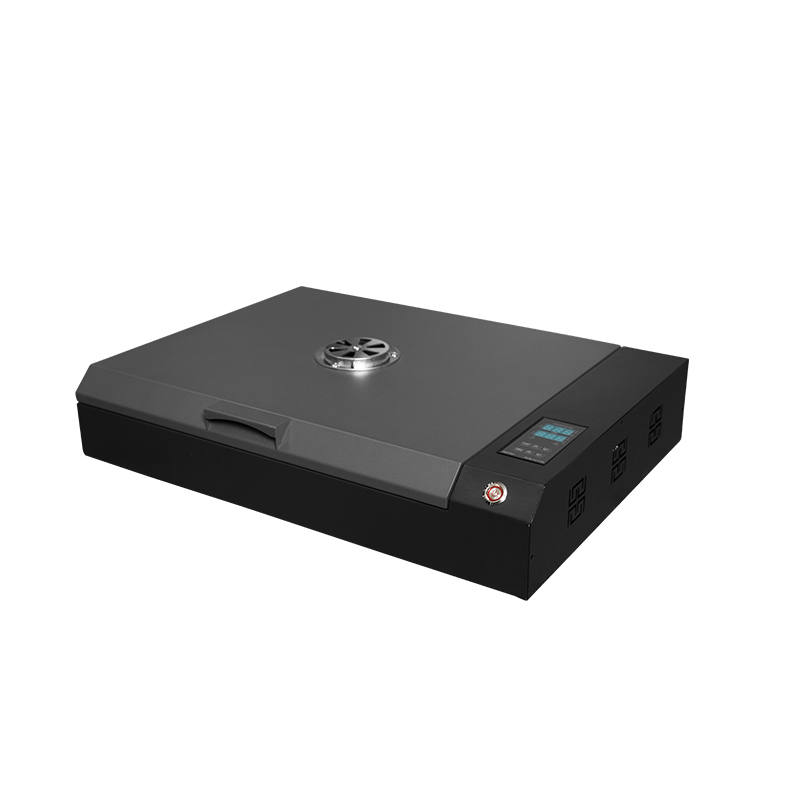
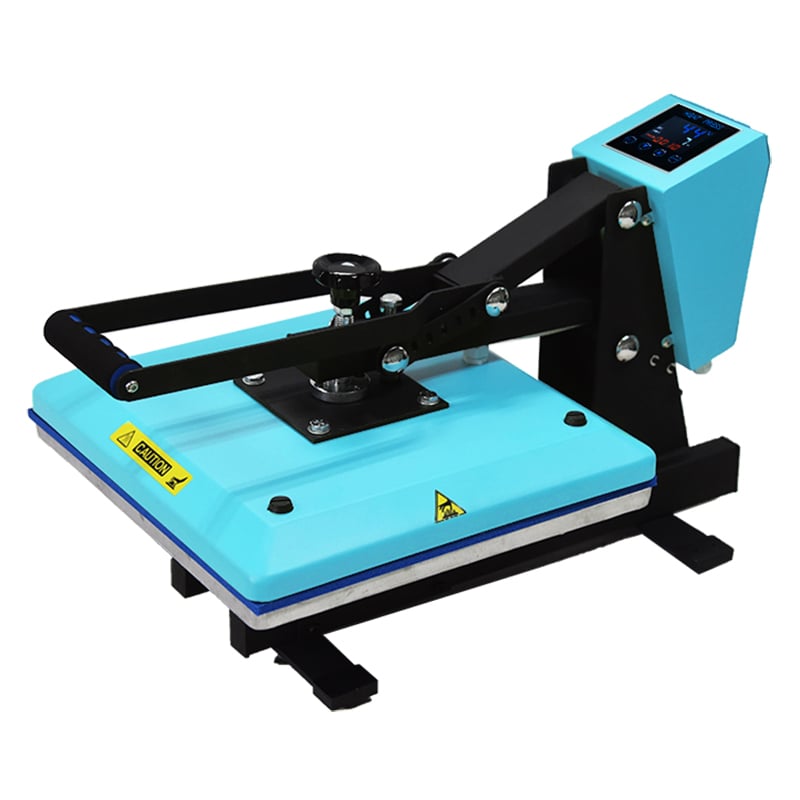
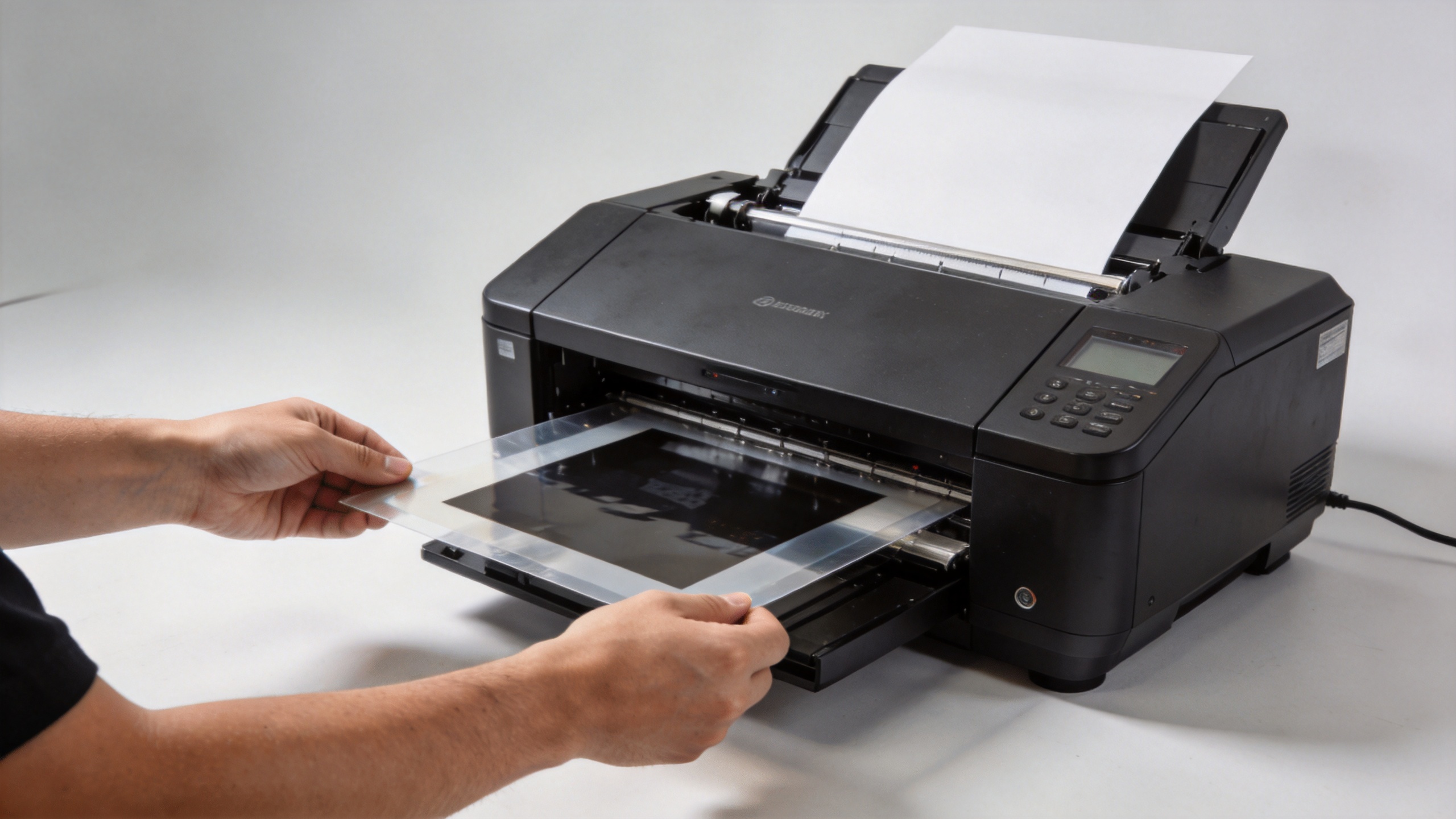
A dependable DTF printer for shirts should be evaluated with the equipment and routines around it. Map the path from approved artwork to finished transfer: RIP preparation, film loading, printing, powder application, curing, trimming or storage, heat pressing, and final inspection. Assign a person, time allowance, and quality checkpoint to each stage.
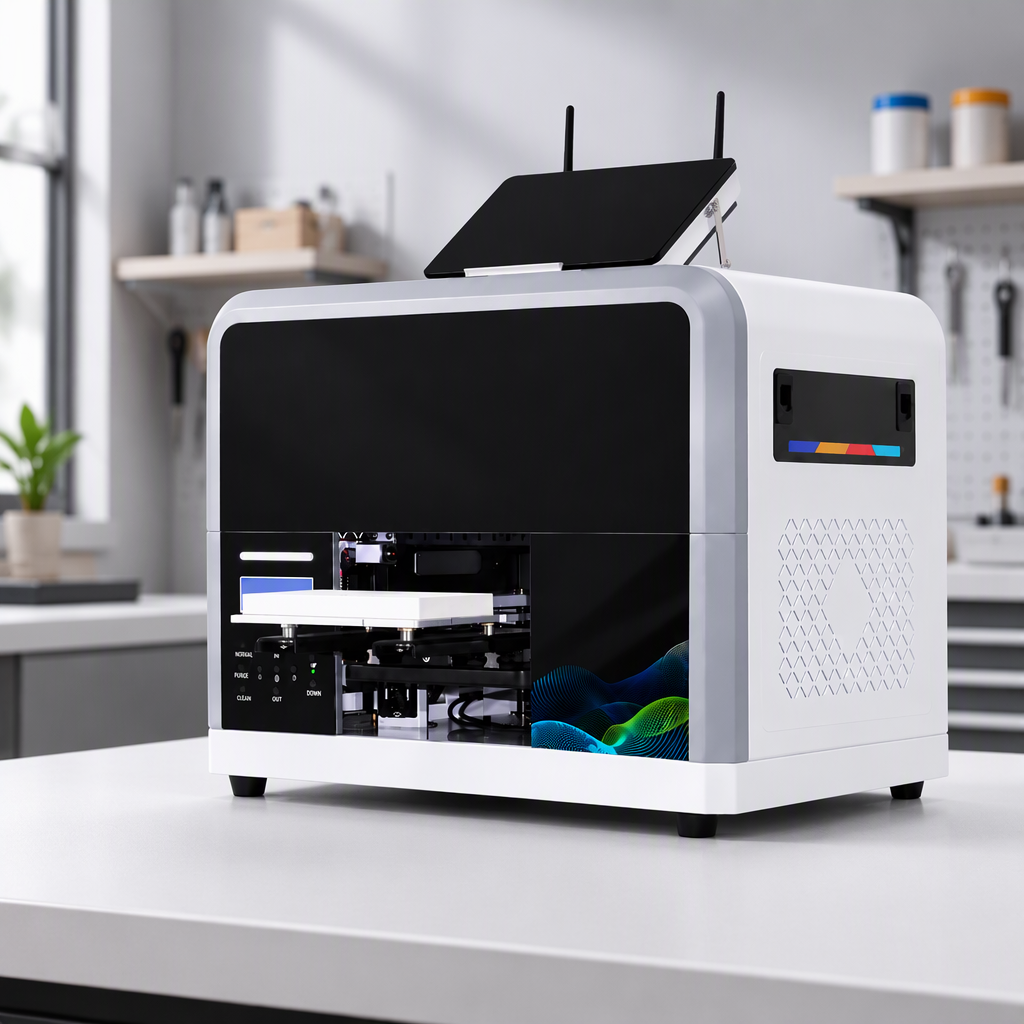
For example, a 12-inch dual-head model may be a relevant option for businesses that want a compact format while moving beyond entry-level capacity. Sunika’s SK-A302 12-inch DTF printer with dual F1080 heads for T-shirts is a product option worth discussing with the supplier in the context of your own artwork sizes, available finishing equipment, and expected order pattern. Confirm the final configuration, service scope, and performance expectations directly before purchase.
Also plan for quality control. Test common shirt colors and fabric blends, small text, fine lines, high-coverage artwork, wash durability, and press settings. These production tests give you better evidence than a generic claim that a DTF printer for shirts fits every business.
Use a Supplier Evaluation Checklist
At the consideration stage, compare suppliers with the same questions. The goal is to make sure the DTF printer for shirts fits your commercial process, not just your initial budget.
- Share representative order files and ask for application-relevant samples.
- Confirm the recommended film width, ink set, and finishing workflow for your expected volume.
- Request a written list of included equipment, software, consumables, training, and support boundaries.
- Review the daily, weekly, and longer-term maintenance schedule with the person who will operate the machine.
- Ask how faults are diagnosed and what parts or remote assistance are available in your market.
- Compare total operating workflow, not equipment price alone.
Make the Final Choice With a Phased Capacity Plan
The right DTF printer for shirts gives your business a stable next step. Select a configuration that handles today’s realistic order volume, leaves reasonable room for growth, and can be supported by your operators and finishing line. When demand rises, capacity should be expanded deliberately—through media width, printhead configuration, or a second workflow—rather than through constant emergency production.
In short, choose a DTF printer for shirts by connecting order volume, usable print width, printhead service needs, and end-to-end workflow. Buyers who test their own jobs and clarify support responsibilities are more likely to build a reliable T-shirt transfer operation than buyers who select on specifications alone.