EN


Epson Printhead Terms Explained for UV DTF Printer Buyers
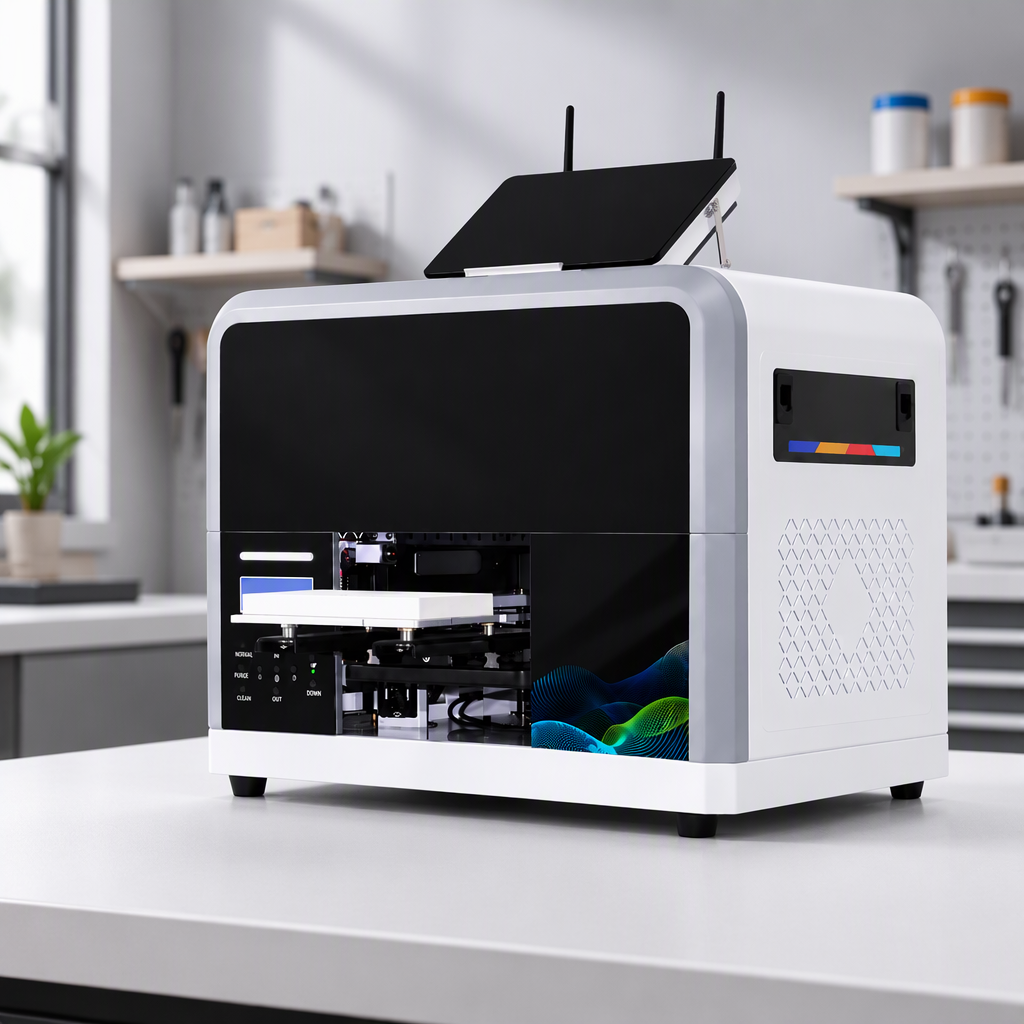
When you compare an epson uv dtf printer, the printhead line in a quotation can look deceptively simple: “Epson I3200,” “F1080,” “8 channels,” or “3,200 nozzles.” Those terms matter, but they do not describe the whole machine. A useful buying conversation connects the head designation to ink compatibility, color-and-varnish workflow, maintenance, software, curing, and the sticker applications you actually plan to sell.
As a UV printing equipment specialist, I would start with a practical rule: do not rank two printers by the head name alone. The right epson uv dtf printer is the one whose confirmed printhead configuration fits your media, output mix, expected workload, and service plan.
Why printhead terminology matters in UV DTF buying
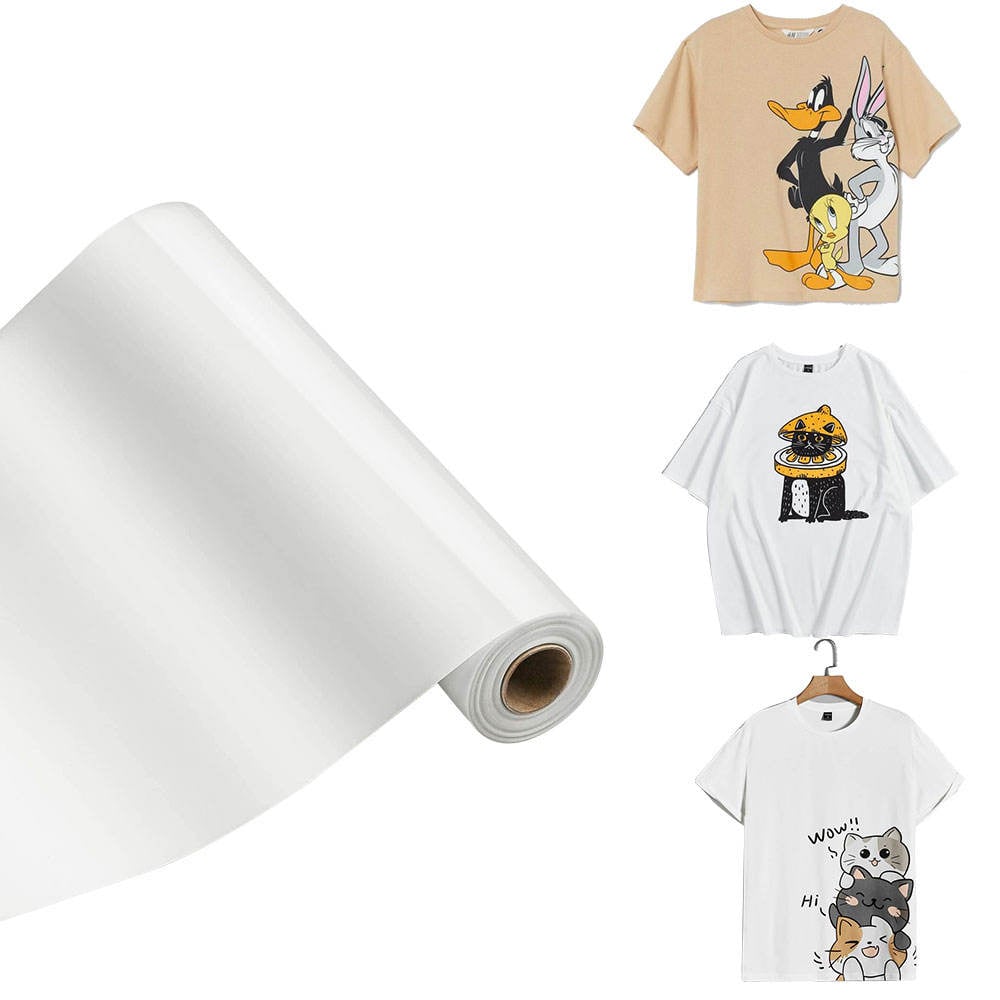
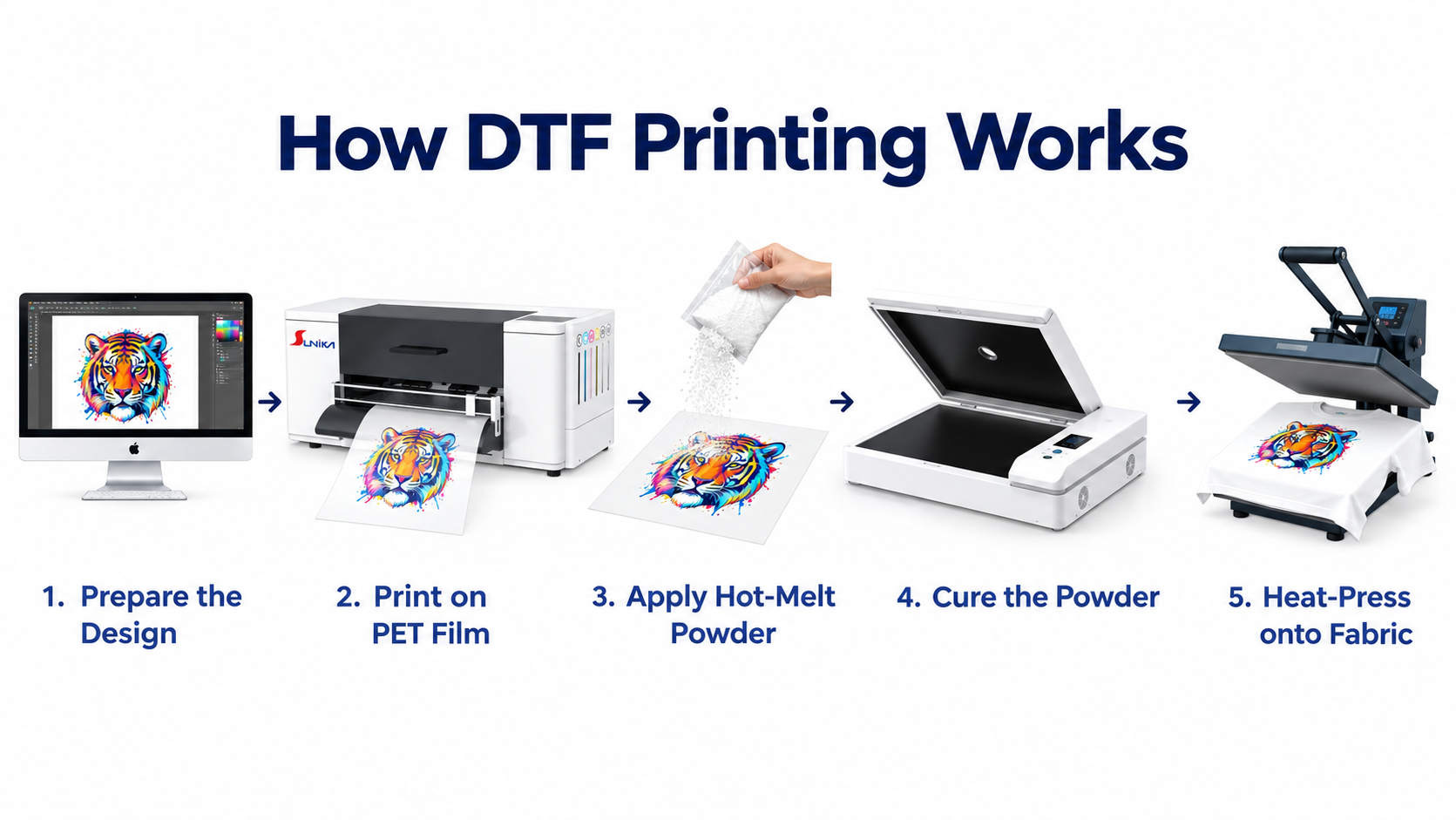
UV DTF produces printed transfer stickers for hard-surface decoration. Buyers may apply them to items such as glass, metal, ceramic, acrylic, packaging, or phone cases, subject to real substrate testing and surface preparation. Because the process typically combines color, white, adhesive-related layers, and sometimes varnish effects, printhead terminology is closely tied to how a supplier has configured the ink path and production workflow.
A model label can signal the printhead family used in a machine, but it does not by itself prove print speed, color quality, durability, head life, or compatibility with every UV ink. The label gives you a useful first question, not a shortcut to a purchasing decision.
The terms buyers see most often
Printhead family or model designation
Names such as Epson I3200 or F1080 are model designations used to identify a printhead type or family in a supplier’s configuration. Treat the exact suffix, variant, and approved ink type as important details. Epson’s I3200(8) series documentation, for example, describes variants for different ink types. That is why “I3200” alone is incomplete when you are evaluating an epson uv dtf printer: ask which exact head variant is fitted and which UV ink system the supplier supports with it.
Nozzles
A nozzle is a tiny outlet through which a printhead places ink droplets. Suppliers often highlight nozzle counts because they relate to how much image data the head can address. However, a higher nozzle count is not a universal promise of better stickers. Image quality also depends on waveform settings, ink behavior, pass count, dot placement, media flatness, color profiles, and routine nozzle-condition maintenance.
Channels
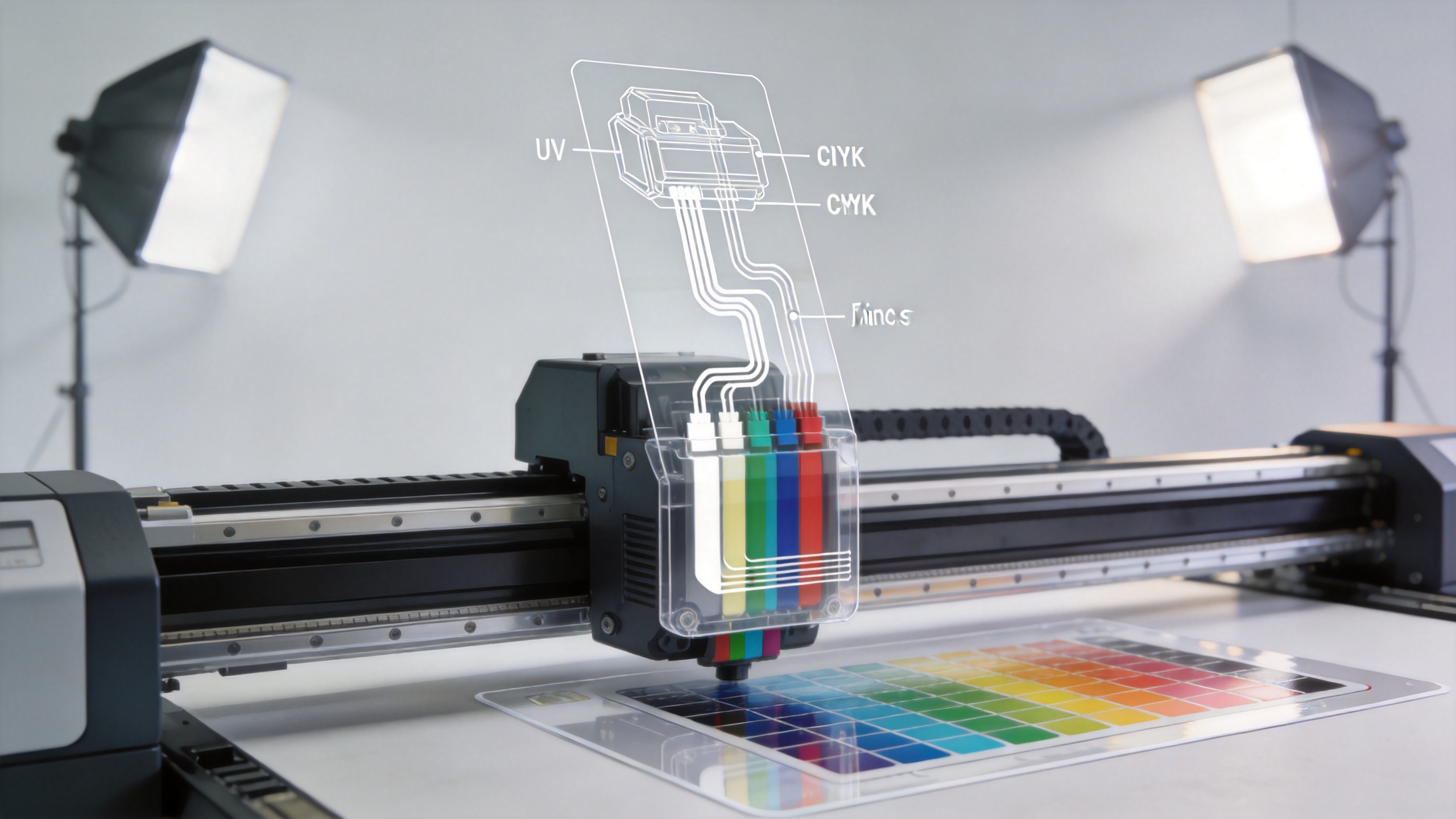
Channels describe independent ink paths available at the printhead level. They are not the same thing as “how many colors the printer has” in a finished production setup. A UV DTF workflow may need separate handling for CMYK, white, and varnish or other layers. Ask the supplier to map every channel to the installed ink configuration and explain whether the configuration changes for color-only labels versus labels requiring white or varnish effects.
Native resolution, pass count, and print mode
Resolution figures describe how finely the system can place dots, while pass count refers to how many sweeps are used to build the image. These settings influence speed and visual finish, but they should be reviewed together. A high advertised DPI does not automatically mean a better real-world result if the RIP settings, ink limits, registration, or curing conditions are not well matched. For a UV DTF sticker business, request samples that resemble your own artwork: small text, fine lines, gradients, solid colors, and white-backed designs.
What an Epson I3200 reference can—and cannot—tell you
An Epson I3200 reference can help you identify a technical tier to discuss with a supplier. It can also give experienced buyers a common language for comparing head count, channel allocation, and maintenance expectations. It cannot, on its own, tell you whether two machines use the same RIP profile, ink formulation, curing system, transfer films, or calibration process.
That distinction becomes important when a quotation compares a single-head and multi-head epson uv dtf printer. More heads may change production capacity, but the result depends on the entire system. A lower-speed mode can sometimes yield more saleable output when it improves registration or reduces reprints. The operational question is not simply “Which head is faster?” It is “Which confirmed configuration produces acceptable stickers reliably for my order mix?”
How printhead terms connect to the UV DTF workflow
| Term | What it helps describe | Question to ask the supplier |
|---|---|---|
| Head model / variant | The installed printhead specification | What is the exact head designation, and which UV inks are approved for this configuration? |
| Nozzle count | Potential ink-placement capacity | Which print modes are recommended for fine text, gradients, and white-backed stickers? |
| Channels | Available ink-path arrangement | How are CMYK, white, and varnish assigned in this machine? |
| Head count | Potential throughput architecture | What is the expected workflow difference between one-head and multi-head configurations for my designs? |
| Pass count / resolution | Balance of speed and finish | Can you show the same design in the recommended production modes, with the settings identified? |
| Maintenance system | How the head is protected between jobs | What are the daily, weekly, and idle-period procedures for white ink and nozzle checks? |
White ink deserves particular attention. White pigments can settle during downtime, so circulation, agitation, cleaning routines, and idle-time procedures may affect consistency as much as the head label does. Ask for a documented maintenance routine, the expected operator checks, and the consumables or parts involved. This is a more meaningful ownership question than a vague claim about a “maintenance-free” epson uv dtf printer.
A practical comparison checklist for buyers
- Confirm the exact hardware: Get the printhead model, variant, number of heads, and channel/ink map in writing.
- Match it to your applications: List the surfaces, label sizes, artwork types, and white/varnish effects you expect to produce.
- Request relevant samples: Review print-and-apply samples on your intended substrates rather than relying only on generic demonstrations.
- Review the full workflow: Ask about RIP software, color profiles, UV curing, film handling, cleaning, and operator training.
- Clarify support and spares: Understand the support process, recommended maintenance items, and how the supplier handles printhead-related troubleshooting.
- Compare total operating fit: Include consumables, maintenance time, rejected-output risk, and growth plans—not only the machine price or head name.
Use verified product pages as configuration conversation starters
If you are comparing configurations, the product page for the SK-U301 30cm UV DTF printer with Epson I3200 printhead provides a relevant starting point for discussing an I3200-based UV DTF setup. For buyers evaluating an alternative multi-head arrangement, the Sunika SK30-3 UV DTF sticker printer with triple F1080 configuration is another product context to review. For either option, request the current configuration sheet and representative samples before treating a product title as a complete technical specification.
Five questions to send with an Epson UV DTF printer inquiry
To make quotations comparable, use one written inquiry for every epson uv dtf printer you shortlist. Ask for the exact head variant, installed head count, channel-to-ink map, recommended production modes, and the maintenance routine for white ink.
For an epson uv dtf printer intended for fine logos or small labels, request nozzle-check images and matching samples rather than an unsupported speed claim. For an epson uv dtf printer intended for mixed sticker orders, ask how the machine handles color-only, white-backed, and varnish-effect files.
Finally, ask the supplier to identify the RIP workflow, curing setup, consumables, training, and support path for the proposed epson uv dtf printer. These answers make a printhead term meaningful in the context of your actual production plan.
Final takeaway: translate terms into verifiable answers
The most confident epson uv dtf printer buyers do not need to memorize every printhead term. They need to turn each term into a clear verification question: What exactly is installed? What ink and channel arrangement is used? Which print mode suits my artwork? What maintenance keeps output stable? And what support is available if performance changes?
That approach keeps the conversation grounded in production reality. A well-matched UV DTF system is more than a recognizable printhead name; it is a confirmed combination of hardware, ink, software, curing, media, maintenance, and technical support.