EN
EN


DTF Printing Machine Buyer’s Guide: Key Features to Verify Before Purchase
Buying a DTF printing machine is more than a choice between print widths and price quotes. For a transfer shop, distributor, or garment-decoration business, the machine becomes part of a linked workflow: artwork preparation, white-ink management, film printing, powder application, curing, and heat pressing. A good buying decision starts by asking suppliers to demonstrate the workflow you will actually run—not just showing a clean sample print.
Use this guide to turn a DTF printing machine quotation into a practical verification process. It focuses on the specifications that affect output stability, operator time, and the ability to scale from short runs to repeat production.
Start with the production profile, not the headline price
Before comparing a dtf machine printer, define your intended production profile. List the transfer sizes you sell most often, the number of jobs expected per day, whether work is mainly short-run customization or repeated gang sheets, and the space available for printing and curing. This gives each quoted feature a real business context.
A compact machine may fit a new shop well, while a higher-throughput configuration may make more sense for an established transfer supplier. Neither choice is automatically better. The useful question is whether the printer, powder process, and curing capacity can move work at a balanced pace without creating a bottleneck.
Verify print width, media handling, and real production speed
Print width determines which transfer formats can be produced efficiently, but it should not be evaluated alone. Ask the supplier to state the usable print width, compatible film widths, roll-media handling method, and the margins required by the machine. Then compare those values with your most common artwork layouts.
For speed, request a test using the same color mode, resolution, white-ink coverage, and artwork type you plan to sell. A speed shown under a draft setting may not represent the throughput of detailed, white-heavy designs. Ask for the result in square meters per hour and ask what portion of that time includes printing only versus the full production workflow.
- Which print mode was used for the quoted speed?
- How many passes, colors, and white layers were in the demonstration artwork?
- Does the stated speed include pauses for cleaning, film loading, or maintenance?
- What output is realistic during an ordinary operator shift?
Assess printhead configuration as a service decision
The printhead count and configuration influence speed, color/white sequencing, maintenance routines, and replacement planning. Instead of treating more heads as a simple upgrade, ask how the selected setup handles your expected duty cycle. Confirm the supported resolution modes, ink channels, cleaning procedure, and the supplier’s approach to troubleshooting.
White ink deserves special attention. Its pigment can settle, so a DTF printing machine should have a clear circulation or stirring process and documented daily care. Ask to see the white-ink path, the circulation controls, the capping and cleaning areas, and the exact steps an operator follows after idle time. A supplier should be able to explain what happens when circulation is interrupted and how recovery is handled.
Check powder application and curing as one workflow
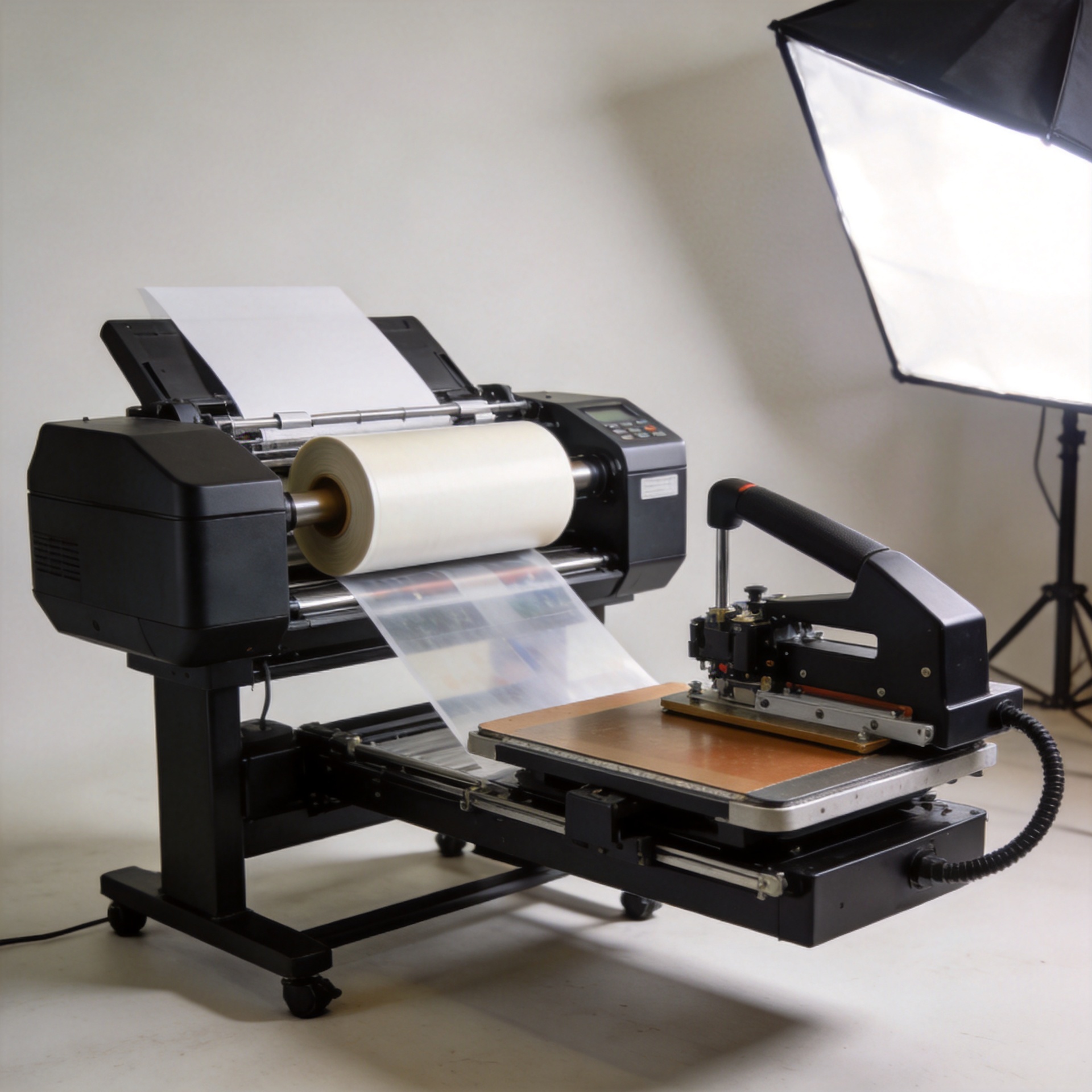
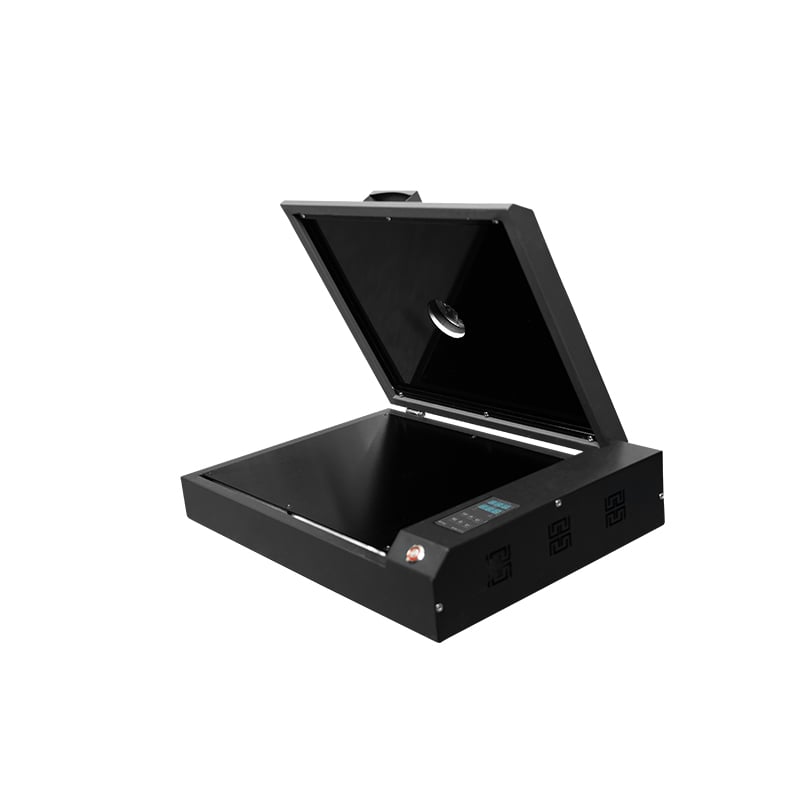
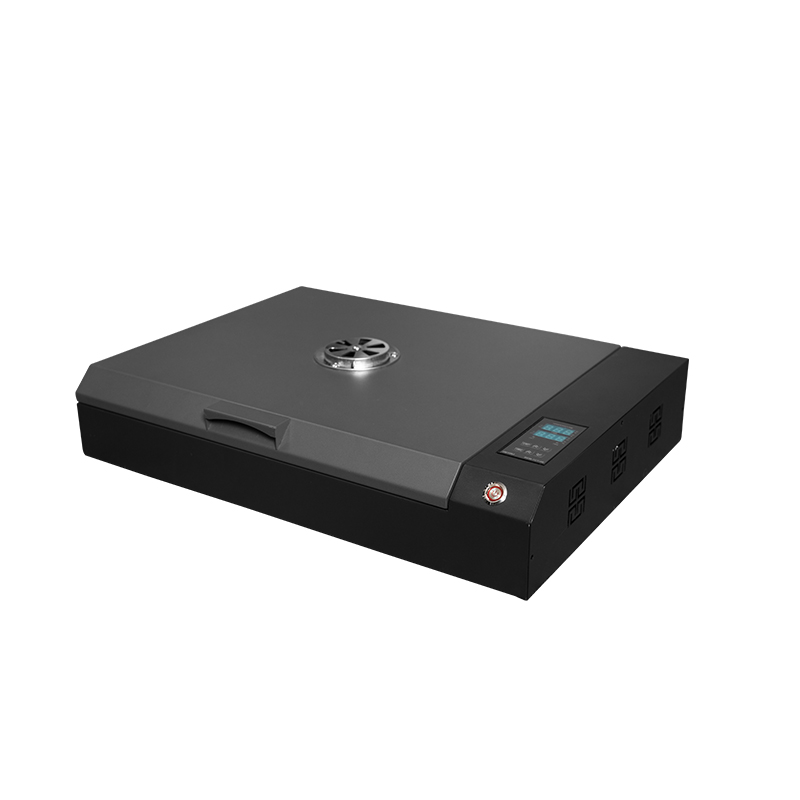
Many purchasing mistakes happen when the printer is evaluated separately from powder application and curing. Whether you choose an integrated unit or separate equipment, verify how printed film travels through powder coating, excess-powder removal, and heat curing. The system should match the film width and production pace of the printer.
Published DTF guidance often places curing in an approximate 149–163°C (300–325°F) range, but this is not a universal production setting. Film, adhesive powder, ink coverage, oven airflow, and the final fabric all affect the correct profile. Treat this range as a prompt for a live test, then ask the supplier to document the tested temperature, time, and result for your intended materials.
| Workflow point | What to verify | Why it matters |
|---|---|---|
| Powder coverage | Even coating on fine detail and large solid areas | Helps avoid weak adhesion or excess residue |
| Powder removal | Adjustability and handling of non-image areas | Supports clean transfers and repeatability |
| Curing | Temperature control, dwell time, airflow, and film travel | Links directly to adhesive activation and workflow consistency |
| Operator access | Cleaning, refill, and safety access around heated sections | Reduces routine-service friction |
Confirm software compatibility before ordering
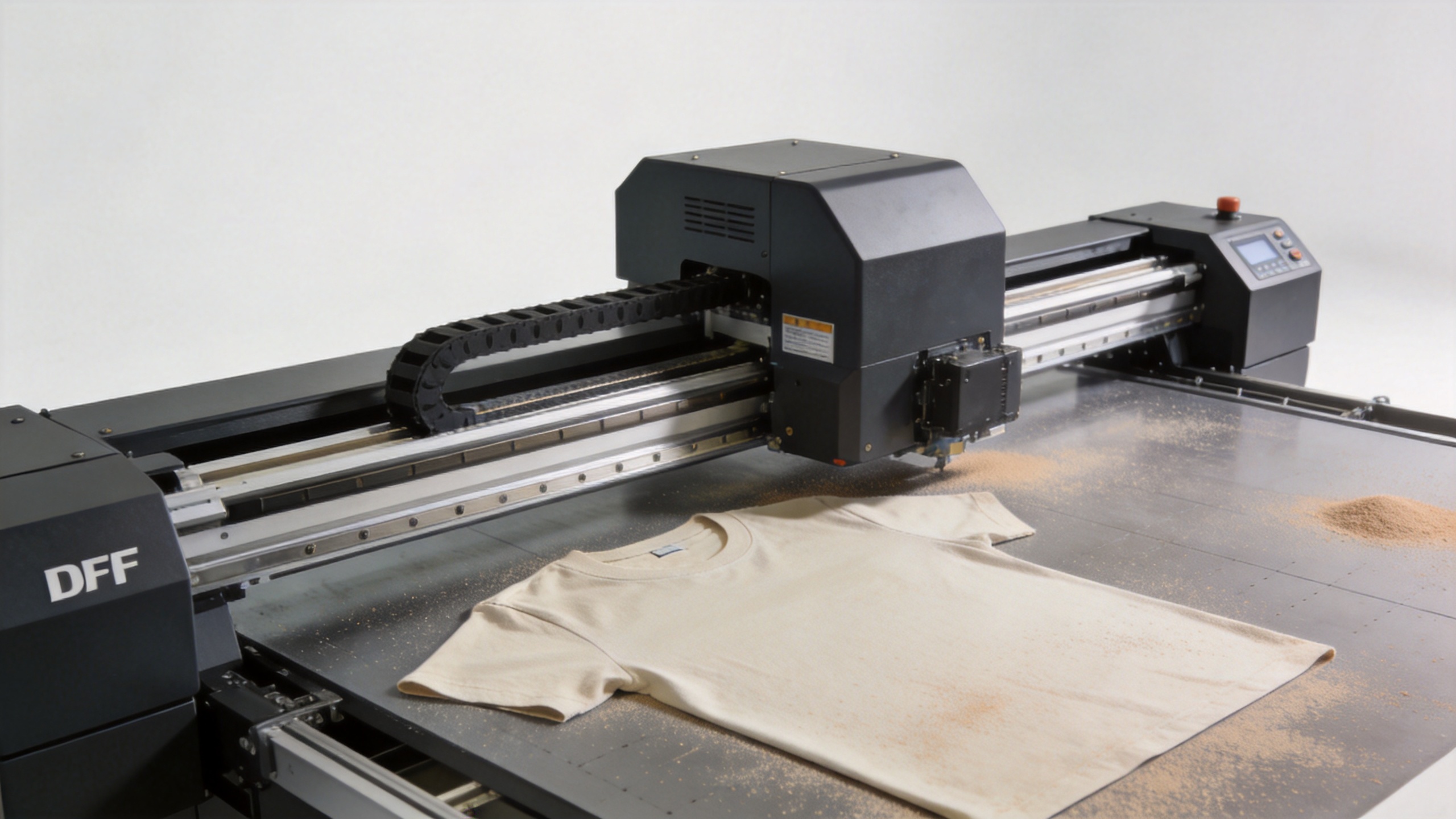
Software can determine whether a dtf machine printer feels predictable or difficult to operate. Ask which RIP software and versions are supported, which operating systems are compatible, and whether profiles are included for the supplied inks, film, and powder. Request a live demonstration that includes importing a production file, setting white-ink layers, nesting jobs, and monitoring a print run.
Also clarify ownership and renewal terms. Verify whether licenses, dongles, updates, remote assistance, and training are included in the quotation. A clear handover package should include operating instructions, routine-maintenance guidance, and a documented escalation route for software or output issues.
Use live samples to compare printers DTF suppliers quote
When comparing printers dtf suppliers offer, provide the same artwork and substrate requirements to each supplier. Include fine text, gradients, solid color, and a white-heavy image. Evaluate the transfer after pressing and washing according to your normal process rather than judging the film immediately after printing.
For reference when comparing compact configurations, review the confirmed product pages for the Sunika SK-A3 DTF Printer F1080 330mm A3 Direct to Film Printer and the SK-A302 12inch DTF printer Epson F1080 dual head for T-shirt. Use supplier-confirmed documentation and demonstrations to determine which configuration fits your workflow; do not assume specifications from a title alone.
Make after-sales support measurable
A DTF printing machine purchase should include more than a shipping promise. Ask who provides installation guidance, what remote support hours are available for your region, which spare parts are recommended, and how service cases are diagnosed. Request a list of routine consumables, suggested stock levels, warranty boundaries, and response expectations.
For distributors and growing production teams, it is helpful to identify which checks can be handled by an operator and which require technical support. This protects uptime and makes training easier to scale.
Pre-purchase DTF printing machine verification checklist
- Match usable print width and film handling to your real transfer layouts.
- Witness a speed test with your artwork, white coverage, and production mode.
- Review printhead, white-ink circulation, cleaning, and idle-time procedures.
- Test powder application and curing with the film, powder, and substrates you plan to use.
- Confirm RIP compatibility, profile support, licensing, and operator training.
- Compare pressed and washed samples, not only freshly printed film.
- Document service contacts, spare parts, warranty terms, and escalation steps.
Choose the system you can verify
The right DTF printing machine is the one whose documented workflow matches your production goals and whose supplier can demonstrate each critical claim. By validating speed under realistic settings, white-ink management, powder and curing integration, software, and support before purchase, buyers can compare options with more confidence and reduce avoidable setup surprises.