EN


DTF Printer for Small Business: A Practical Setup Checklist
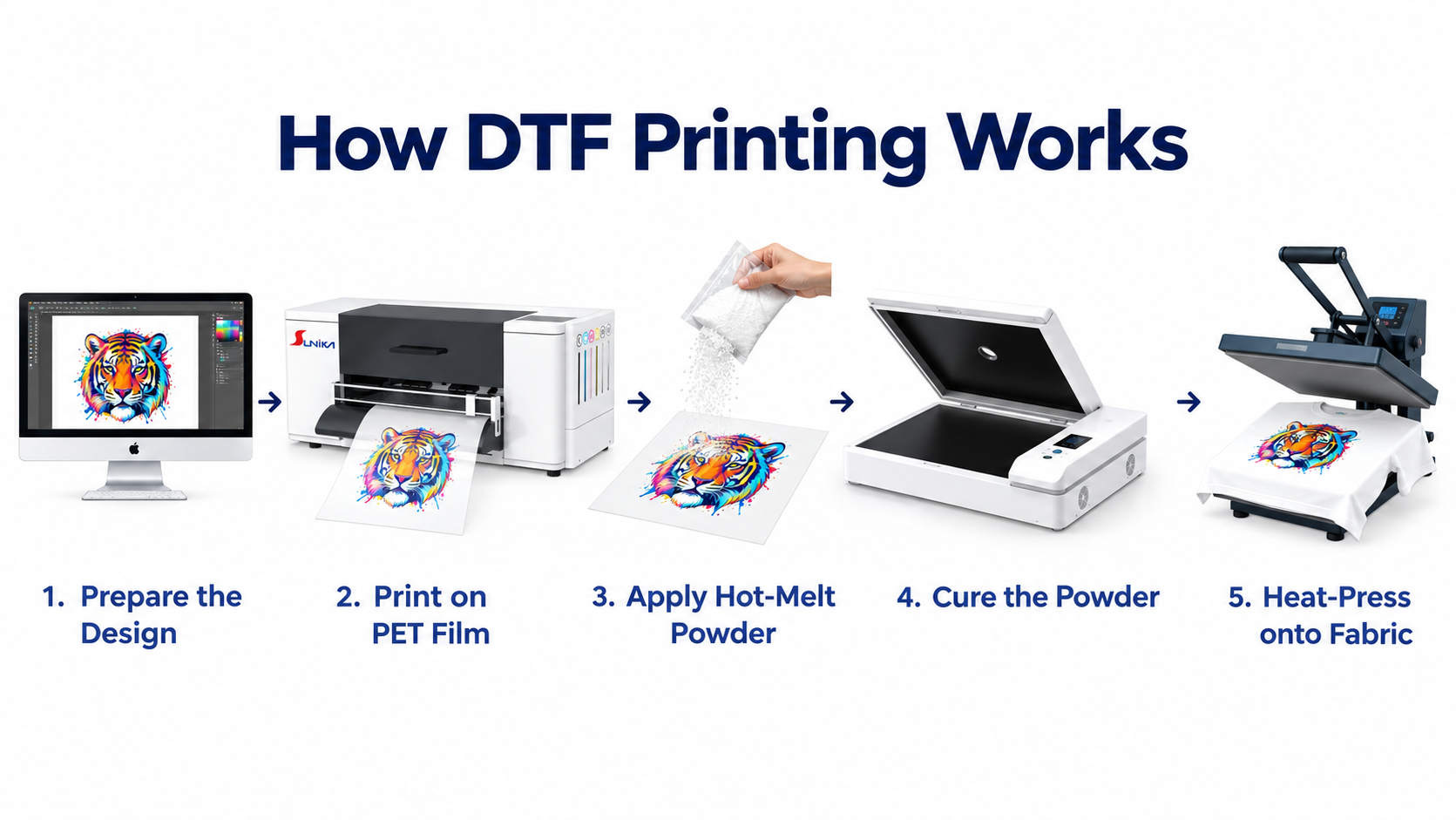
Choosing a UV printing machine for small business use can feel confusing when your real goal is DTF garment decoration. The labels overlap in buyer searches, but the workflow does not: DTF printing depends on film, ink, powder, curing, transfer, and a stable production routine. For a small apparel team, the right UV printing machine for small business decision is therefore less about buying the fastest-looking printer and more about building a setup that you can operate, maintain, and grow without creating daily bottlenecks.
As a DTF equipment specialist, I recommend starting with the complete workflow. A compact printer can be a sensible UV printing machine for small business starting point only when the surrounding equipment and workspace are planned at the same time.
1. Confirm what you are actually producing
Before comparing any UV printing machine for small business options, write down the products you plan to decorate: T-shirts, hoodies, tote bags, caps, or mixed small runs. DTF is valued because transfers can be prepared ahead of pressing and used across many fabric types. That flexibility is useful for custom-apparel shops, but it also means your production area needs places for printed film, powdered film, cured transfers, and finished orders.
Do not select a UV printing machine for small business unit from print width alone. Match its realistic daily workload to your order mix, artwork complexity, and the time available for color checks, maintenance, curing, and heat pressing. A small team with variable orders often benefits more from a repeatable workflow than from a specification that is difficult to support.
2. Build the full DTF equipment checklist
A workable UV printing machine for small business setup should include more than the printer. Plan for the following components:
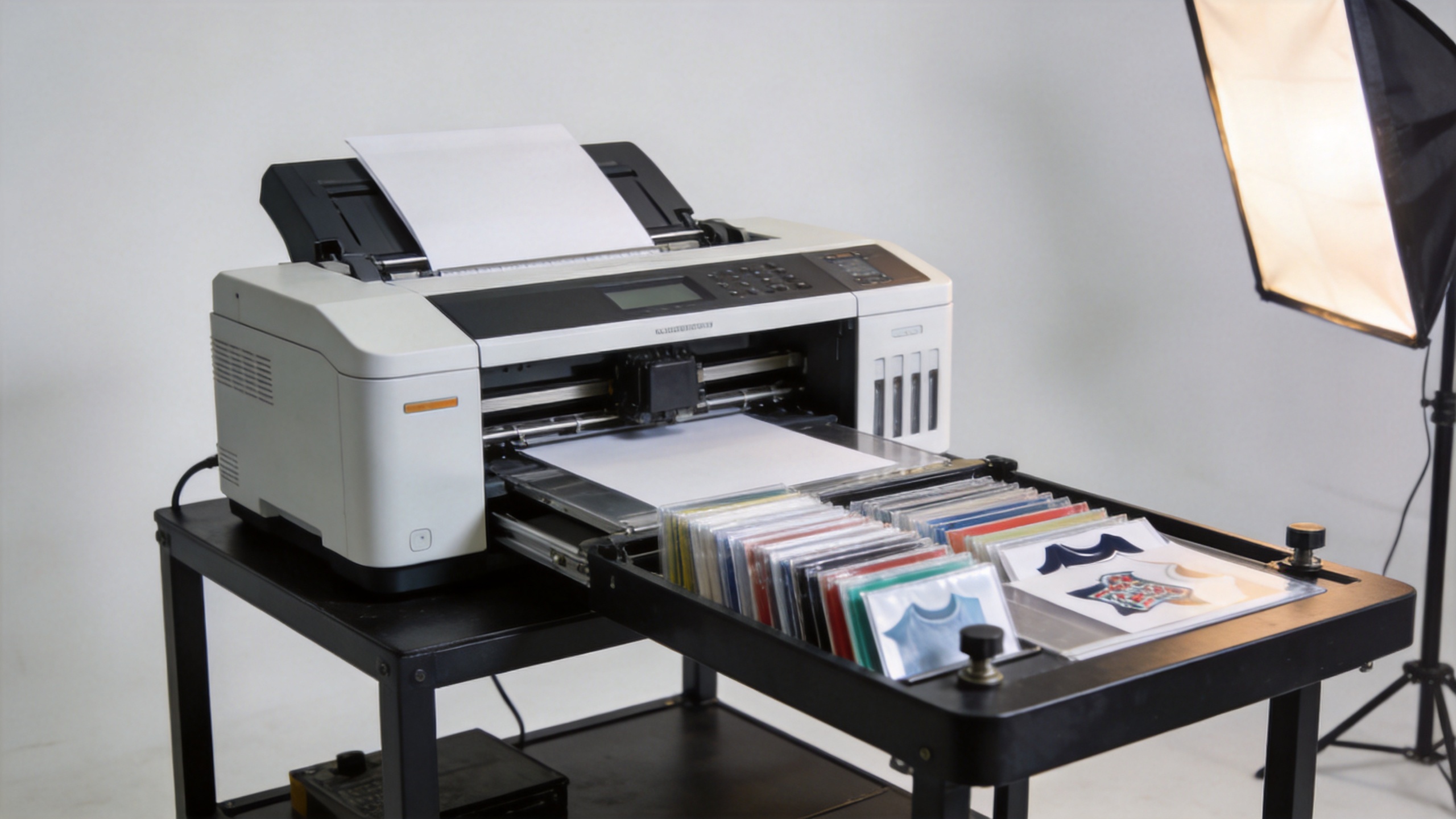
- DTF printer: Choose a format that fits your transfer sizes and available bench space.
- RIP software and computer: Confirm that the software, operating system, and color-management process fit your team’s workflow.
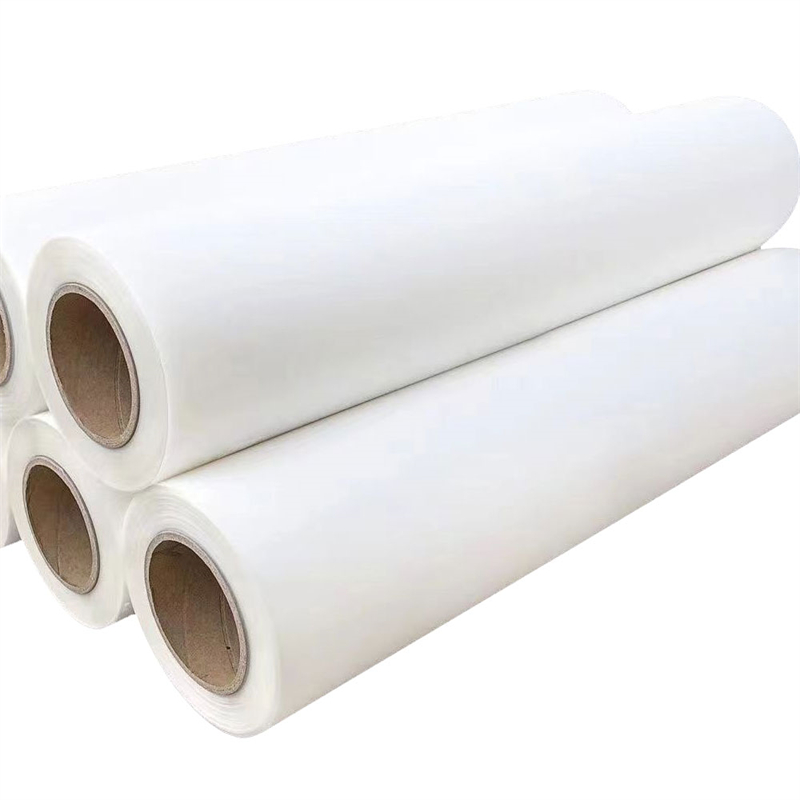
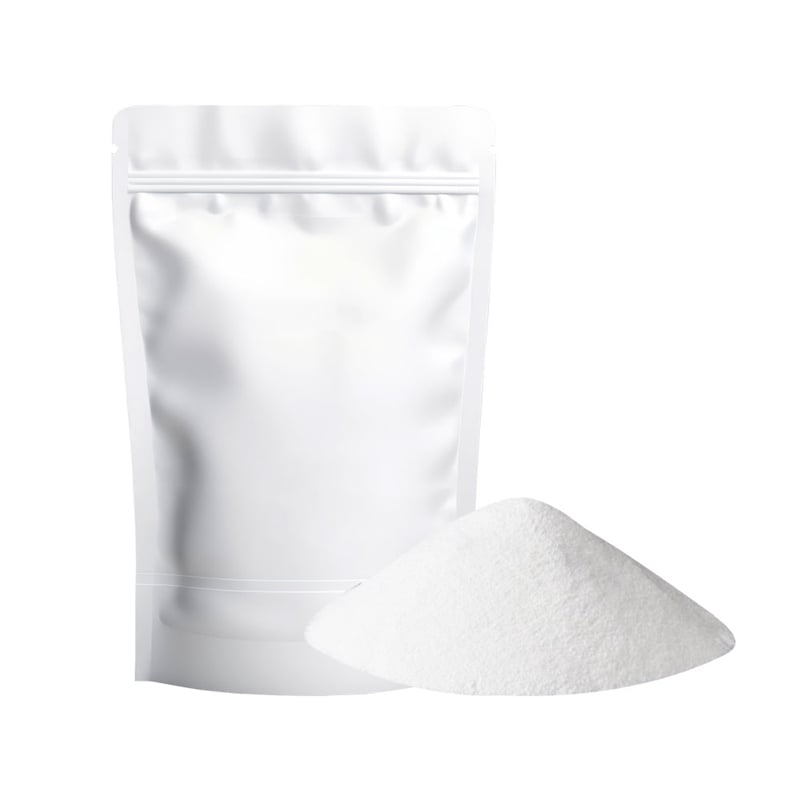
- Film, inks, and powder: Treat them as a system rather than unrelated consumables; compatibility affects consistency.
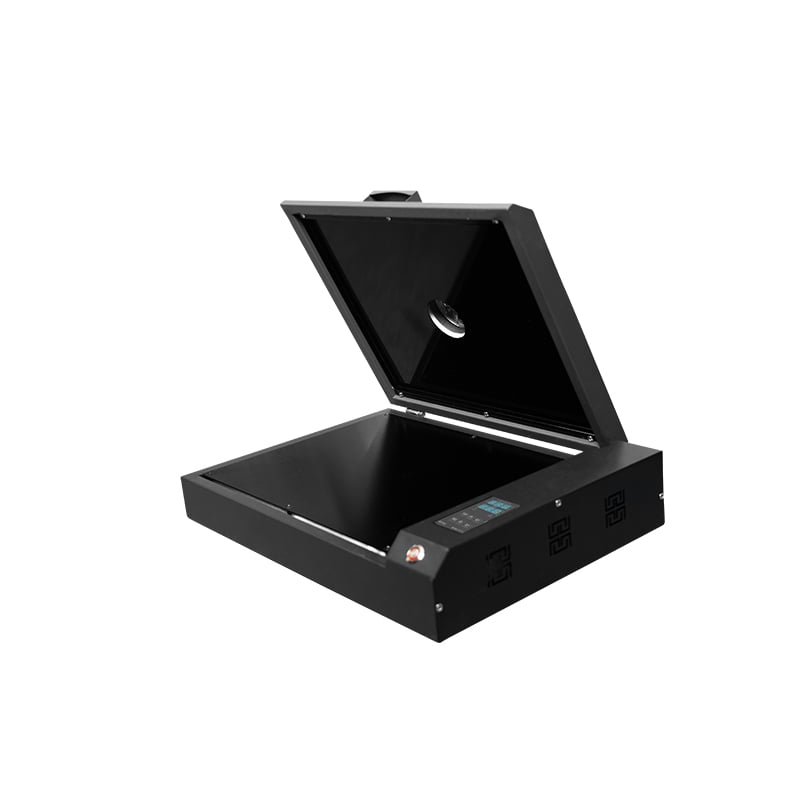
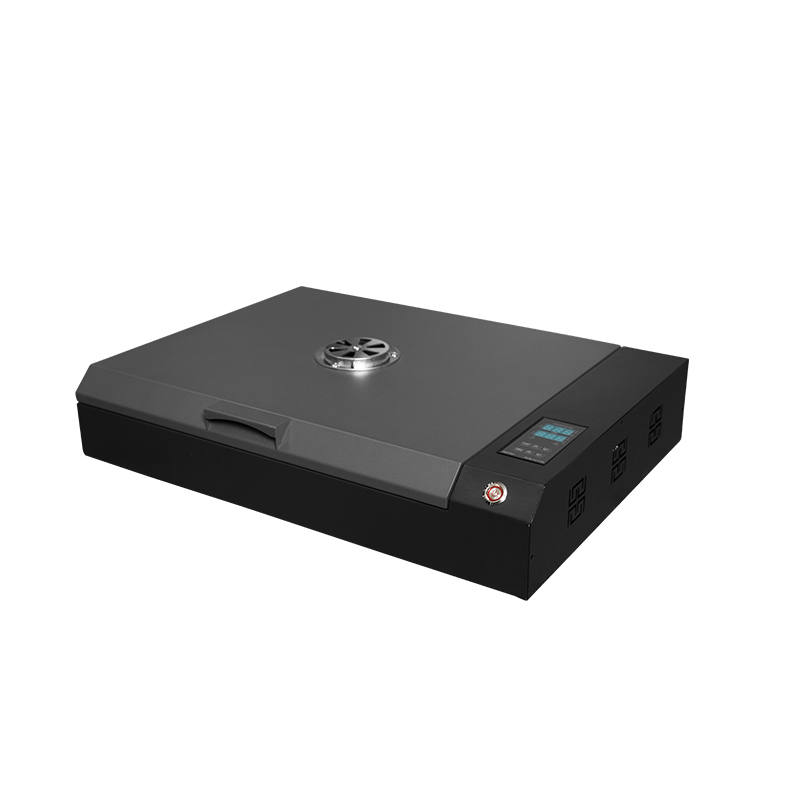
- Powder application and curing: A curing oven or heat station is part of the usable workflow, not an optional afterthought.
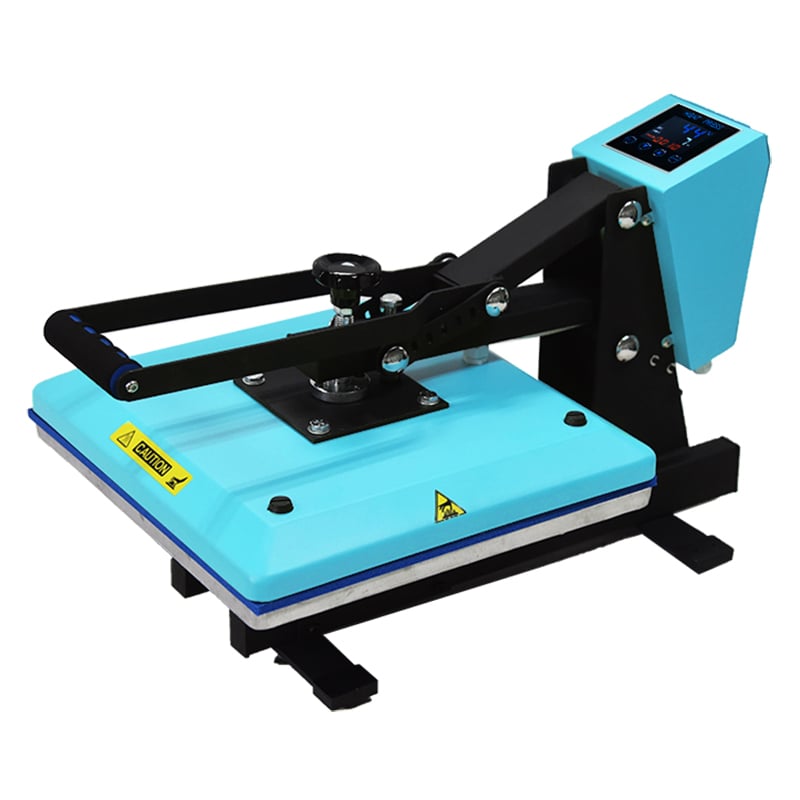
- Heat press: Allocate a separate, clear area for transfer application and finished-garment checks.
- Cleaning supplies and storage: Keep maintenance materials, spare consumables, and test film within reach but away from the finishing zone.
The purchase price of a UV printing machine for small business setup is only one part of the decision. Film usage, ink management, powder handling, test prints, labor, and downtime all influence the cost per usable transfer. If your budget is tight, prioritize a complete, supportable system over an incomplete setup with a more impressive headline specification.
3. Measure the workspace before placing an order
For a UV printing machine for small business workflow, map the room in the order work moves: design and print, powder, cure, stage, press, inspect, and pack. Leave working room around curing equipment and keep wet prints, powdered film, and cured transfers from crossing paths unnecessarily. This simple layout step makes it easier to protect film, reduce handling mistakes, and keep the team from working around hot equipment.
Ventilation, electrical capacity, temperature stability, and cleaning access deserve equal attention. Requirements vary by equipment and local rules, so confirm them with the supplier and qualified local professionals before installation. In practice, machines often cause trouble not because the model is poor, but because the environment may not have been prepared for the process.
4. Evaluate printer capability in context
When comparing a UV printing machine for small business option for DTF work, use a short evaluation table rather than relying on one feature.
| Question | Why it matters |
|---|---|
| What transfer sizes and order patterns do we handle? | Helps align printer format and workflow capacity with actual jobs. |
| Who will run daily maintenance? | Assigning ownership helps protect print consistency and reduce avoidable interruptions. |
| Can the supplier support setup and troubleshooting? | Clear support matters when a small team cannot absorb extended downtime. |
| How will we test color and transfers? | A defined test routine makes calibration more repeatable across fabrics. |
| Where will consumables be stored? | Organized storage supports safer handling and predictable replenishment. |
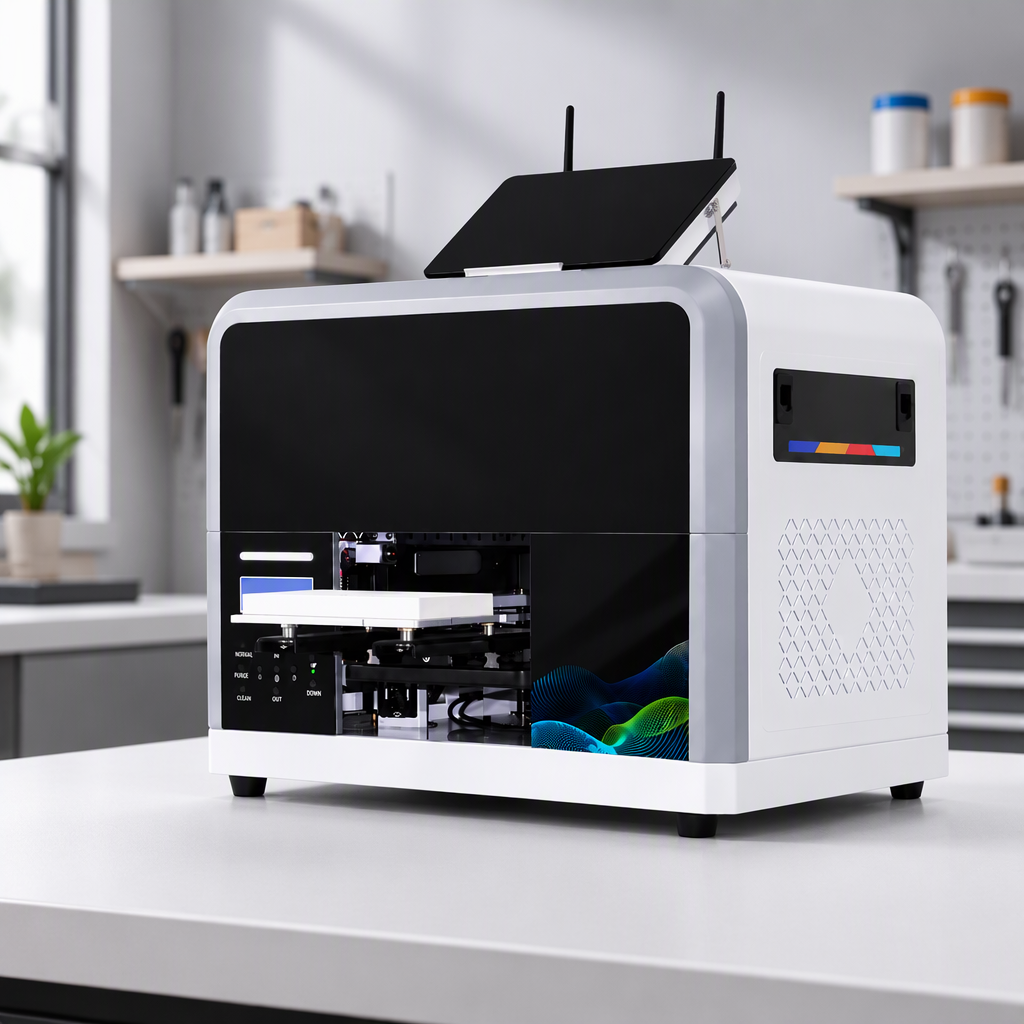
A practical example is the Sunika SK-A3 DTF Printer F1080 330mm A3 Direct to Film Printer. Use the confirmed product page as a starting point for a supplier conversation, then verify the current configuration, compatible workflow equipment, and installation requirements for your location. That is a more reliable way to assess a UV printing machine for small business purchase than assuming a product name establishes every capability you need.
5. Plan maintenance before the first print
The most useful UV printing machine for small business checklist includes a maintenance owner, a daily startup and shutdown routine, and a written response for idle periods. The shift from “machine purchase” to “ink and film system” thinking is important: a printer may be central, but consistent transfers depend on how the whole process is controlled.
Color calibration also needs time. Getting consistent output across different fabric weights and artwork types usually requires test runs and documented settings. That is not a reason to avoid a UV printing machine for small business setup; it is a reason to reserve time for training and validation before promising aggressive delivery dates.
6. Make the final go/no-go decision
Choose a UV printing machine for small business solution when you can answer yes to four questions: Do you have a defined product mix? Is there room for printing, curing, pressing, and staging? Can your team maintain the workflow? Does the supplier provide clear configuration and support information? If one answer is no, resolve that gap before committing.
For small custom-apparel teams, the strongest DTF setup is usually the one that balances equipment footprint, consumable handling, operator routine, and supplier support. Start with the checklist, validate the full workflow, and then choose the UV printing machine for small business configuration that fits the way you actually work.