EN
EN


Best DTF Printers for Small Business: A Buyer’s Comparison Checklist
Choosing among DTF printers for small business is less about finding a headline “top-ranked” model and more about matching a complete production workflow to the orders you already have. A small apparel decorator may need flexible short runs and a compact footprint today, while a transfer seller may need wider film, steadier output, and a clearer service plan. This checklist turns those trade-offs into questions you can use before requesting quotations for dtf printing machines.
A practical starting point is this: the printer is only one part of the DTF line. Film handling, powder application, curing, RIP workflow, white-ink management, heat pressing, consumables, and support all affect whether a machine helps the business or creates avoidable downtime.
1. Define the work your DTF printer must handle
Before comparing specifications, review four weeks of orders. Count the typical designs per job, the largest artwork size, the share of dark garments, the number of rush orders, and whether you sell finished apparel or transfers. That record is more useful than a generic speed claim.
- Low, varied order volume: A compact setup can make sense when jobs are short, designs change frequently, and floor space is limited.
- Growing custom-shop volume: Prioritize a workflow that handles repeat work without requiring constant manual intervention.
- Transfer production: Evaluate roll-feed width, take-up consistency, powder-and-cure integration, and a plan for peak-season uptime.
For DTF printers for small business, the right capacity is usually the one that protects delivery dates while leaving enough time for maintenance and customer service. Buying the largest configuration without the order volume, workspace, or operator routine to support it can be as costly as buying too small.
2. Compare print width and workflow—not width alone
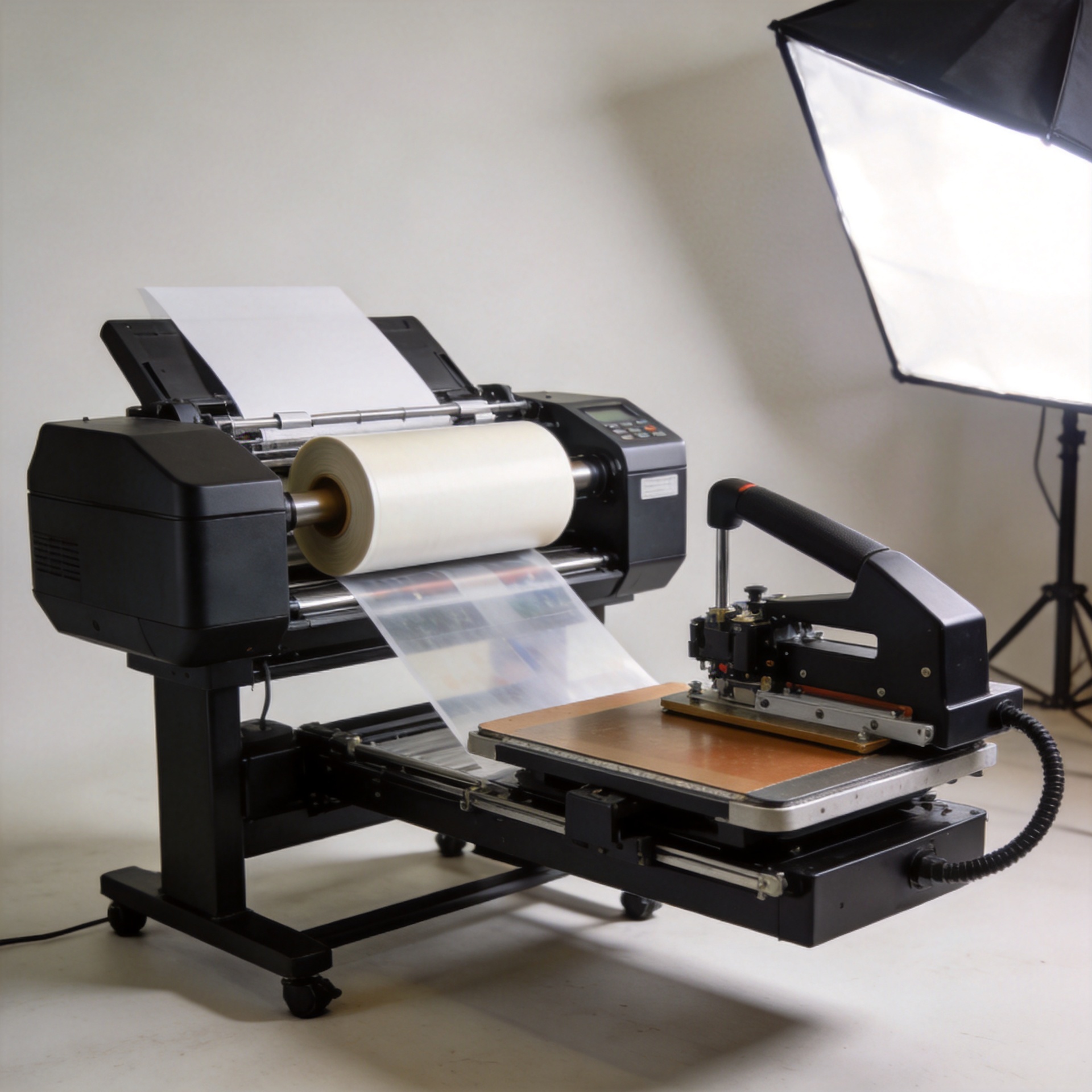
Print width affects how you gang designs, how much film you can use efficiently, and how the machine fits into your shop. Smaller-format dtf printing machines can suit samples, personalization, and modest daily output. Wider roll-fed equipment can improve layout flexibility for transfer production, but it also changes media handling, curing requirements, and space planning.
| Comparison question | Why it matters for a small business | What to verify |
|---|---|---|
| What artwork sizes recur? | Stops you from paying for unused width or hitting a frequent size limit. | Review actual job files, not only most frequently ordered garments. |
| Can you gang prints efficiently? | Better layouts can reduce film waste and improve order economics. | Ask for a sample RIP workflow using your own design mix. |
| How much room does the full line need? | The printer, shaker/curer, ventilation, finishing area, and maintenance access all need space. | Request a layout drawing and clearance requirements. |
| Can the workflow grow? | A practical upgrade path may be more valuable than excess capacity on day one. | Confirm available configurations, training, and consumable support. |
3. Treat printhead and white-ink care as an operating commitment
Printhead type is important, but the more useful purchasing question is: what routine keeps this configuration stable in your environment? White ink needs regular circulation, agitation, cleaning, and monitoring. If that routine is unclear, the apparent savings on a lower-priced printer can disappear through wasted film, reprints, and missed orders.
Ask every supplier to show the daily, weekly, and shutdown procedures in writing. Ask who performs remote diagnosis, what information the operator should collect before requesting help, and how replacement parts are handled. A good comparison of DTF printers for small business includes the time the owner or operator must spend keeping output consistent—not merely maximum resolution or nozzle count.
4. Calculate total ownership cost with your own order mix
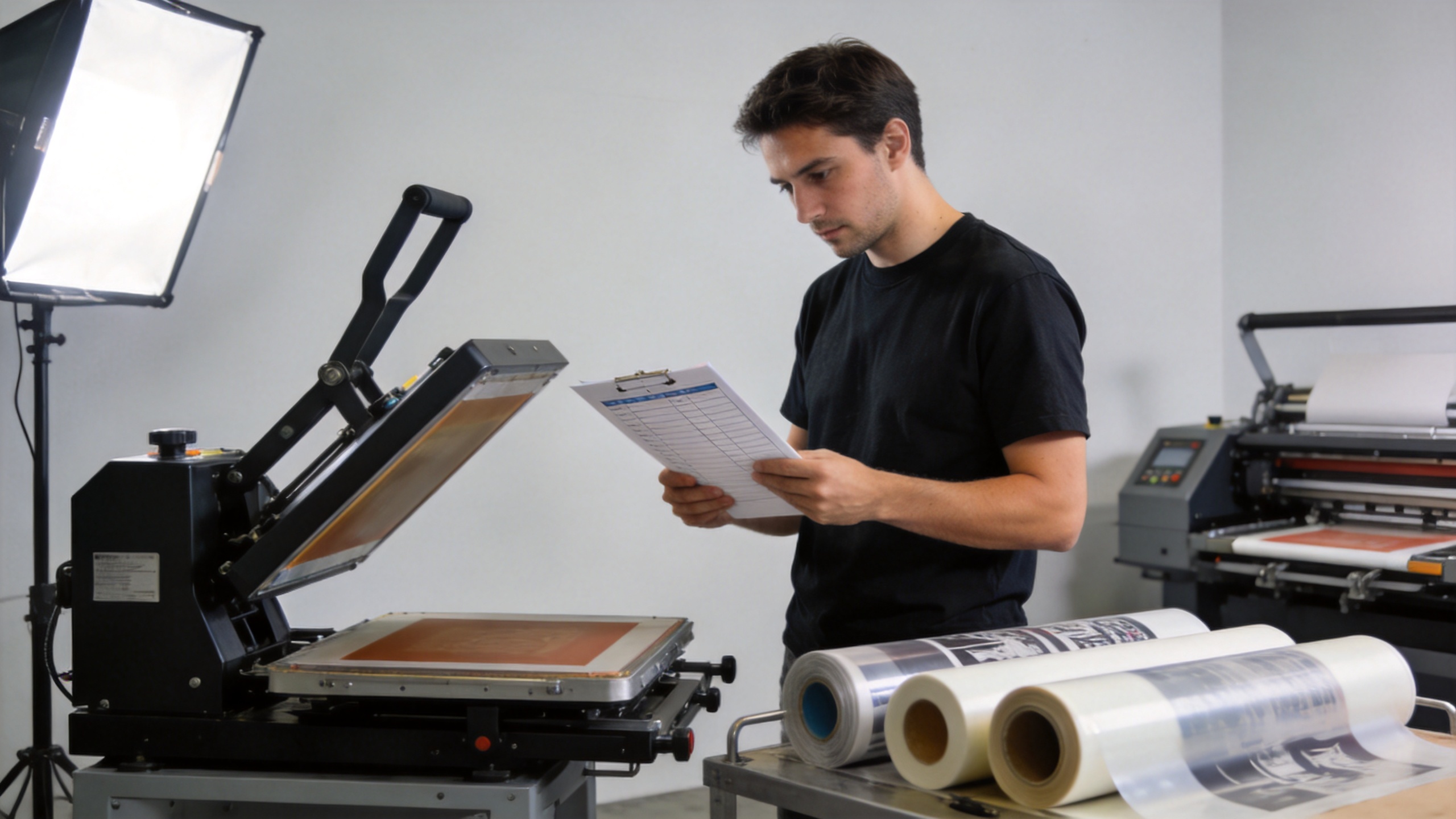
Hardware price is only the entry point. Build a worksheet that separates equipment, freight and installation, film, inks, powder, electricity, cleaning supplies, spare parts, software, operator training, and a reasonable allowance for test prints. Then compare the result against the margin of the jobs you expect to run.
Avoid basing the decision on one supplier cost-per-print example. Coverage level, artwork size, gang layout, fabric mix, local electricity prices, and reprint rates all change the result. Use a few of your own files: a small chest logo, a full-color front print, and a dense white-underbase design. That produces a clearer comparison for dtf printing machines than an average marketing sample.
5. Put maintenance, support, and consumables on the same scorecard
Search results for small-business DTF equipment consistently emphasize maintenance, technical support, reliability, print width, and total ownership cost. They belong on one scorecard because a printer that looks attractive on paper can still become a bottleneck if compatible consumables, documentation, and troubleshooting help are difficult to obtain.
- Request a consumables list and confirm compatibility rules before placing an order.
- Ask for the normal response path for technical support, including time-zone coverage and communication channels.
- Confirm which parts are consumable, which are stocked, and how the supplier handles a fault that interrupts production.
- Ask for onboarding materials that cover RIP setup, white-ink care, calibration, curing, and heat-press application.
- Check that warranty terms, exclusions, and shipping responsibilities are written clearly.
For example, buyers assessing a compact A3 option can review the available Sunika SK-A3 DTF Printer F1080 330mm A3 Direct to Film Printer as one product-page reference, then request confirmation of the current configuration, workflow fit, consumables, service scope, and delivery terms. A product title or photograph should not replace that verification.
6. Use a weighted buyer’s comparison checklist
Give each supplier the same brief and score each answer from 1 to 5. Weight the criteria based on your business rather than using a universal ranking.
- Order fit: Does the configuration fit your current artwork sizes, daily workload, and peak-season requirements?
- Workflow fit: Can the printer, powder process, curing, and heat press work safely in your available space?
- Maintenance fit: Can your team complete the required white-ink and cleaning routine consistently?
- Cost clarity: Are consumables, spares, software, freight, and setup assumptions transparent?
- Output verification: Will the supplier process your files and substrate examples before you decide?
- Support readiness: Are training, manuals, troubleshooting, and parts procedures clearly documented?
- Growth path: Does the supplier explain what changes when your volume increases?
Final decision: buy the most workable system, not the loudest specification
The most suitable DTF printers for small business are the systems whose daily requirements match the business’s real capacity. Compare the complete workflow, test representative files, price the recurring materials, and make support commitments part of the purchase decision. A clear comparison checklist reduces surprises after delivery and helps you choose equipment that supports dependable custom-apparel production.