EN

A Buyer’s Guide to UV DTF Printers for Phone Case Customization
For a customization shop, choosing a printer for phone cases is less about buying the largest machine and more about matching a repeatable production workflow to real orders. A UV DTF workflow can be useful when customers request short runs, changing artwork, curved surfaces, or designs that are difficult to print directly. This guide helps distributors, print shops, and growing personalization businesses compare the choices behind a printer for phone cases without treating one configuration as right for every job.
Start with the product you actually sell: a decorated case that looks consistent from one batch to the next. That means evaluating the printer for phone cases together with film handling, artwork preparation, ink-layer control, curing, transfer application, and the operator time available on a busy day.
First, decide whether UV DTF fits your phone-case workflow
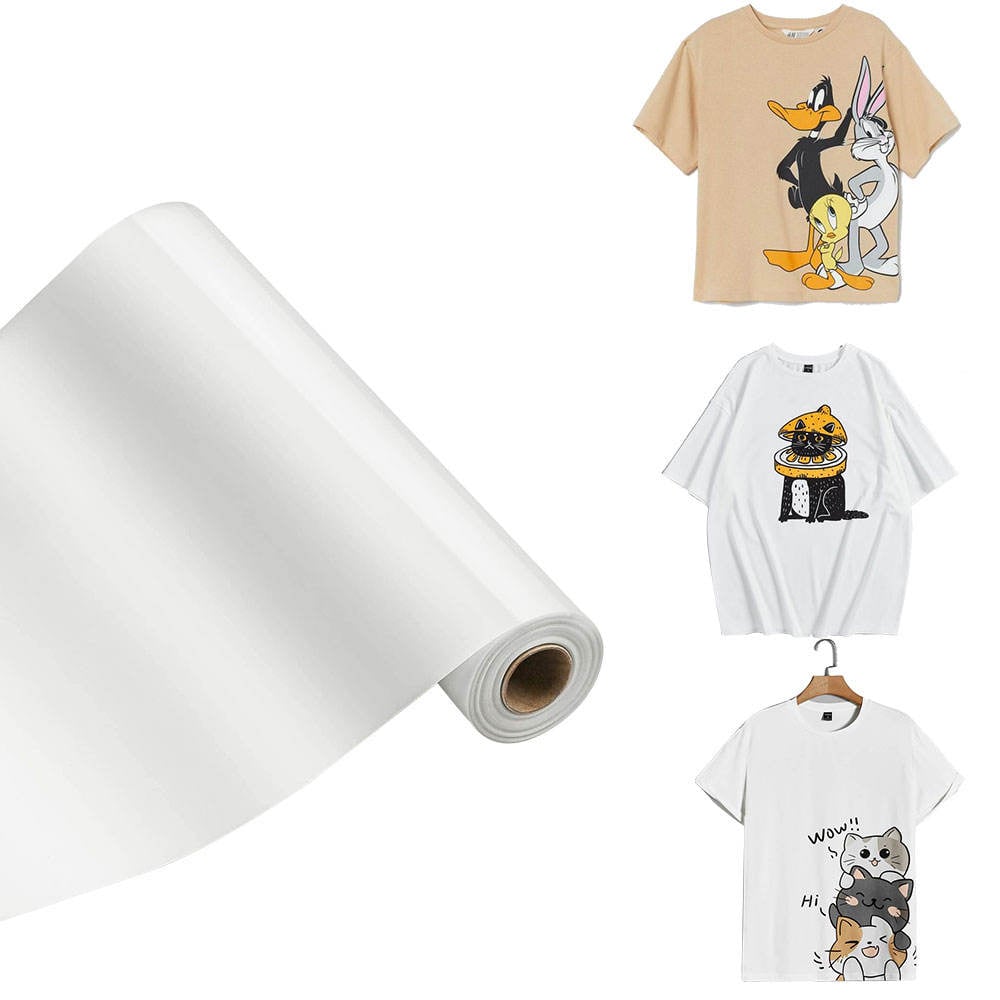
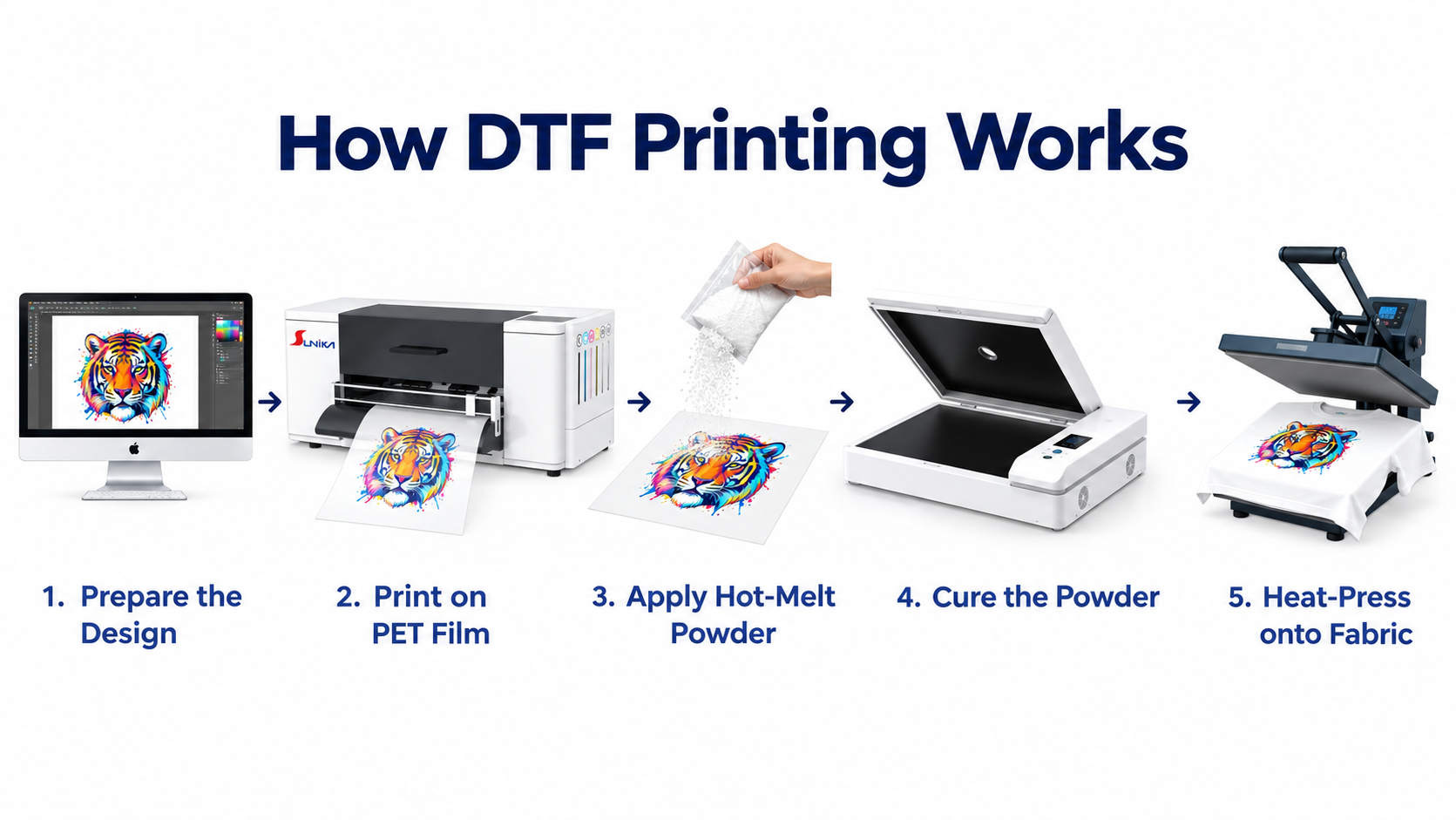
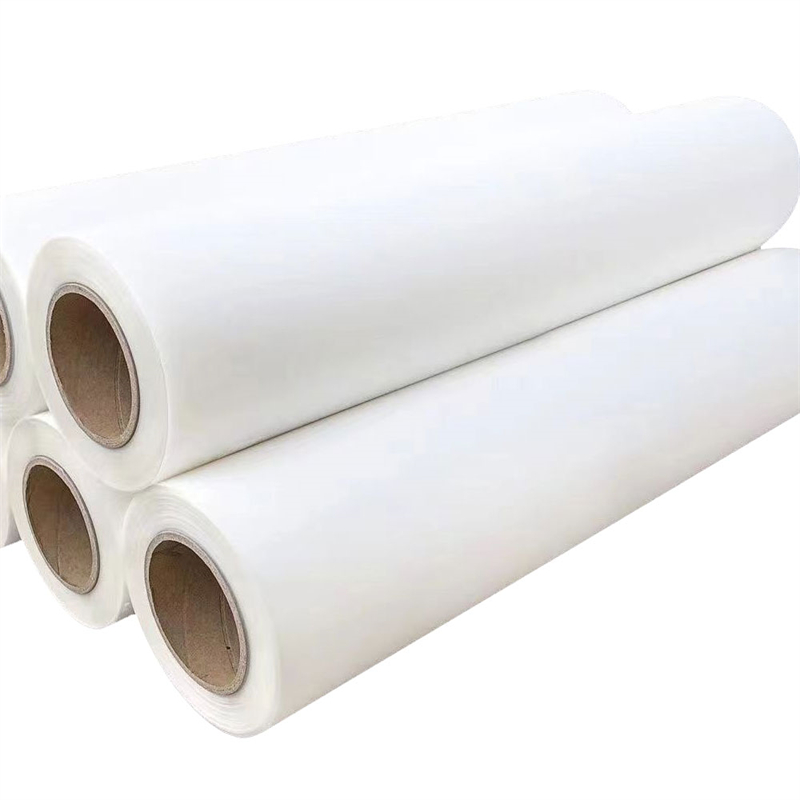
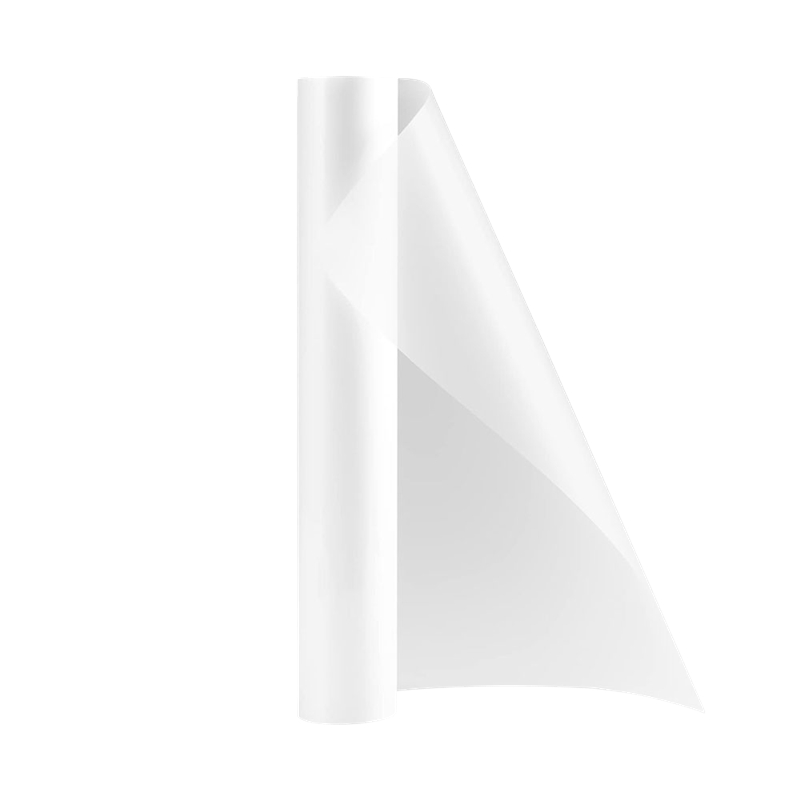
A UV DTF printer for phone cases produces a transfer rather than decorating every case directly on the platen. In a typical workflow, artwork is printed onto a dedicated release film with UV-curable color, white, and varnish layers, then transferred to the prepared case. This can make the printer for phone cases a practical option for shapes that are awkward to position for direct printing and for shops that want to prepare multiple transfers before applying them.
However, the finished result depends on more than the printer. Case material, surface cleanliness, transfer pressure, handling time, and design edges all affect results. Before choosing a printer for phone cases, test the same styles your customers order: hard-shell cases, flat inserts, glass-backed cases, and any textured or curved formats in your catalog. Keep a small approval board with the case type, artwork, film batch, and operator notes. It turns early samples into a usable process instead of a one-off demo.
Match print width to order mix, not just maximum output
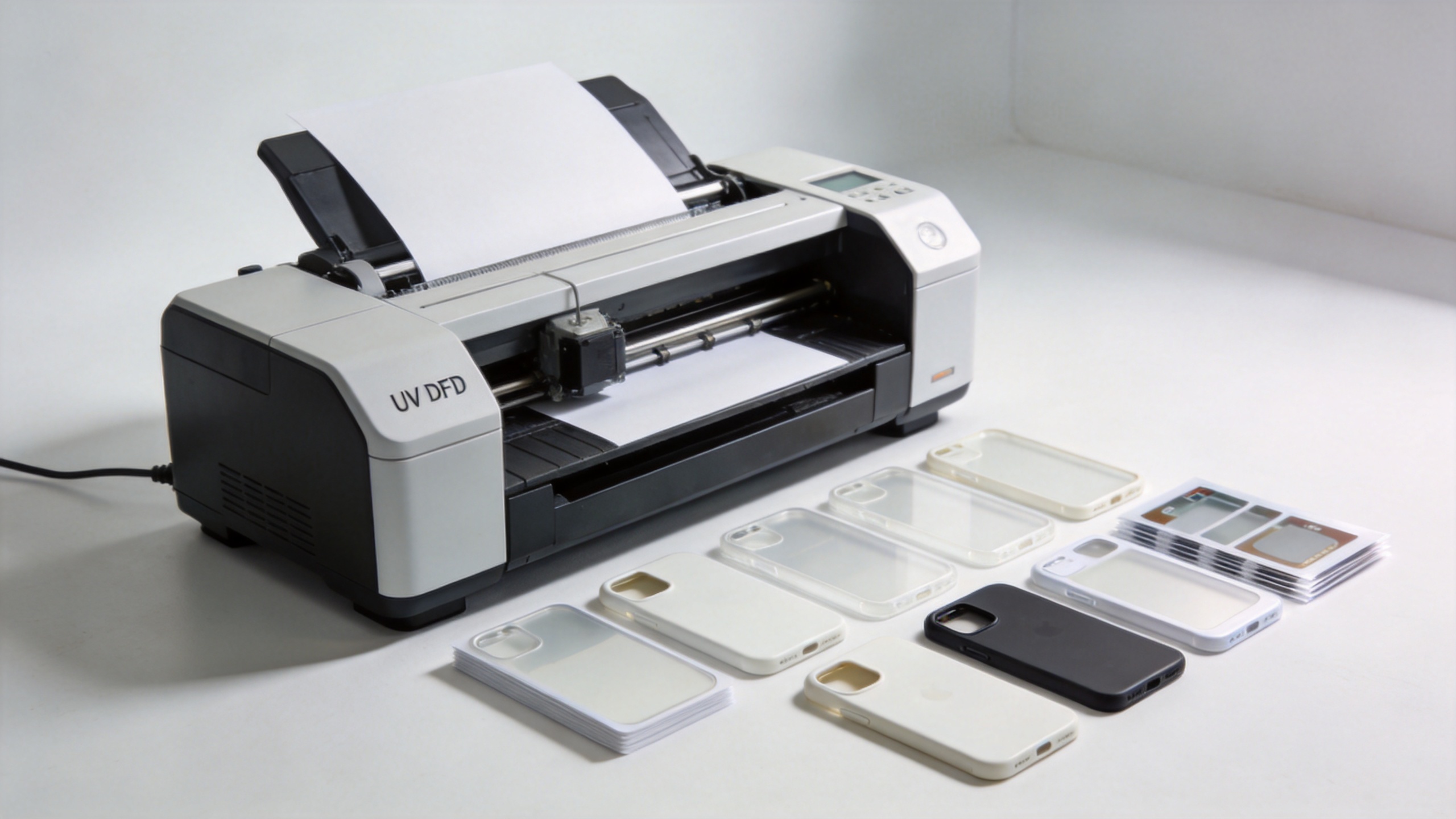
Print width is one of the first specifications buyers compare in a printer for phone cases. A compact A3-class or roughly 300 mm workflow can suit small and mixed orders when the team needs short setup cycles and manageable material usage. A wider platform may make more sense when artwork can be nested efficiently, the business handles repeat designs in volume, or the same machine will also produce decals for bottles, packaging, and other hard goods.
For each candidate printer for phone cases, ask a simple question: how many sellable case designs can we fit on one practical film layout after allowing for margins, registration, and reprints? Do not compare only the nominal width. Compare the usable layout, the daily design mix, the amount of film likely to be wasted, and how often an operator must stop to change work. A wider machine is not automatically more productive if most orders are small, varied, and urgent.
| Order pattern | What to evaluate | Implication for a printer for phone cases |
|---|---|---|
| Samples and personalized singles | Setup speed, RIP workflow, easy test prints | Prioritize controllable short-run operation |
| Small batches with many designs | Nesting efficiency, color consistency, operator workflow | Choose a width that reduces changeover waste |
| Repeat wholesale designs | Throughput, maintenance plan, film supply continuity | Validate sustained production, not only demo speed |
Evaluate the complete print-and-transfer chain
A capable printer for phone cases needs a stable chain around it. Ask the supplier to walk through the actual sequence from file to finished sample: color setup, white and varnish layer control, film loading, curing, laminating or positioning film where applicable, transfer application, and inspection. The purpose is not to demand a universal ink recipe. It is to see whether the printer for phone cases can be operated with clear, repeatable checkpoints.
Pay particular attention to the white layer. On dark or transparent cases, it is often central to color appearance. Ask how the workflow handles white-ink circulation, daily startup, nozzle checks, cleaning, and pauses between runs. Also review how varnish is used for texture or protection, and confirm the production team understands which visual effects are appropriate for the chosen case surface. A printer for phone cases should be assessed with a realistic maintenance routine, not a single freshly prepared demonstration.
Questions for a supplier demonstration
- Can the team run your supplied phone-case artwork and case samples?
- What daily, weekly, and shutdown maintenance does this printer for phone cases require?
- Which consumables are required for the tested workflow, and how are they stored?
- How does the RIP setup separate color, white, and varnish layers?
- What troubleshooting steps are documented for banding, poor adhesion, or registration issues?
Check printhead, service, and operator readiness together
When comparing a printer for phone cases, a printhead name alone does not describe your operating outcome. Confirm the supported ink configuration, the intended maintenance schedule, local or remote technical support, available spare parts, training scope, and response process when production stops. For a new customization line, a suitable printer for phone cases is one whose workflow your team can maintain confidently after the installation visit.
Build an acceptance plan before placing an order. It can include a nozzle-check standard, several approved designs, two or three case materials, acceptable color variation, edge inspection, transfer adhesion observations, and a basic daily log. This gives both buyer and supplier a shared definition of a working printer for phone cases workflow. It also helps a distributor train customers with a simple routine instead of vague quality expectations.
Use real product options as comparison starting points
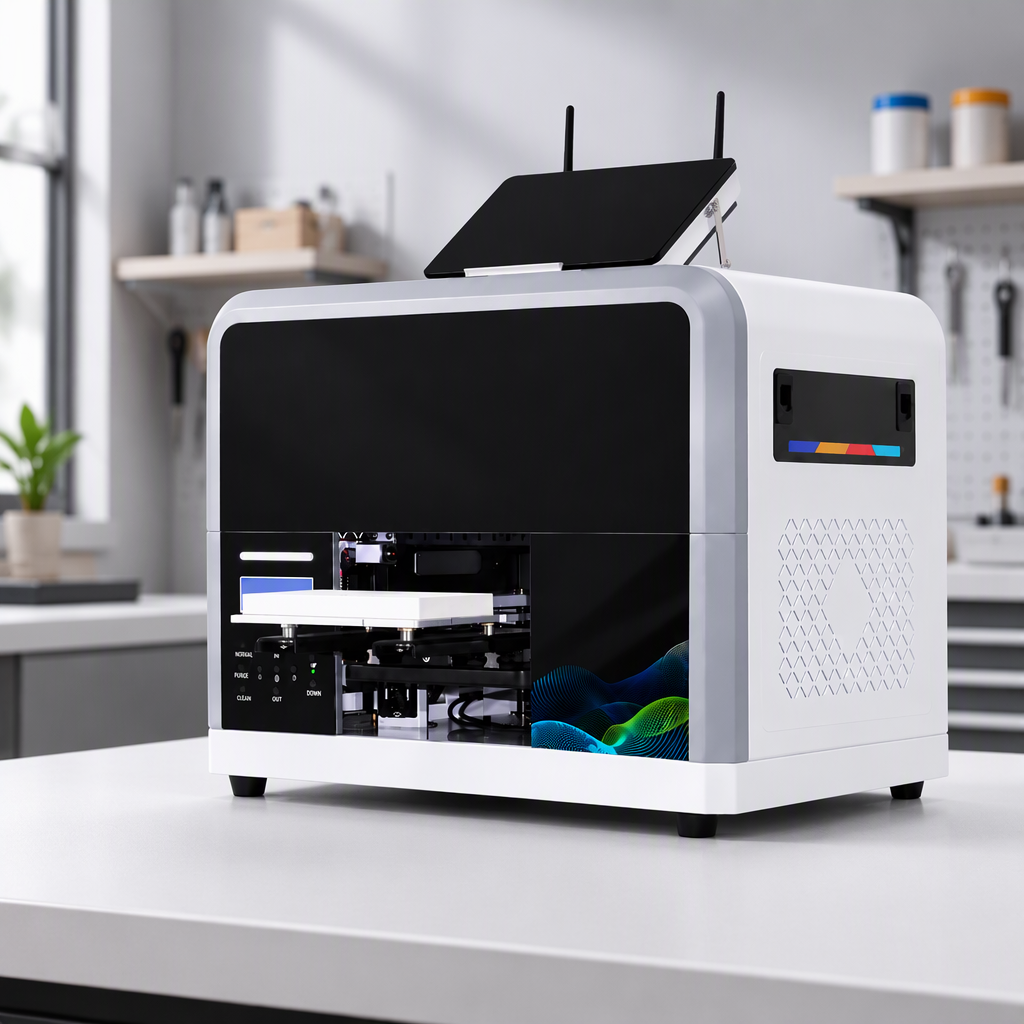
When a 300 mm-class workflow matches your planned order profile, review the supplier’s published product information and request a job-specific demonstration. For example, Sunika lists the SK-U301 30cm UV DTF printer for glass phonecase applications and the Sunika SK30-3 300mm UV DTF Sticker Printer. Treat these pages as starting points for a specification discussion, then validate the exact configuration, workflow, and support arrangement for your market.
For either option, the useful buyer question remains the same: does this printer for phone cases fit our daily mix of sample work, personalized designs, repeat orders, and adjacent UV DTF sticker applications? A relevant demo with your files will answer more than a brochure comparison.
Turn the buying decision into a 30-day launch plan
Once you select a printer for phone cases, protect the investment with a staged launch. In week one, qualify films, inks, and the most common case surfaces. In week two, create approved RIP presets and a small library of production-ready templates. In week three, run controlled orders and record reprints, setup time, and finishing issues. In week four, decide which case models and personalization promises should enter your standard catalog.
This approach keeps the printer for phone cases connected to a business outcome: reliable custom products that can be quoted, scheduled, and reproduced. It also reveals whether you need more capacity, a different width, more operator training, or a narrower initial offer.
Final selection checklist
Choose a printer for phone cases only after confirming the following:
- The UV DTF transfer process suits the materials and shapes you sell.
- The usable print width fits your real order mix and nesting plan.
- The print, cure, and transfer workflow has been tested with your artwork.
- Maintenance, consumables, support, and training are clear.
- Acceptance samples and quality checkpoints are agreed before launch.
A thoughtful printer for phone cases purchase is a workflow decision, not a specification contest. Compare equipment with your own files and case samples, document the routine that produces approved results, and choose the setup your team can operate consistently as demand grows.