EN
EN


UV DTF Sticker Printing: How It Works on Hard Surfaces
UV DTF sticker printing gives decorators a practical way to add full-color graphics to many hard items without printing directly onto every object. Instead of placing a bottle, glass panel, phone case, or acrylic sign inside a printer, the design is made as a transfer and applied where it is needed. For shops exploring UV DTF sticker production, that separation between printing and application is the central advantage.
It is also important to set expectations correctly. A UV DTF sticker is not a universal solution for every material, texture, or product-use condition. Results depend on surface cleanliness, shape, coating, pressure during application, and the way the decorated item will be handled. This guide explains the workflow and the checks that help hard-surface projects start reliably.
What a UV DTF sticker does differently
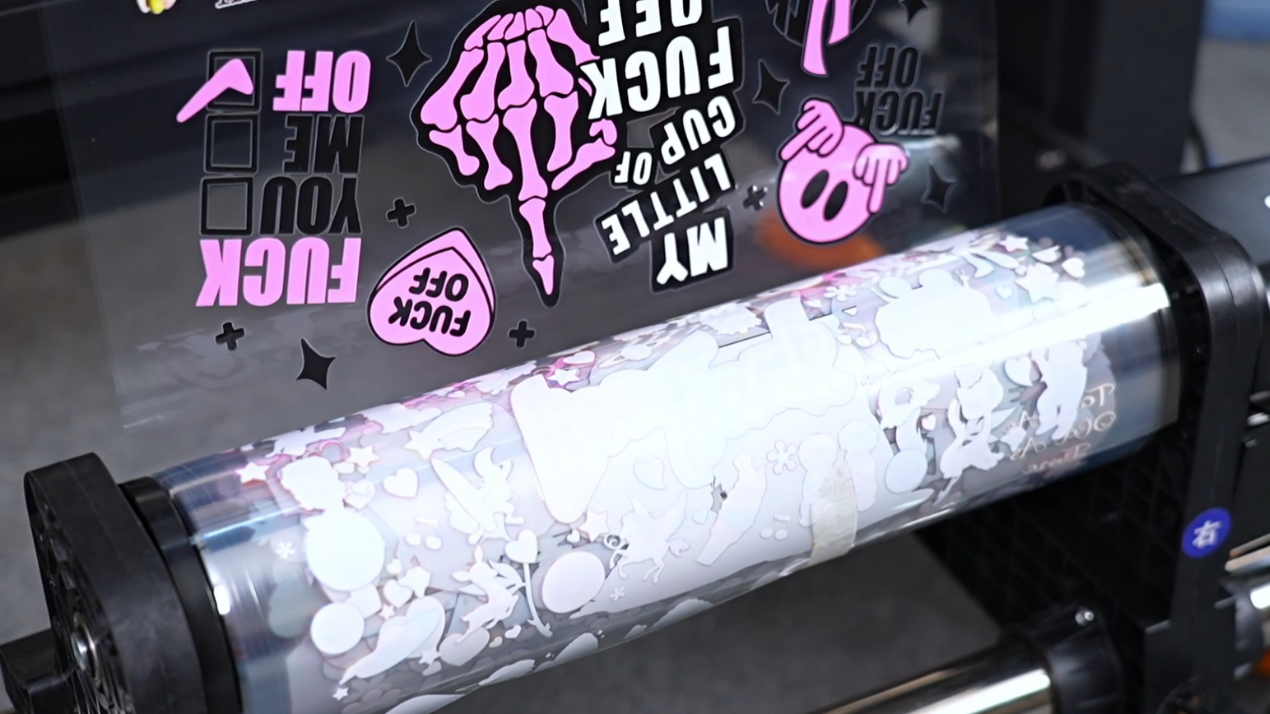
A UV DTF sticker is a printed adhesive transfer designed for hard, mostly non-porous surfaces. In a typical workflow, artwork is printed onto a release film, UV-cured during production, combined with an adhesive layer and carrier film, and then transferred to the finished item. The operator applies the transfer by hand rather than using a heat press.
That distinction matters for personalized drinkware, packaging, promotional goods, small signs, electronics accessories, and decorative pieces. Direct-to-object UV printing can be a strong option when objects fit the printer and repeat in volume. UV DTF sticker production is often more flexible when items vary in shape, are difficult to fixture, or need decoration after assembly.
For an awareness-stage buyer, the key question is simple: can the item accept a clean, even adhesive transfer? Smooth glass, coated metal, ceramic, acrylic, and many rigid plastics are common starting points. The answer becomes less certain on heavily textured, oily, silicone-rich, soft-touch, or sharply curved surfaces.
Hard surfaces that are good candidates
Start with the surface rather than the product category. A clean, smooth, rigid surface gives a UV DTF sticker a strong chance of making consistent contact. Glass jars and bottles, coated tumblers, ceramic mugs, acrylic display pieces, powder-coated metal accessories, and hard phone cases are typical examples. The same material can behave differently when it has a matte coating, texture, molded pattern, or unknown surface treatment, so a sample application is more useful than a general material label.
| Surface type | Why it can work | What to check first |
|---|---|---|
| Glass | Usually smooth and non-porous | Remove dust, fingerprints, and any residue before applying |
| Coated metal | Offers a firm, even base for graphics | Confirm the coating is intact and not heavily textured |
| Ceramic | Common on smooth glazed items | Test curves, handles, and areas with uneven glaze |
| Acrylic | Flat, clean panels are easy to position | Check for protective-film residue and static dust |
| Hard plastic phone cases | Useful for short-run personalization | Test the exact coating and avoid flexible or soft-touch zones |
Use a practical rule: if the surface feels uneven under a fingertip, a large transfer may bridge over low spots instead of bonding evenly. Smaller graphics, simplified shapes, or a different decoration method may be a better fit.
How to apply a UV DTF sticker step by step
- Inspect the item. Look for seams, ridges, powdery coatings, deep texture, or tight compound curves. Choose a flat or gently curved area for the first test.
- Clean and dry the surface. Remove dust, oil, moisture, and handling residue with a material-appropriate cleaning process. Do not apply a UV DTF sticker to a damp surface.
- Plan placement before peeling. Mark the center point or use a visual reference. Once the adhesive makes contact, repositioning can damage fine details.
- Peel the release layer carefully. Keep the transfer supported so small text and thin lines stay in place.
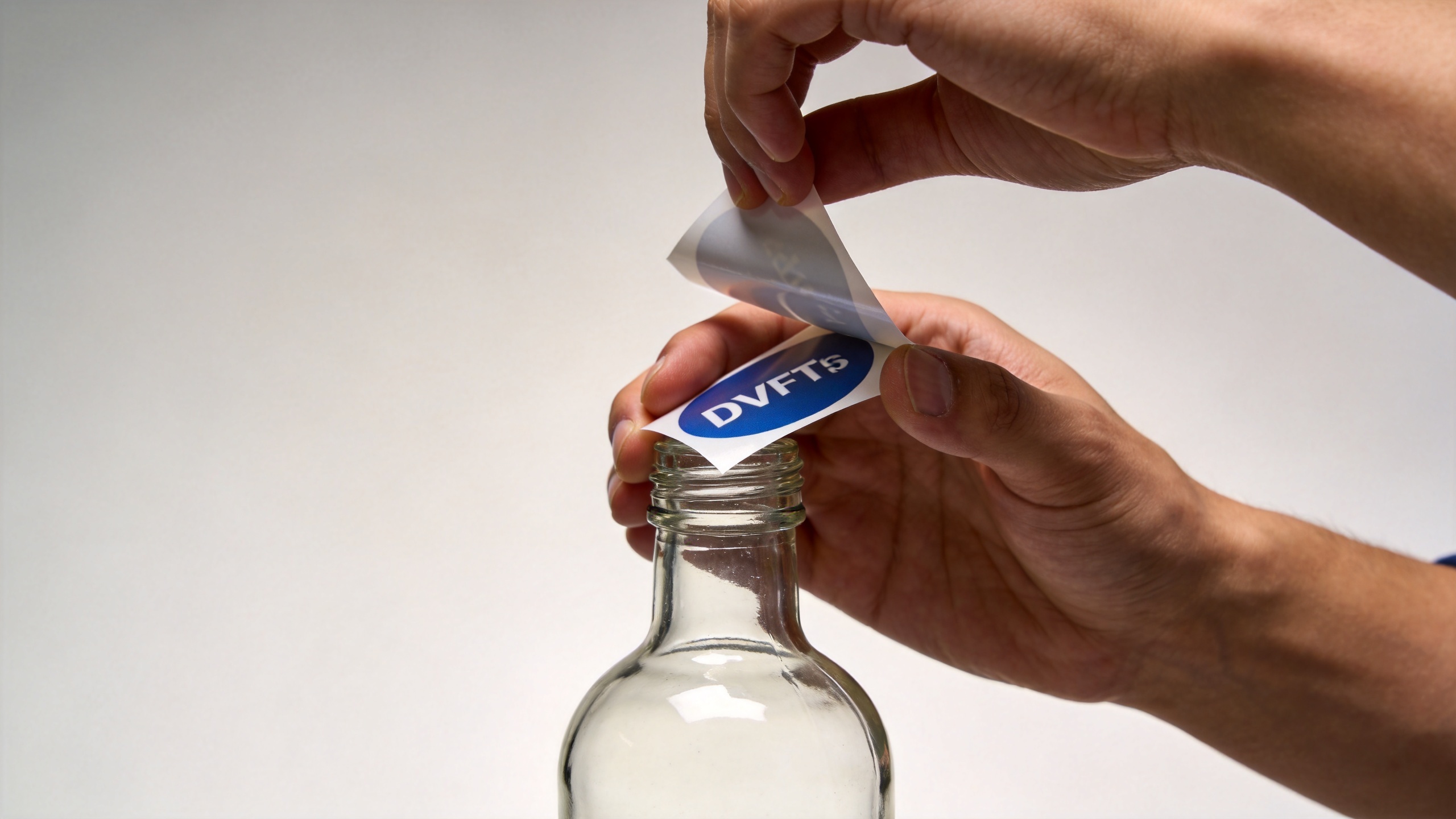
- Apply from one edge. Lay the film gradually rather than dropping it onto the surface. Work outward with steady, even pressure to limit trapped air.
- Burnish and pause. Rub across the full graphic, especially edges and small lettering. Give the adhesive time to settle according to the film supplier's guidance.
- Remove the carrier slowly. Peel at a low angle while watching delicate points. If an edge lifts, lay the carrier back down, burnish again, and continue more slowly.
This process is straightforward, but the details decide whether the result looks intentional. A clean application is not about pressing harder at one point; it is about even contact across the entire design.
Why glass, drinkware, and phone cases need different handling
Glass and acrylic are visually unforgiving: fingerprints, bubbles, and off-center placement are easy to see. Clean these surfaces carefully and use a positioning reference for logos or text. On cylindrical drinkware, apply the UV DTF sticker gradually around the curve. A wide design may wrinkle if it is forced around a radius that is too tight, so split layouts or narrower graphics can improve results.
Hard phone cases introduce another variable—the finish. A glossy case can behave differently from a textured, rubberized, or soft-touch case even when both are called plastic. Test on the exact case style, including raised camera areas and edges that receive frequent hand contact. Keep critical artwork away from sharp corners and high-flex zones where abrasion is more likely.
Ceramic and coated metal items should also be evaluated for their intended use. A decorative countertop item and a repeatedly handled travel mug experience different wear. Build the application test around the real use case instead of assuming one successful sample proves every project.
Common adhesion problems and what to change
Edges lift after the carrier film is removed
The surface may have residue, the graphic may be crossing texture, or burnishing may have been uneven. Clean a fresh sample, reduce the design size, and pay extra attention to edges before removing the carrier.
Small letters or fine details stay on the carrier
Peeling too quickly or at a steep angle can pull up fine elements. Return the carrier, apply pressure again, then peel slowly at a low angle. For production work, test fine text at the intended size before accepting the artwork.
Bubbles appear under a large graphic
Apply from one side in a controlled motion. Large transfers on compound curves are more difficult than small graphics on flat surfaces. Adjust the design format rather than trying to force a single oversized UV DTF sticker over a complex shape.
One batch adheres differently from another
Surface treatments can vary between suppliers or production lots. Keep a simple substrate log that records item type, finish, cleaning method, transfer material, and outcome. This turns trial-and-error into a repeatable workflow.
A sensible UV DTF production workflow for hard-surface orders
For growing decoration businesses, separate the job into design approval, substrate testing, transfer production, application, and final inspection. The first sample should answer practical questions: Is the placement clear? Does the design follow the surface well? Are thin details readable? Does the finished item match the customer’s expected handling conditions?
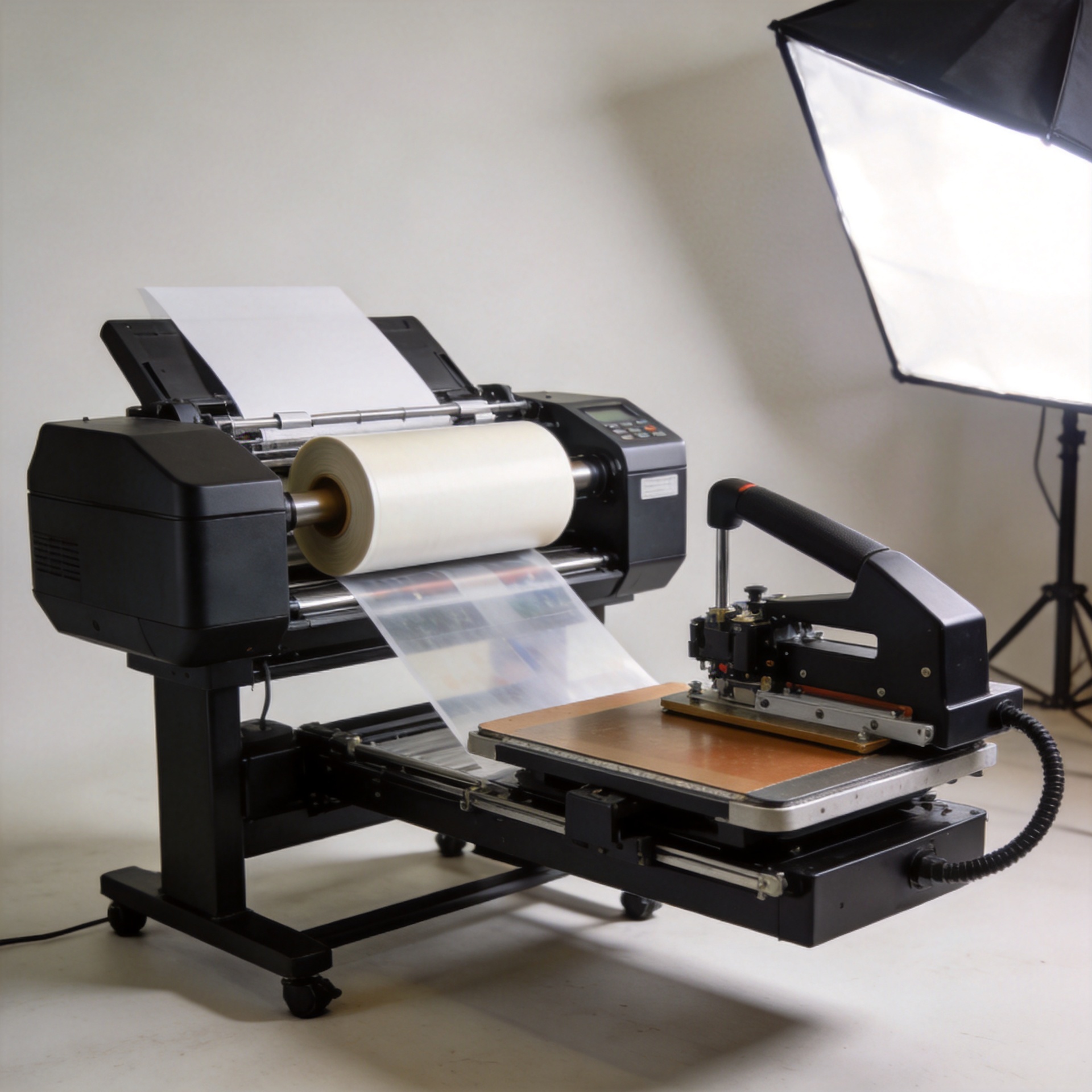
Sunika’s UV DTF equipment range is designed for businesses adding hard-surface decoration alongside other digital print applications. When evaluating a setup, focus on the workflows you need to run: artwork preparation, film handling, color consistency, daily maintenance, and operator training. A product page such as Sunika Sk30-3 UV DTF printer 300mm UV DTF Sticker Printer Triple F1080 can be a starting point for checking equipment availability, but final configuration should be matched to your actual media, volume, and application mix.
Final checklist before applying a UV DTF sticker
- Confirm the item is hard, clean, dry, and sufficiently smooth.
- Test the exact material and finish, not only a similar item.
- Keep large graphics away from tight curves, seams, and highly handled edges.
- Use controlled placement and even burnishing.
- Peel the carrier slowly and inspect fine details.
- Record successful settings so repeat orders are easier to standardize.
UV DTF sticker printing is most effective when it is treated as a surface-compatibility process, not just a printing task. With clean substrates, appropriate artwork, and a disciplined application routine, it can help decorators add customized graphics to many hard-surface products without a direct-to-object setup for every item.